Toast 6 Titanium Getting Started Guide
Chapter 10: Making Video Discs
82
Video/Photo
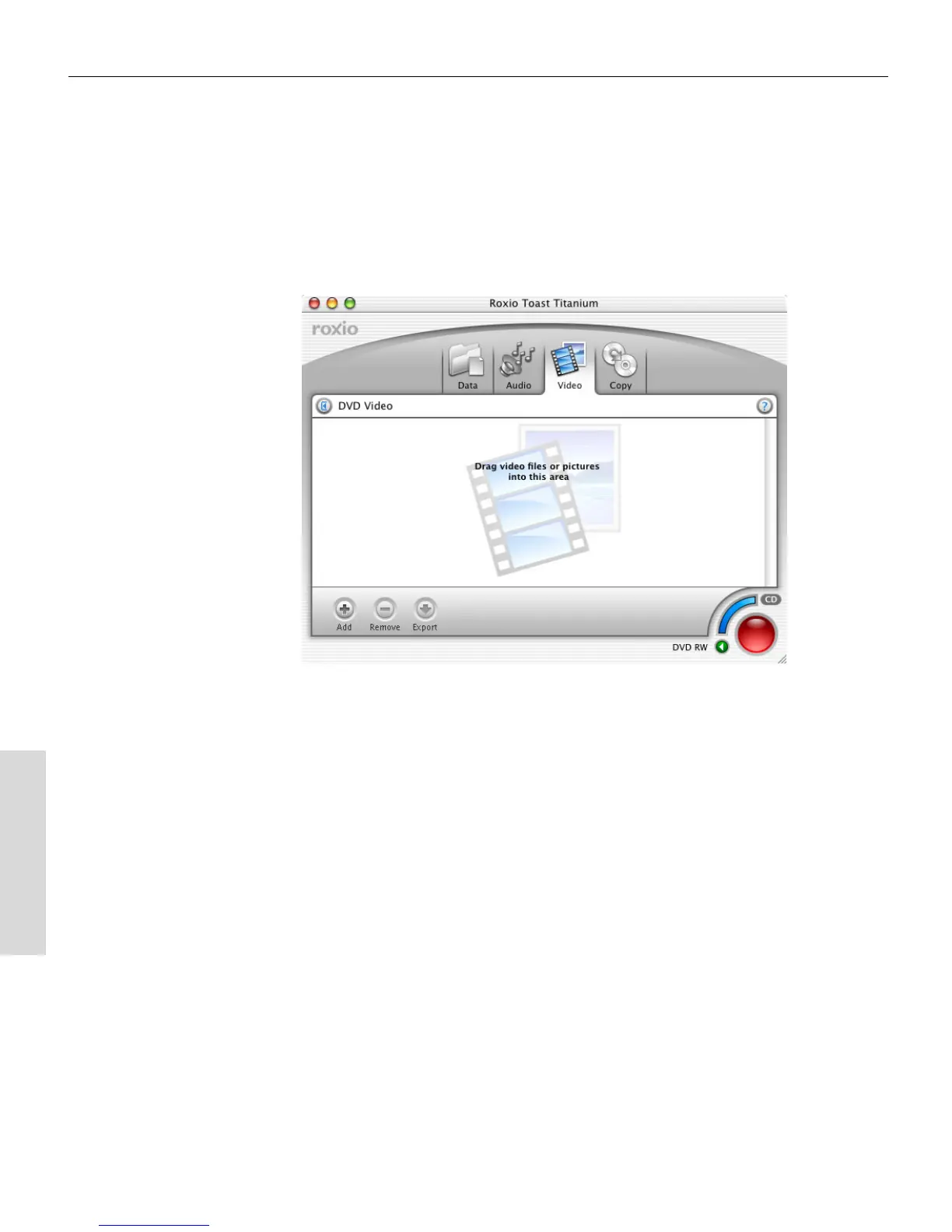
Starting a Video Disc
To start a new video disc:
■
Click the Video tab.
The Video content area displays.
Changing Video Disc Settings
You can change different settings for your video disc. The important
settings to change are the type of disc, video standard, and type of
encoding.
To change video disc settings:
1 In the Video tab, click the Disc Settings button (or the disc title).
The Disc Settings drawer opens.
2 You can select the format of disc you want to record:
■
VCD (Video CD): CD-Recordable disc in the VCD format, which
can be played in most newer-model DVD players. A VCD holds
approximately 60 minutes of video and results in lower video
quality than the SVCD, and DVD formats.
Toast 6_0 GSG.book Page 82 Tuesday, July 8, 2003 5:32 PM



 To Next Page