Toast 6 Titanium Getting Started Guide
Adding Video or Slideshows to a Video Disc
87
Video/Photo
Adding Photos from iPhoto
To add photos from iPhoto to Toast:
1 Make sure the Video tab is displayed in Toast.
2 In your iPhoto Library, select one or more photos you want to add to
To a s t .
3 You can add a new slideshow or add photos to an existing slideshow:
■
To add a separate slideshow to the Video content area, drag the
selected photos from iPhoto into an empty part of the Video
content area.
■
To add photos to an existing slideshow in the Video content area,
drag the selected photos from iPhoto into an existing slideshow
folder in the Video content area.
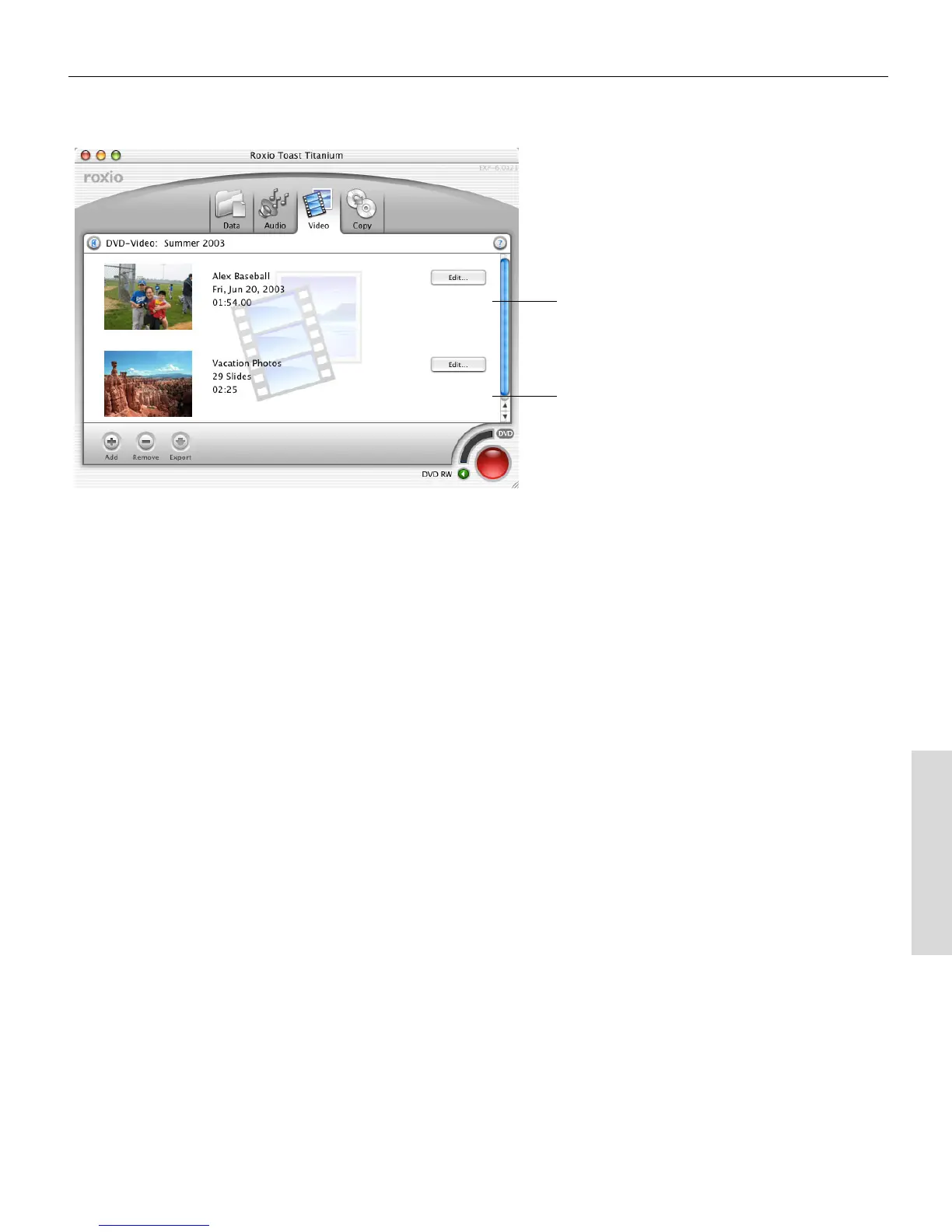
Toast adds the photos to Video content area. Once you record this disc,
each slideshow appears as a separate button in a menu on the finished
disc.
Video
Slideshow
Toast 6_0 GSG.book Page 87 Tuesday, July 8, 2003 5:32 PM



 To Next Page