Toast 6 Titanium Getting Started Guide
Editing a Video File in the Video Content Area
89
Video/Photo
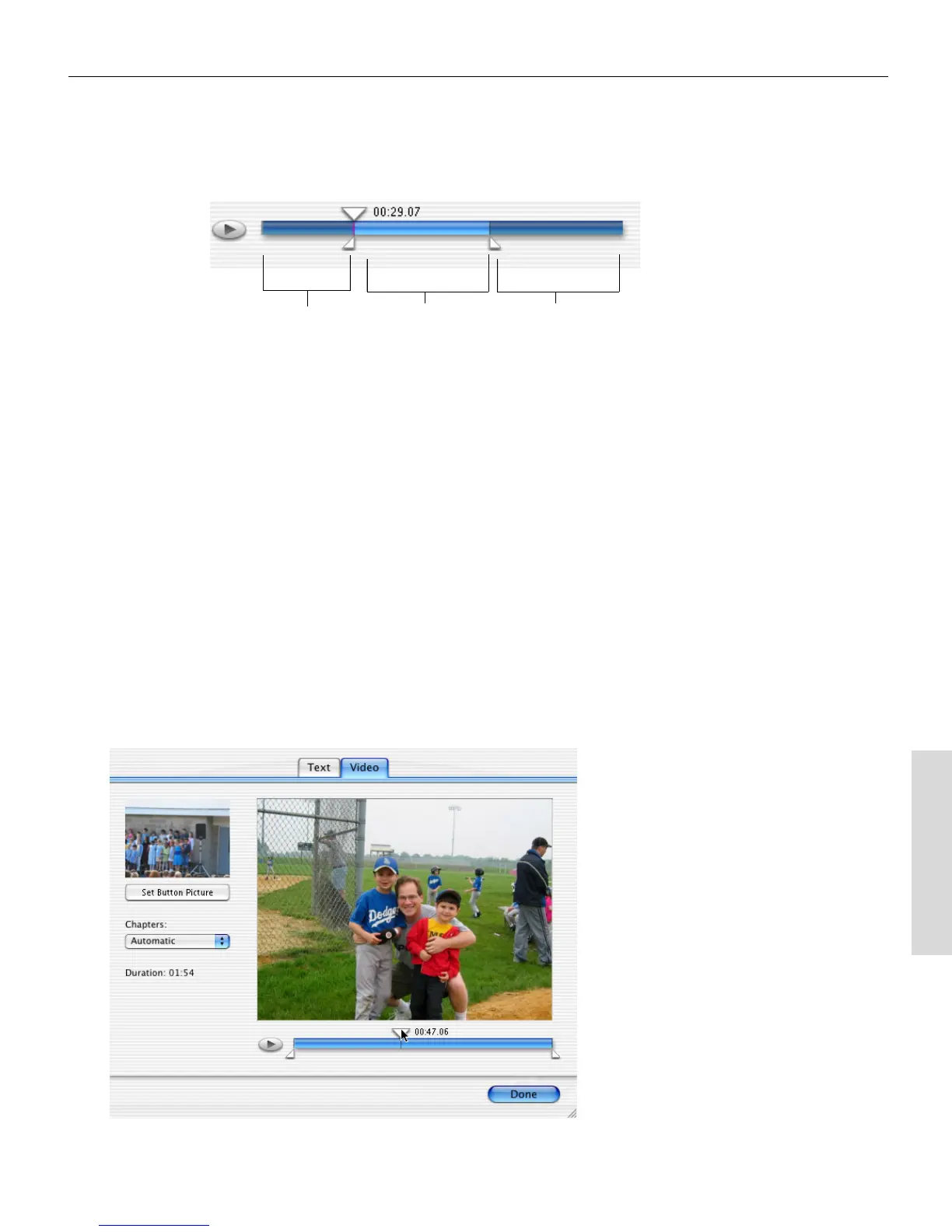
The video to the right of the Finish marker will not be included in
the final video disc.
Setting the Button Picture for a Video File
You can select a specific frame of a video file as the button picture that
appears in a menu when you view the disc on a TV.
To set the button picture:
1 In the Video content area, select the video file you want to edit, and
click Edit.
The Edit sheet appears.
2 In the Edit sheet, click the Video tab.
Cropped video
(not recorded to
disc)
Video that Toast
will record to
disc
Cropped video
(not recorded to
disc)
Toast 6_0 GSG.book Page 89 Tuesday, July 8, 2003 5:32 PM



 To Next Page