EasyManua.ls Logo

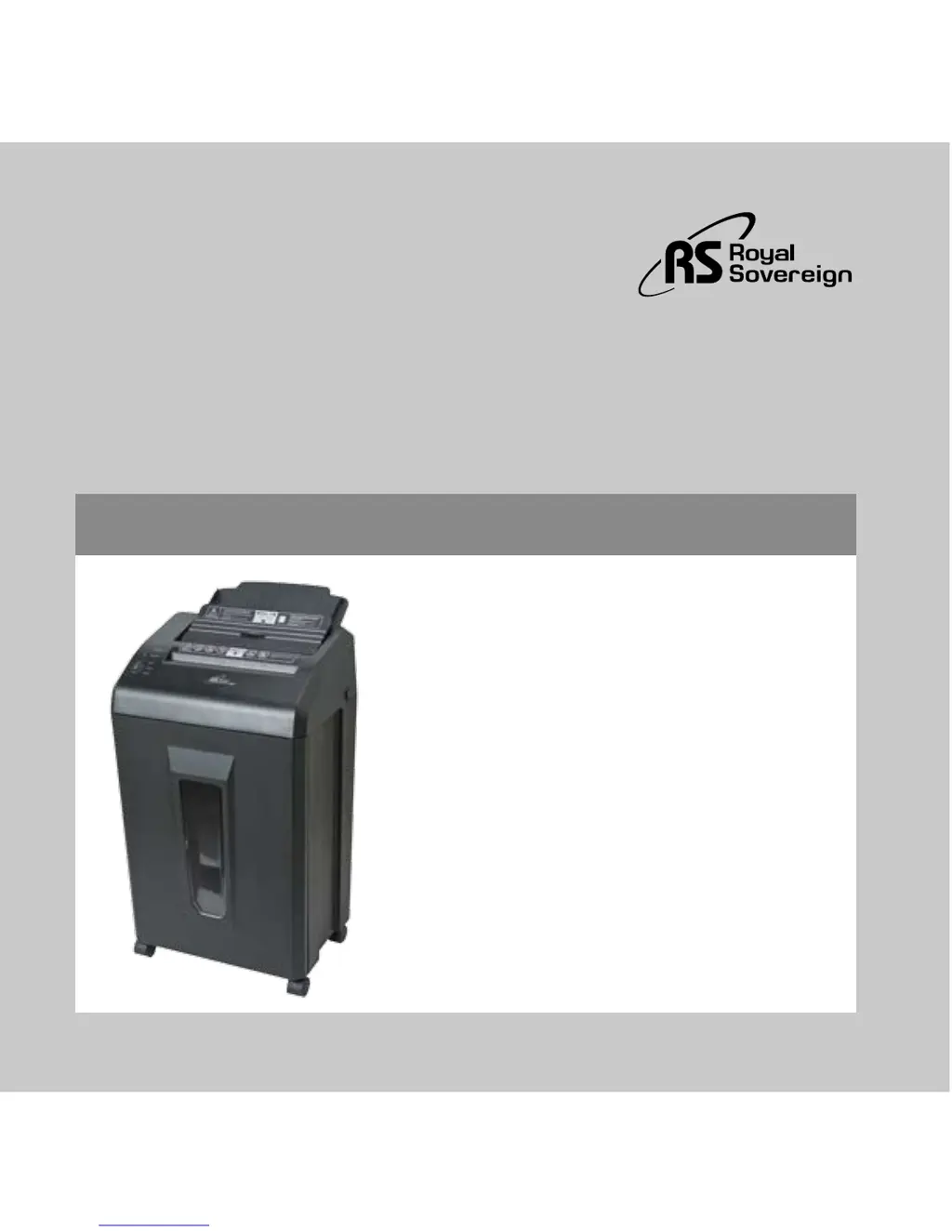
Royal Sovereign AFX-908N - User Manual

Royal Sovereign AFX-908N
24 pages
Print Icon
To Next Page IconTo Next Page
Loading...
Royal Sovereign International, Inc.
AFX-908N
AUTO FEED SHREDDER
Owner's Manual
Página en Español 9
Page en Français 17
Please read and retain these instructions.
To register your product, please go to www.royalsovereign.com USA-Customer
Support Tab then Registration Tab
www.royalsovereign.com

Questions and Answers

  • S
    Steven MartinezAug 9, 2025
    What to do if the Motor Overheat/Overload Indicator is on for Royal Sovereign AFX-908N?
    • J
      johnsonjasonAug 9, 2025
      If the Motor Overheat/Overload Indicator is illuminated and your Royal Sovereign Paper Shredder isn't running, it's likely that too much paper was inserted at once, or the motor has overheated after more than 10 minutes of continuous use. To resolve this, wait approximately 30 minutes for the shredder to cool down. Once cooled, the indicator will turn off, and you can resume shredding.
  • C
    Christopher MorenoAug 13, 2025
    How to fix paper jam in Royal Sovereign Paper Shredder?
    • J
      Jorge KelleyAug 13, 2025
      If your Royal Sovereign Paper Shredder is jammed, here's what to do: * **Manual Feed Entry:** Gently pull the jammed papers out. Ensure the paper quantity doesn't exceed the maximum capacity. Turn the switch to STOP and then back to AUTO. Re-insert the paper. * **Auto-Feed Entry:** Press and lift the safety cover and gently remove the jammed paper. Re-stack the paper neatly, making sure the quantity doesn't exceed the maximum capacity, and stapled sheets are inserted with staples at the top. Turn the switch to STOP and then back to AUTO. Re-insert the paper, ensuring the non-stapled side enters the feeding entry first. If the paper cannot be pulled out from either entry, the internal Jam removal function will automatically activate.
  • N
    Nancy WillisAug 18, 2025
    Why does Royal Sovereign AFX-908N automatically reverse?
    • D
      Daniel CooperAug 19, 2025
      If your Royal Sovereign Paper Shredder starts to automatically reverse, it's likely due to inserting too much paper or the paper not being inserted neatly, causing a jam. After the paper reverses, check the amount of paper to ensure it meets the suggested capacity. Then, arrange the paper so that all pieces go straight into the entry.
  • M
    Michael AguilarAug 25, 2025
    What to do if Royal Sovereign AFX-908N is not shredding?
    • M
      martha66Aug 25, 2025
      If you've inserted paper into your Royal Sovereign Paper Shredder, but it's not shredding, check the following: 1. Ensure the unit is plugged in. 2. Verify the power switch is turned on. 3. Turn the control switch to AUTO. 4. Inspect for jammed paper. If paper is jammed, turn the control switch to REVERSE to remove it. Then, switch to STOP and back to AUTO.
  • N
    nolanvictoriaAug 29, 2025
    Why does Royal Sovereign AFX-908N Paper Shredder motor keep running?
    • E
      Elijah HardyAug 29, 2025
      If the motor of your Royal Sovereign Paper Shredder continues to run after finishing shredding, it's possible that the internal sensor is covered by dust or small pieces of paper. Try turning the control switch to REVERSE to move the paper pieces. Then, switch to STOP and back to AUTO.
  • J
    Jennifer FlemingSep 3, 2025
    What to do if Royal Sovereign AFX-908N Paper Shredder Power On Indicator is not on?
    • J
      Julie RodriguezSep 3, 2025
      If your Royal Sovereign Paper Shredder is plugged in, but the Power On Indicator isn't lit, check that the Pull Out Bin is correctly pushed in and that the power switch is turned on.

Royal Sovereign AFX-908N Specifications

General IconGeneral
BrandRoyal Sovereign
ModelAFX-908N
CategoryPaper Shredder
LanguageEnglish

Related product manuals