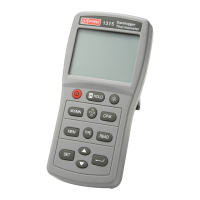
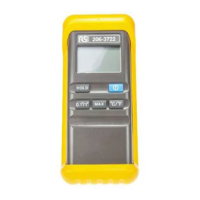
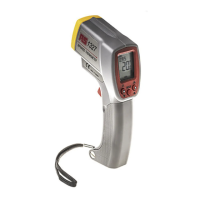
Specification:
1. Temperature Range: -50 °C to +200°C(-58°F to +392°F)
2. Accuracy: ± 2 °C (± 4°F)
3. Resolution: 0.1 °
4. Measurement Rate: 1 time per second
5. Auto Power Off: 10 minutes
6. Hi/Low Temperature Alarm
7. Low Battery Indication
8. Alarm Temperature Range: -40°C to +200°C(-40°F to +392°F)
9. Shut down the alarm by pressing any button.
Button Indication:
[AL UP] : HI/Low Temperature Alarm Switch
[HI SET] : High Temperature Alarm Setting
[LO SET] : Low Temperature Alarm Setting
[MAX/MIN] : Max/Min Reading
Operation:
1. Under normal temperature status, press [HI SET] button to enter into High
Temperature Setting Interface with “HT” symbol. Press [AL UP] button to turn on/off
the alarm function. Hold [HI SET] button for 2s to start high temperature setting with
a flickering indication. Press [AL UP] button to turn up the value by integal quantities,
hold down for fast adjustment. Press [HI SET] button to finish and confirm the setting.
2. To set the Low Alarm, simply press the [LOW SET] button, and than follow the same
procedure as the HI Alarm.
3. Alarm Temperature Range:-40 °C to +200°C.
1
13/05/2017 Version No. 001
Digital Thermometer/English



 To Next Page