10
10-7. Alarm: The particle limitation for each channel (This data is for reference only and does
not apply to any legal evidence. ):
Channel Green Yellow Red
0.3um 0~100000 100001~250000 250001~ 500000
0.5um 0~35200 35201~87500 87501~175000
1.0um 0~8320 8321~20800 20801~41600
2.5um 0~545 546~1362 1363~2724
5.0um 0~193 194~483 484~966
10um 0~68 69~170 170~340
11- Others
11-1.How to Use Zero Filter
Take off the sampling pipe of the air inlet port and screw on the filter. Power on the unit and enter
particle counter-measurement mode. Press RUN/STOP to start measurement. Generally, each channel
should display zero. If not, try again until the data displays zero. The total test time should not be longer
than 5 mins.
11-2.How to Insert SD Card
Unfold the battery cover, remove the battery and the deck of SD card will appear. Push up the deck and
place in the SD card. Pull down the deck and to lock it. Replace the battery and cover the battery door.
11-3.How to connect with PC
Unfold the soft rubber on the left side of the unit and the USB interface will appear. Use the data line
which is one of the standard accessories to connect the unit and PC. The PC will show new hardware
found. User can directly read the contents on there own computer via a USB flash disk.
11-4.Maintenance
• Maintenance or service not included in the manual. The product must be repaired by a professional.
• It must use the required replacement parts in maintenance
• If the operating manual changes, the instrument shall prevail without notice.
Cautions
• Do not use in over dirty or dusty environment. Inhalation of too many particles will damage the
product.
• To ensure the measure accuracy, please do not use in an over fogged environment.
• Do not use in an explosive air environment.
• Follow the instructions to use the product, privately taking apart the unit is not allowed.
• When using a tripod, please hold the unit while pressing the buttons.
Manuel d'instructions
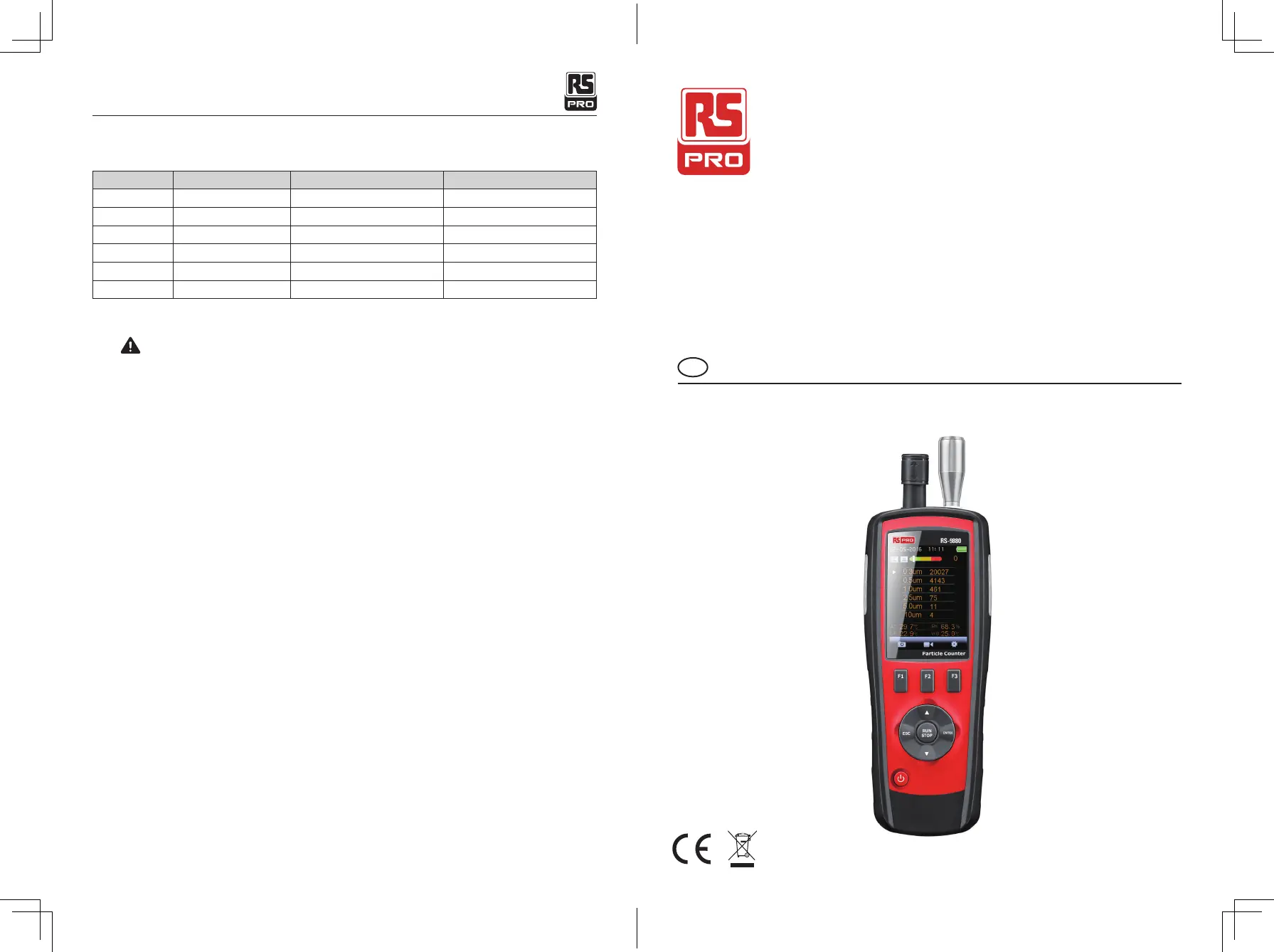
RS-9880
No d'inventaire: 146-9079
Compteur de particules
FR
Particle Counter/ English
07/12/2017 Version No. 001



 To Next Page