Installation
5
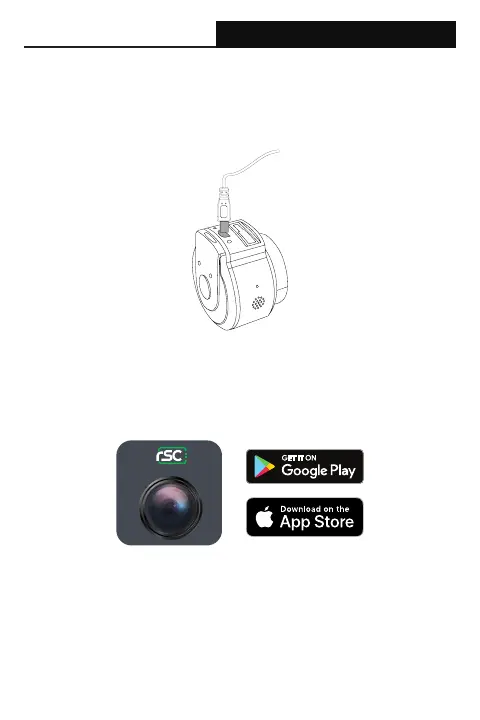
3. Connect the power cable
Plug the car power adapter into your vehicles’ cigarette lighter/power port.
Connect the power cable into the power adapter, and insert the mini-USB plug
into the power port on the camera.
4. Congure camera via Wi-Fi
Before connecting to the camera’s Wi-Fi, please proceed to the App store on
your mobile device, search for “RSC Viewer”, and download our mobile camera
app (App Icon shown below). Further instructions on how to operate the App is
available on Page 8 of the user manual.
RSC Viewer


 To Next Page