EasyManua.ls Logo

RSQ SV-222 - User Manual

Default Icon
32 pages
Print Icon
To Next Page IconTo Next Page
Loading...
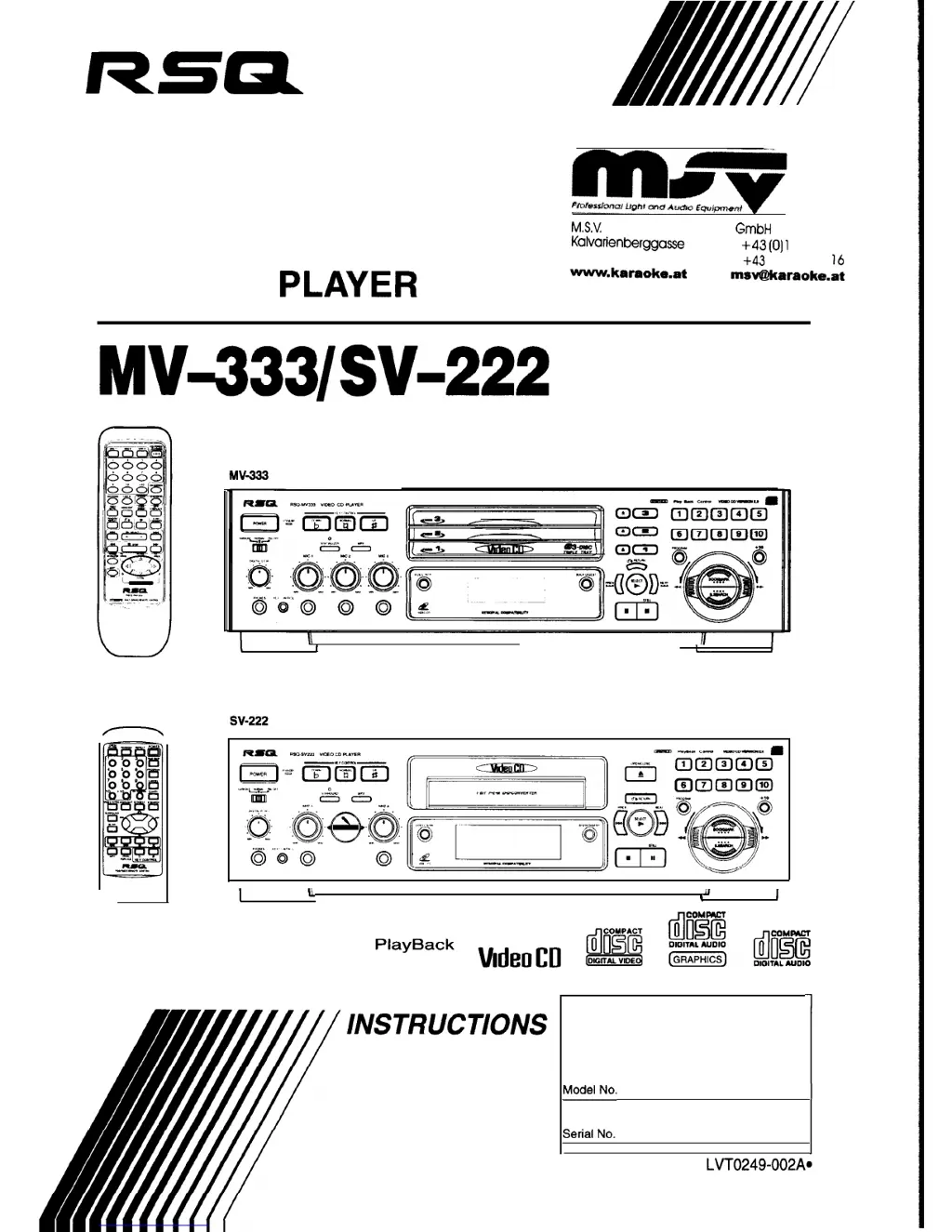
VIDEO CD
PLAYER
~~~~
r
M.S.V.
Musik-Sound-Vertriebs
GmbH
Kalvarienberggasse
53
A-l 170 Wien, Austria
Tel. +43
(011
4057915
Fax. +43 (0) 1 40579
16
www.karaoke.at
msv@karaoke.at
MV=333/SV-222
I
U
u
I
I
PlayBack
Control
MdeoCD
For Customer Use:
Enter below the Model No. and Serial No.
which are located either on the rear, bottom or
side of the cabinet. Retain this infonation for
future reference.
1
::::::
1
LVT0249-002A.

Table of Contents

Questions and Answers

Summary

Product Identification and Safety

Product Overview and Manufacturer

Identifies the product as a Video CD Player (MV-333/SV-222) and lists the manufacturer.

Important Warnings and Precautions

Safety information, cautions, and warnings for operating the equipment.

Laser Product Safety Information

Safety precautions and warnings related to Class 1 laser products.

Initial Setup and Connections

Basic Audio;Video Connections

Instructions for connecting the player to a TV or amplifier using audio video cords.

Power and Voltage Settings

Guidance on connecting the power cord and setting the correct voltage selector.

Remote Control Battery Installation

Step-by-step instructions for inserting batteries into the remote control.

Controls Overview

MV-333 Front Panel Controls

Detailed explanation of controls on the left, center, and right front panels of the MV-333 model.

MV-333 Remote Control Functions

Explanation of buttons and functions available on the remote control unit for MV-333.

SV-222 Front Panel Controls

Detailed explanation of controls on the left, center, and right front panels of the SV-222 model.

SV-222 Remote Control Functions

Explanation of buttons and functions available on the remote control unit for SV-222.

Basic Playback Operations

Video CD Playback Modes

Overview of KARAOKE, NORMAL, and PBC OFF modes for playing video CDs.

Disc Handling and Playback Start

Procedures for inserting/removing discs and starting playback on different models.

Number Key Operations

Using number keys for track selection, programming, and search.

Stopping and Pausing Playback

Procedures for stopping and pausing disc playback.

Advanced Playback Features

Track Programming and Management

Canceling programmed tracks and clearing programs.

Repeating and Random Playback

Instructions for repeating tracks or playing them in random order.

Video CD Specific Operations

Using multiplex sound, video intros, and highlights.

Bookmarking and Scene Search

Marking segments, using digest, and searching for bookmarked scenes.

Enhanced Audio and Karaoke

Spatializer Sound Modes (MV-333)

How to select and use Spatializer modes for enhanced sound ambiance.

Skipping Ahead with Time Skip

Using the TIME SKIP function to advance playback by specified minutes.

Surround Sound Modes (SV-222)

How to select and use Surround modes for enhanced sound ambiance.

Microphone and Karaoke Operations

Connecting microphones, adjusting key, echo, and vocal effects.

Playback Control and Disc Restrictions

Playing Video CDs with Playback Control

Using the Playback Control function for menu-driven playback and high-resolution still images.

Disc Locking with Read-Protect

How to lock discs to restrict viewing and cancel protection.

Specifications and Troubleshooting

Main Specifications

Technical specifications for the MV-333/SV-222 Video CD player.

Troubleshooting Guide

Common issues and their possible causes and remedies.

AC Power Line Instructions

Important information regarding AC power line voltage and selector switch.

RSQ SV-222 Specifications

General IconGeneral
BrandRSQ
ModelSV-222
CategoryCD Player
LanguageEnglish

Related product manuals