Touchscreen Control Panel
Connection Options
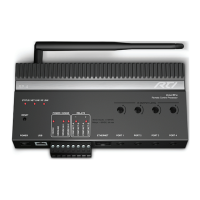
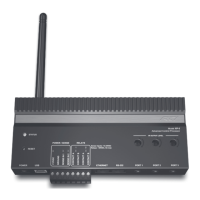
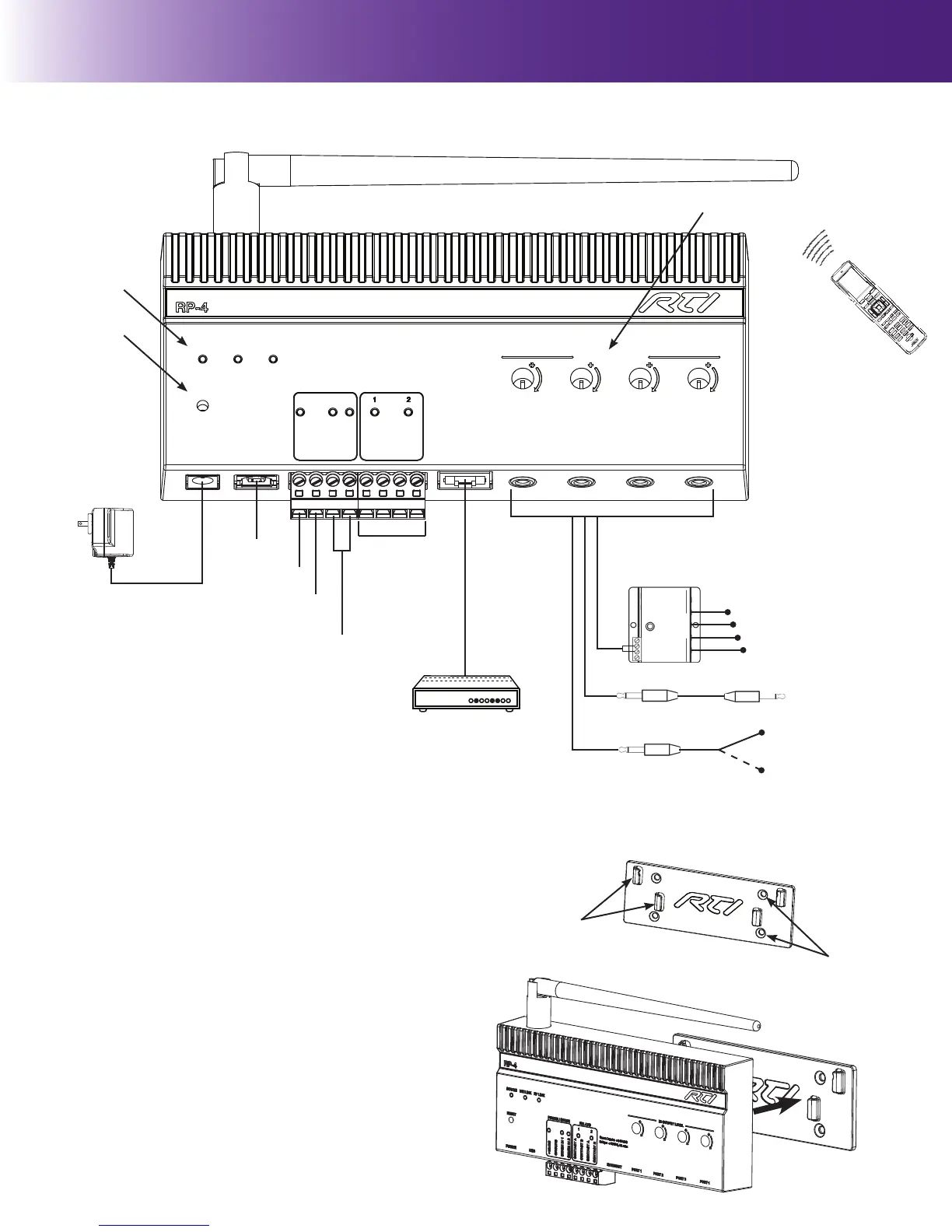
Model RP-4
Remote Control Processor
ETHERNET PORT 1 PORT 2 PORT 3 PORT 4
Sense Inputs: +3-24VDC
Relays: +30VDC, 5A max
IR OUTPUT LEVEL
POWER USB
RESET
STATUS NETLINK RF LINK
POWER / SENSE RELAYS
+12VDC
GROUND
SENSE IN 1
SENSE IN 2
CONTACT A
CONTACT B
CONTACT A
CONTACT B
IR Output Adjustment Controls
USB
Power
Supply
+12VDC
Relays (2)
Status Lights
Reset Button
Antenna
MOUNTING INSTRUCTIONS
The RP-4 should be located on a secure, at surface, or mounted to a wall, shelf, or
cabinet using the enclosed mounting bracket.
IMPORTANT NOTE: When mounting the RP-4, be certain to choose a safe location
(e.g. away from electrical wires, junction boxes, wet locations, etc.)
MOUNTING BRACKET INSTALLATION:
DRYWALL
1. Level the RP-4 mounting bracket in the desired location on the wall and mark the
fastener holes with a pencil.
2. Using a 3/16” (5mm) sized drill bit, drill holes through the drywall in marked
locations.
3. Insert the drywall anchors (included) into the holes and tap until they are ush
with wall.
4. Align mounting bracket with drywall anchors and screw (using supplied #6-32
screws) bracket to wall.
NON-DRYWALL (EX. Wood Panelling)
1. Level the RP-4 mounting bracket in the desired location and mark the fastener
holes with a pencil.
2. Pre-drill holes into surface in marked locations. (NOTE: The drill bit size will need
to be adjusted depending upon the screw and wall material used).
3. Align mounting bracket with holes and screw bracket to the wall using athead
screws.
MOUNTING RP-4 ON BRACKET
1. Aligning the RP-4 channel locks (located on the backside of the RP-4) over the
mounting bracket channel lock clips (located on the front of the mounting plate).
2. Slide the RP-4 down until the channel lock clips lock into place.
Amplied IR Connecting Block
More than two emitters per port
requires an amplied IR connecting
block.
Direct to IR Port
Single or Dual
IR Emitters
IR Output Options
Ethernet Network (LAN)
Sense Inputs (2)
Ground
RTI Remote Control
RP-4 Mounting Bracket
Channel Lock
Clips (4)
Fastener Holes (4)


 To Next Page
 Loading...