EasyManua.ls Logo

Rugged Radios RM50-U/V - User Manual

Rugged Radios RM50-U/V
37 pages
Print Icon
To Next Page IconTo Next Page
Loading...
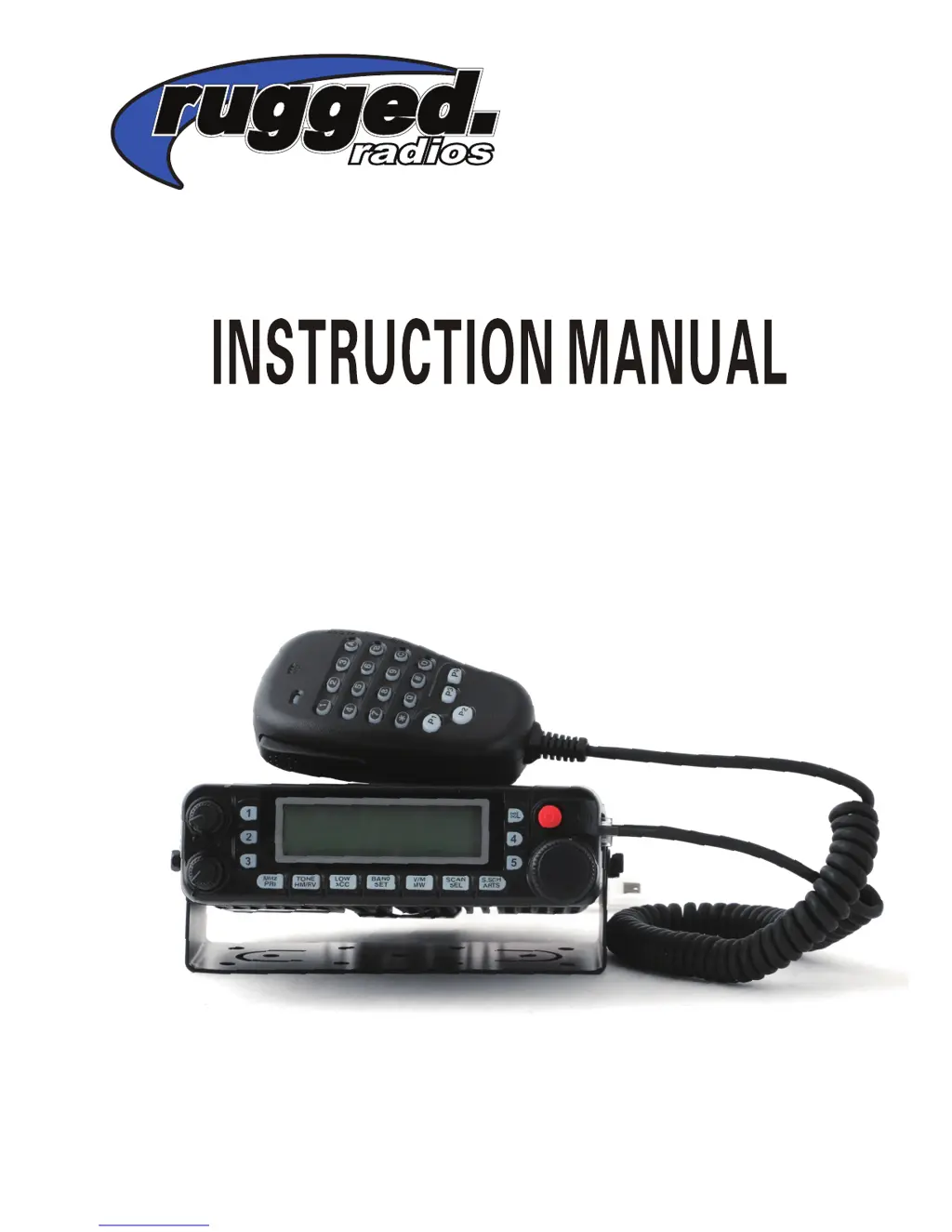
RM50-U/V
Dual Band Mobile Radio

Table of Contents

Other manuals for Rugged Radios RM50-U/V

Questions and Answers

  • T
    Tom CunninghamAug 11, 2025
    What to do if my Rugged Radios RM50-U/V won't power on?
    • S
      Shirley SimsAug 11, 2025
      If your Rugged Radios Radio isn't powering on, even after connecting to a 13.8V DC power supply and pressing the PWR key, and nothing appears on the display, here's what to check: * First, ensure the power cable is connected correctly, with the red wire to (+) and the black wire to (–). * Second, inspect the power cable fuses. If any are blown, determine the cause, correct the problem, and replace the fuse with a new one of the same rating (15A).
  • J
    johnathanwilsonAug 16, 2025
    Why can't I transmit with my Rugged Radios Radio, even when pressing the Mic [PTT]?
    • B
      Brandon FloresAug 17, 2025
      If you cannot transmit with your Rugged Radios Radio, even when you press the Mic [PTT], consider the following: 1. Make sure the microphone plug is fully inserted into the front panel connector until the locking tab clicks. 2. Check if you've selected a transmit offset that places the transmit frequency outside the allowable transmit frequency range. If so, retransmit the frequency deviation to match the Tx frequency range by pressing [SET], using the HOME Dial knob to select menu #36, pressing the HOME dial knob, and then turning it to select the correct frequency deviation.
  • M
    Melanie GeorgeAug 22, 2025
    What to do if most keys on my Rugged Radios RM50-U/V Radio MIC don't work?
    • S
      Shelley WilliamsonAug 23, 2025
      If most of the keys on your Rugged Radios Radio MIC aren’t working, the keypad may be locked. Try unlocking the keypad.
  • C
    Christina ClarkAug 29, 2025
    Why is my Rugged Radios RM50-U/V Radio display too dim?
    • R
      Ryan WoodAug 29, 2025
      If your Rugged Radios Radio display is too dim, even at a high brightness level, the supply voltage might be too low. The radio requires 13.8 V DC ±15% (11.7 V to 15.8 V DC). If the input voltage is outside this range, adjust your regulated power supply and check all power cable connections.
  • J
    Jennifer SmithSep 3, 2025
    What to do if memory channels cannot be selected on Rugged Radios Radio?
    • Z
      zramirezSep 4, 2025
      If memory channels cannot be selected by turning the DIAL knob or by pressing Mic [UP]/[DWN] on your Rugged Radios Radio, it may be because no data has been stored in any Memory Channels. Store data in some Memory Channels.

Rugged Radios RM50-U/V Specifications

General IconGeneral
Channels200
Operating Voltage13.8V DC
Operating Temperature-30°C to +60°C
IP RatingIP54
Frequency RangeVHF: 136-174 MHz, UHF: 400-470 MHz
Power Output50 Watts
Modulation16K0F3E / 11K0F3E

Related product manuals