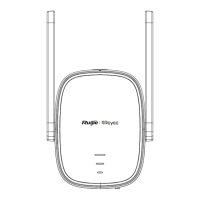
Wi-Fi Extender *1 User Manual *1 Warranty Card *1
1.
Package Contents
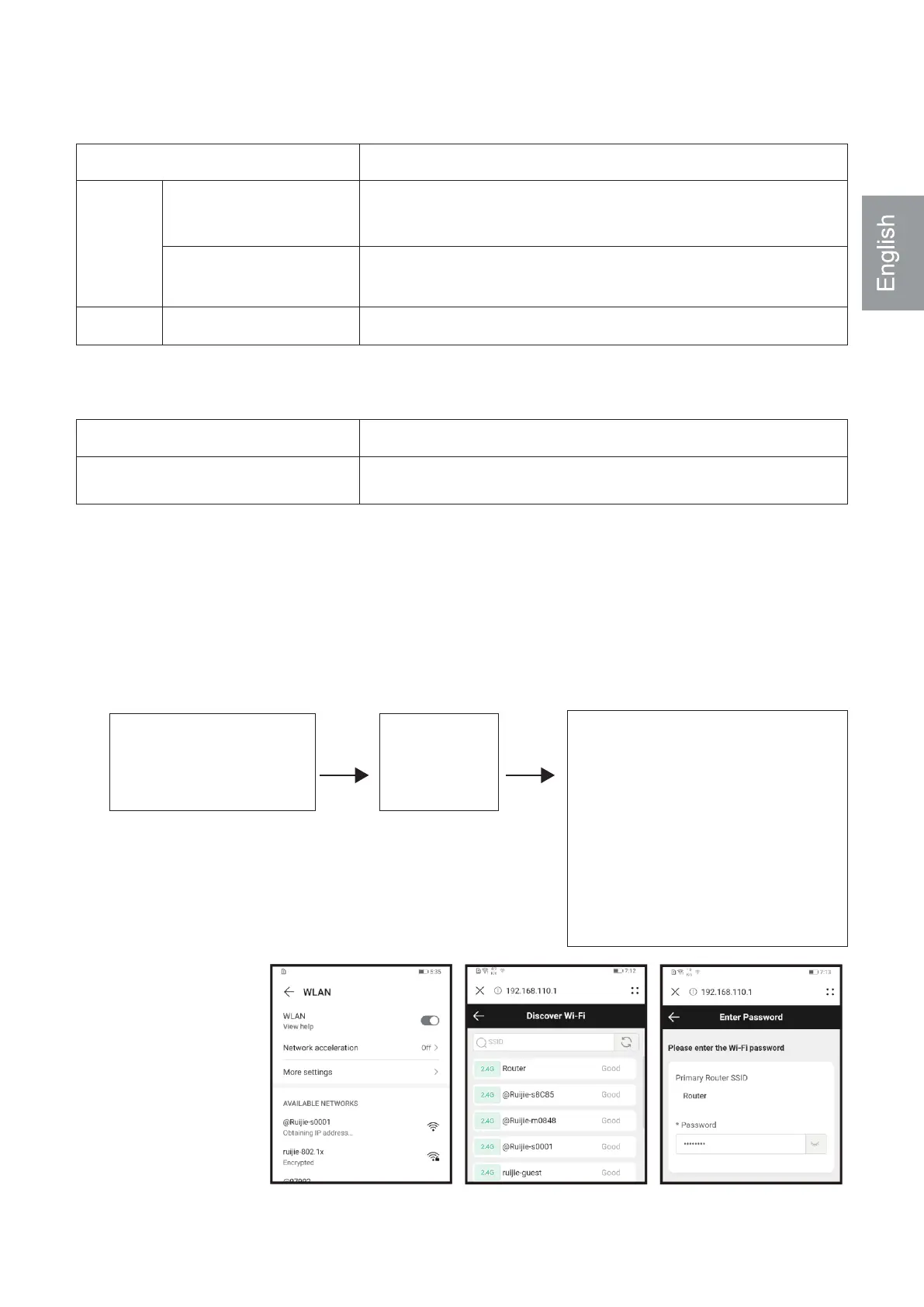
Scenario 1: Connect the Device to Other Router
The device is starting
up after power-on.
Installing the Wi-Fi Extender
2.
Startup is
complete.
The system status LED
is blinking blue.
Please wait for 1 to 2 minutes.
The system status LED
is solid blue.
❹System Status LED
Status Description
The device is functioning properly. / The port
has made a successful link.
The device is starting up. / The device is restoring
factory settings.
The network is unreachable.
Blue
Red
Solid on
Blinking
Solid on
❺WPS Button
Action Description
Establish a WPS network with other routers.Short press for less than 2s
3.
Connect to the SSID @Rui-
jie-sXXXX broadcast by the
Wi-Fi Extender and perform
configuration.
Please visit 10.44.77.254
by browser if the configura-
tion page does not pop up.


 To Next Page
 Loading...