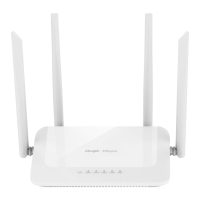
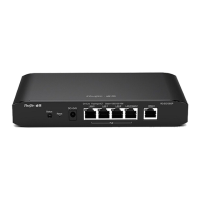
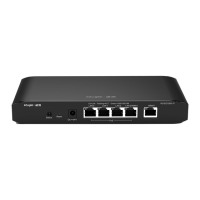
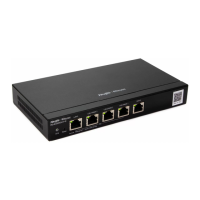
RG-EW1200G PRO Wireless Router Quick Installation Guide
6
Figure 4-2 Secondary Router
Do not connect with network cable. During pairing, the system indicator blinks. If pairing succeeds, it will stop
blinking.
5 LEDs
The router is not powered on.
The router is running normally.
Restoring factory settings/Rebooting.
Reyee Mesh is being paired or repeater stops.
The port is not connected or the cable disconnects.
The port is connected normally.
Data is being transmitting.
6 FAQs
Why can't I visit 192.168.110.1?
1. Check whether NIC is configured as DHCP.
2. Ensure the computer is connected to any of the LAN ports and the indicator is on; otherwise you may change the
cable and have a try again.
3. Re-open the browser (recommend to use Google Chrome) and visit 192.168.110.1 again.
4. Change the browser.
5. Change the cable or computer.
6. If all these methods fail, please restore the factory settings (hold the Reset button for 10s).
Why can't I access the Internet after configuration?
1. Check whether the cable is connected as the instruction, and the indicator is on.
2. Check the Internet connection type.



 To Next Page
 Loading...