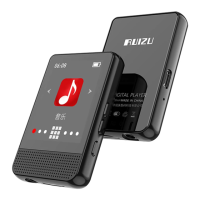
2.1.1 Play music from...
...All song: Play all songs in your mp3 player.
...this artists: Play songs by certain artist.
...this album: Play songs by certain album.
...this genre: Play songs by certain genre.
2.1.2 Repeat
Repeat off: Turn off repeat function.
Repeat 1: Repeat play the audio currently playing.
Repeat all: Play all of your audios and repeat.
View Playing: View the audio currently playing.
2.1.3 Shuffle
Turn on/off shuffle mode.
2.1.4 Repeat Settings
There are 3 options in Repeat Settings:
Repeat mode: Play music as A-B loop.



 To Next Page