F11 User Manual
Copyright ©2022 Ruko All Rights Reserved.
50
Basic Flight Steps
Place the aircraft on a flat and open ground with the nose facing
forward and the tail facing the pilot.
Power on the aircraft.
Turn on the power of transmitter, push the left joystick up to 12
o'clock and pull it down to 6 o'clock to unlock and pair with aircraft.
Connect the mobile phone to Aircraft's WiFi
RUKO-F11-XXXXXX,
open the Ruko Pro APP, and enter the camera interface.
6.6 How to take off the Ruko F11 Drone
③
①
②
④
③
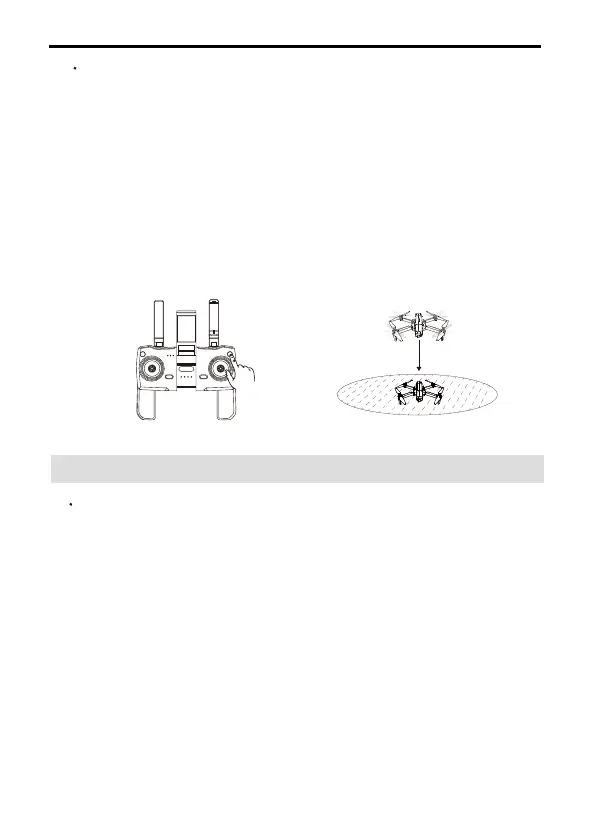
Automatic landing
After the aircraft takes off, users can choose to use the automatic
landing function:
Confirm the safe landing conditions, click the One-key Take off
button on transmitter or enter the APP, click, and long press the
button to confirm to enter the automatic landing.
When the aircraft is descending, push the throttle lever of the
transmitter up and immediately open it to exit the automatic landing
process.
The aircraft landed on the ground and turned off the motors by
itself.
①
②



 To Next Page