Trace5-LTM (pre-revision): .fa5c
Trace5 NA:.fb5c
Trace5 (all other versions):.fd5c
Configuration files can easily be recognized by their own icon:
Loading a Configuration from a File
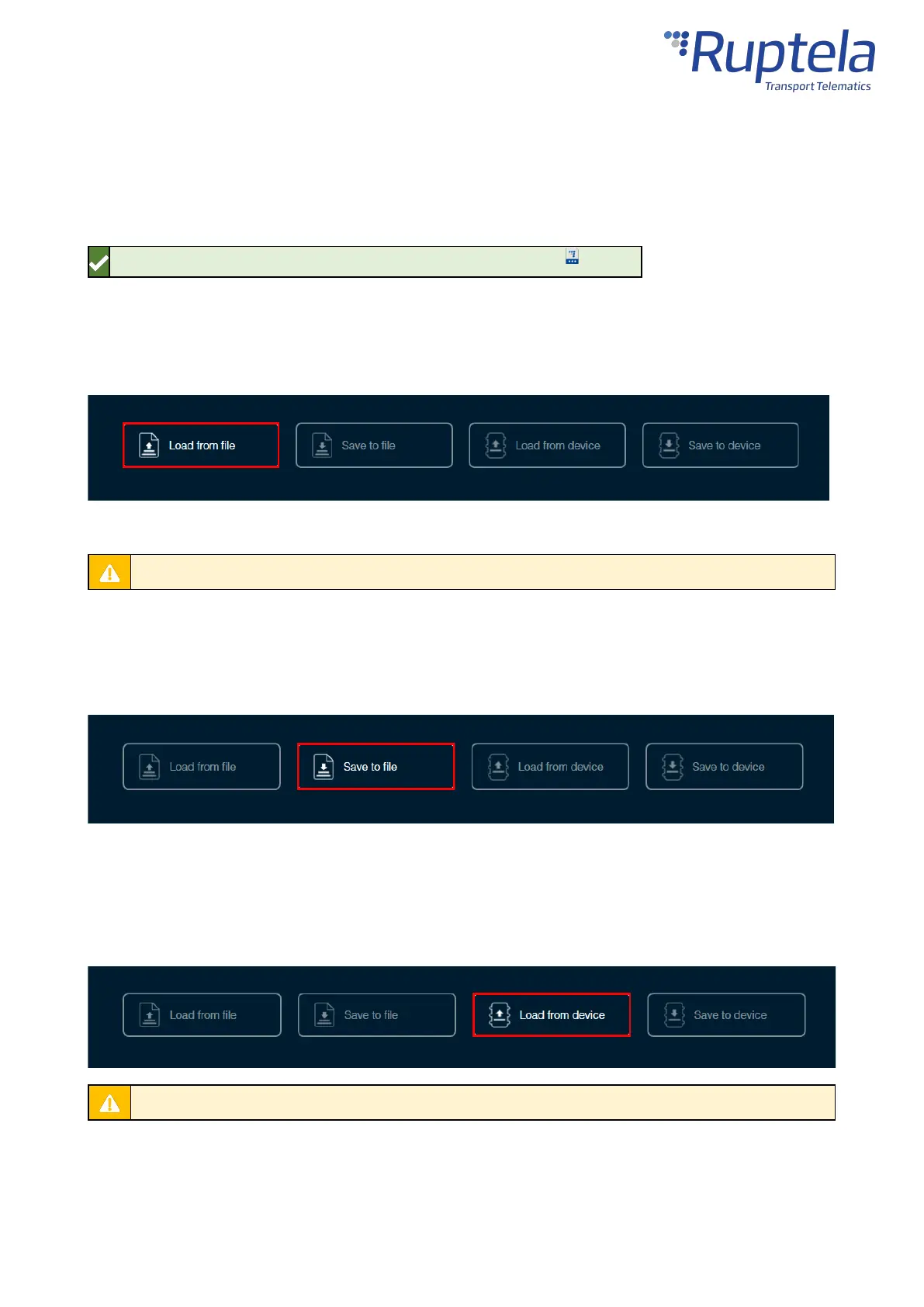
Click Load from file in the button bar. Locate your configuration file and click Open.
You can also load a configuration file by dragging and dropping the file into the Device Center.
Loading a configuration from a file will discard any changes to the existing configuration.
Saving a Configuration to a File
Click Save to file in the button bar. Choose where to save your configuration file and click Save.
Loading a Configuration from a Device
Click Load from device in the button bar. The configuration will be loaded from the connected device.
Loading a configuration from a device will discard any changes to the existing configuration.
Saving a Configuration to a Device


 To Next Page