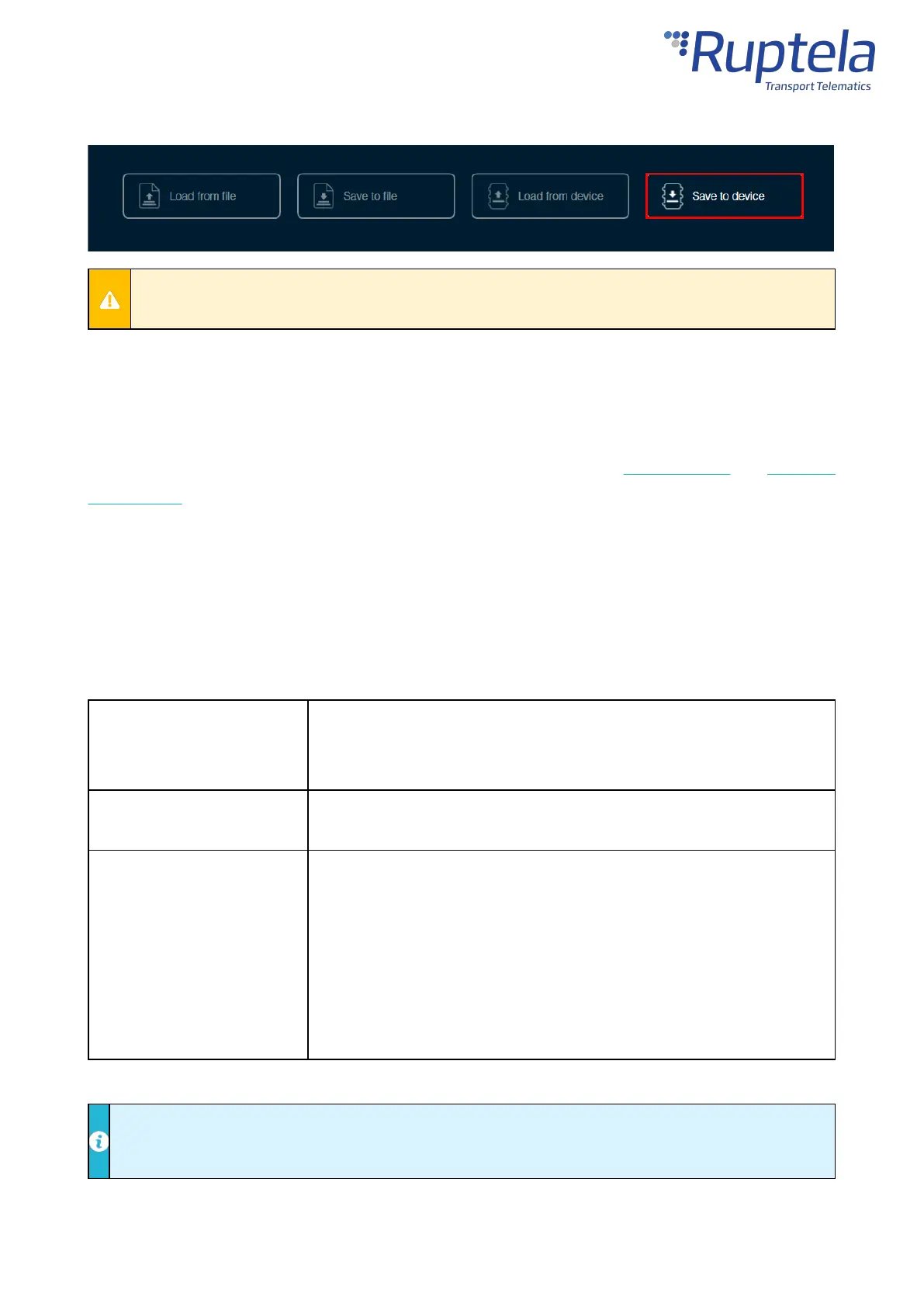
Click Save to device in the button bar. The configuration will be saved to the connected device.
Saving a configuration to a device will overwrite the existing configuration in the device without
any confirmation.
Essential Settings
Only the settings that are essential to use the device are described in this document. For a detailed
description of all the additional functionalities, please refer to theDevice Centerandadvanced
configurationuser manuals.
Server Settings
Open theConnectionsettings section. Enter the IP address and port of your fleet management platform
server. If you are using TrustTrack, you do not need to enter anything as the server settings are already
entered.
The IP address of the server. You may enter a numerical address or a
domain name.
Default value: 92.62.134.34 (TrustTrack server)
The port of the server.
Default value: 9015 (TrustTrack server, TCP protocol)
The connection protocol. Possible values:
·
UDP
– uses less data but is less reliable. UDP does not check for
lost packets or their order.
·
TCP
– uses more data but is more reliable. TCP checks that all
packets are received and if needed, resends the missing ones
and reorders them.
Default value:
TCP
UDP and TCP protocols may have different ports. Make sure you select the correct protocol and
enter the correct ports.


 To Next Page
 Loading...