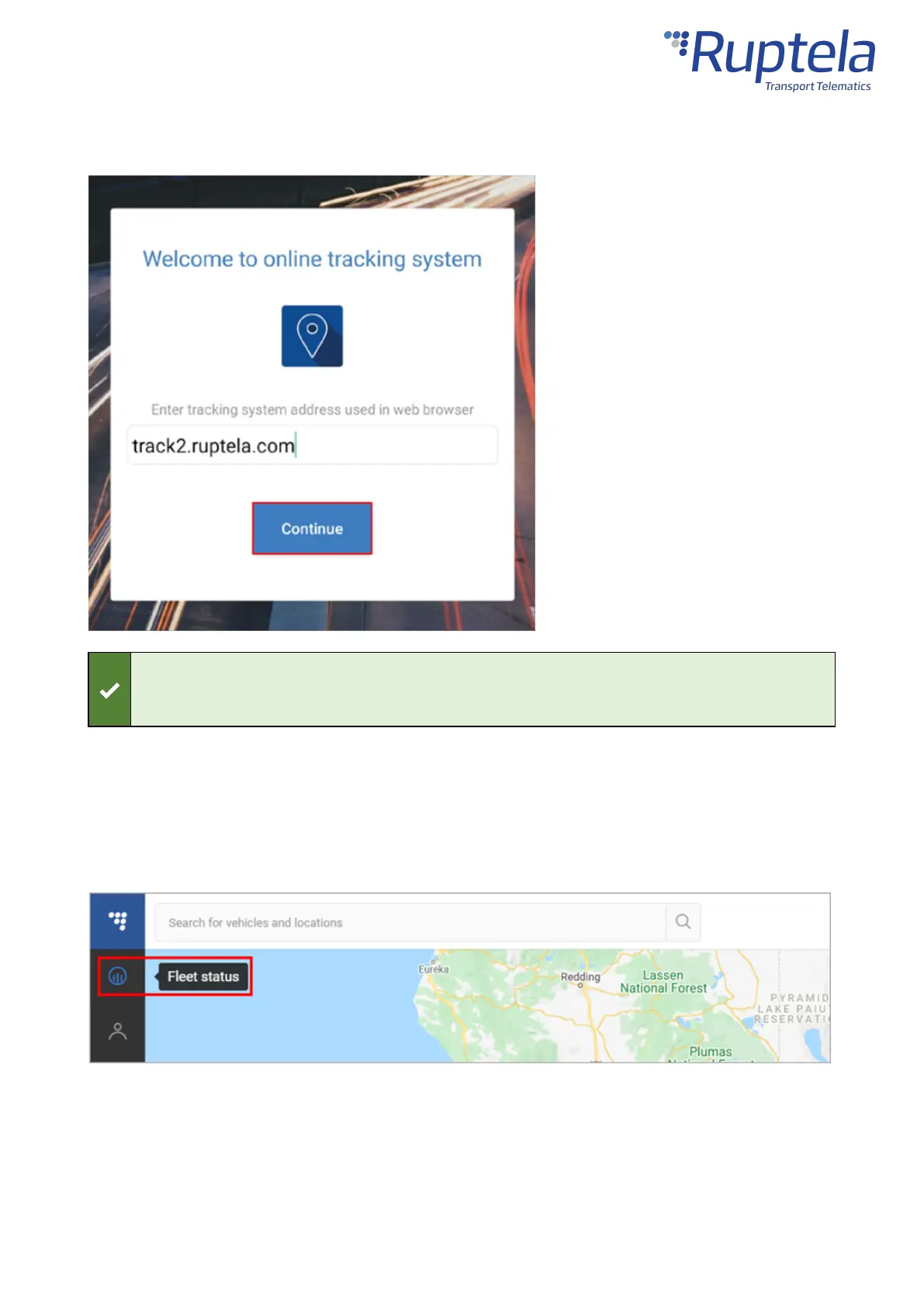
If you entered the server domain incorrectly or wish to change it, clear the app cache in your
phone settings. The app will ask you for the server domain upon the next launch.
Verifying Vehicle Status
After logging in, click the Fleet status button in the left menu panel.
Find your vehicle in the Fleet Status panel and click on it. Check the State duration and Last signal
sync in the additional panel. If they have recently been updated, data transfer is successful, and the
device is properly installed.


 To Next Page