Accessing TrustTrack
TrustTrack can be accessed via the web or using an app. Use the same server domain (typically
track2.ruptela.com) for both web and app. Your login credentials are sent to you by e-mail. If you have
not received them, contact your sales manager.
Accessing TrustTrack via Web
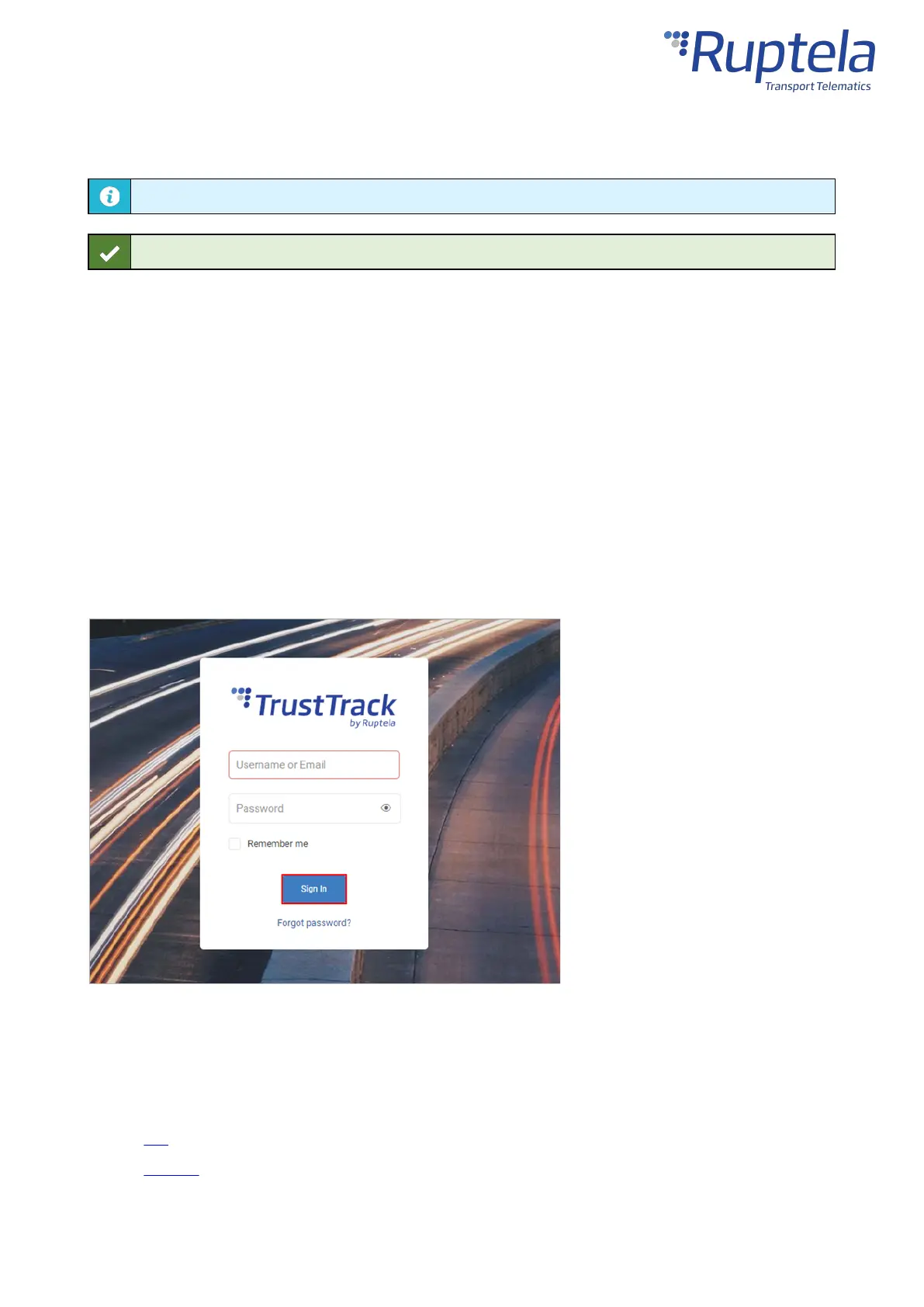
To access TrustTrack via the web, enter your server domain into the browser. Enter your credentials and
click Sign In.
Accessing TrustTrack via App
Download the TrustTrack app:
· iOS
· Android


 To Next Page