EN.
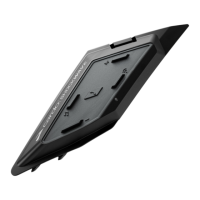
1. Remove the magnetic bluetooth cover
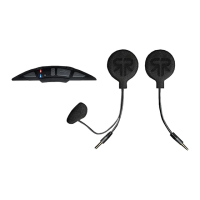
2. Withdraw the AUX jack cable [A] and antenna cable [B] from the
Shockwave cavity
3. Connect the 2 cables to the Shockwave module, tting the AUX
cable [A] to the larger black connector, and the antenna cable [B]
to the smaller gold connector
4. Slide the unit into the Shockwave cavity until it clips into place
and sits at with the bottom surface of the helmet
FITTING YOUR
SHOCKWAVE
A B


 To Next Page