Answer The Call- Click on the L/R ear
Hang Up The Call- Click on the L/R ear
Last Song- Triple-Click t he right ear
Next Song- Triple-Click the left ear
Play Song – Click on t he L/ R ear
Pause Song- Click on the L/R ear
+ Volume- Double Click on the left ear
– Volume- Double Click on t he right ear
Siri- Long Press L/R ear for 1.5, Seconds
On/ Off- Long Press l/R ear for 5 Seconds
INCLUDED WITH EARPHONES
Rush X3 True Wireless Earphones
2 Sets of Eargels in 3 sizes
Micro-USB Charging Cable
Charging/ Storage Case
User Manual
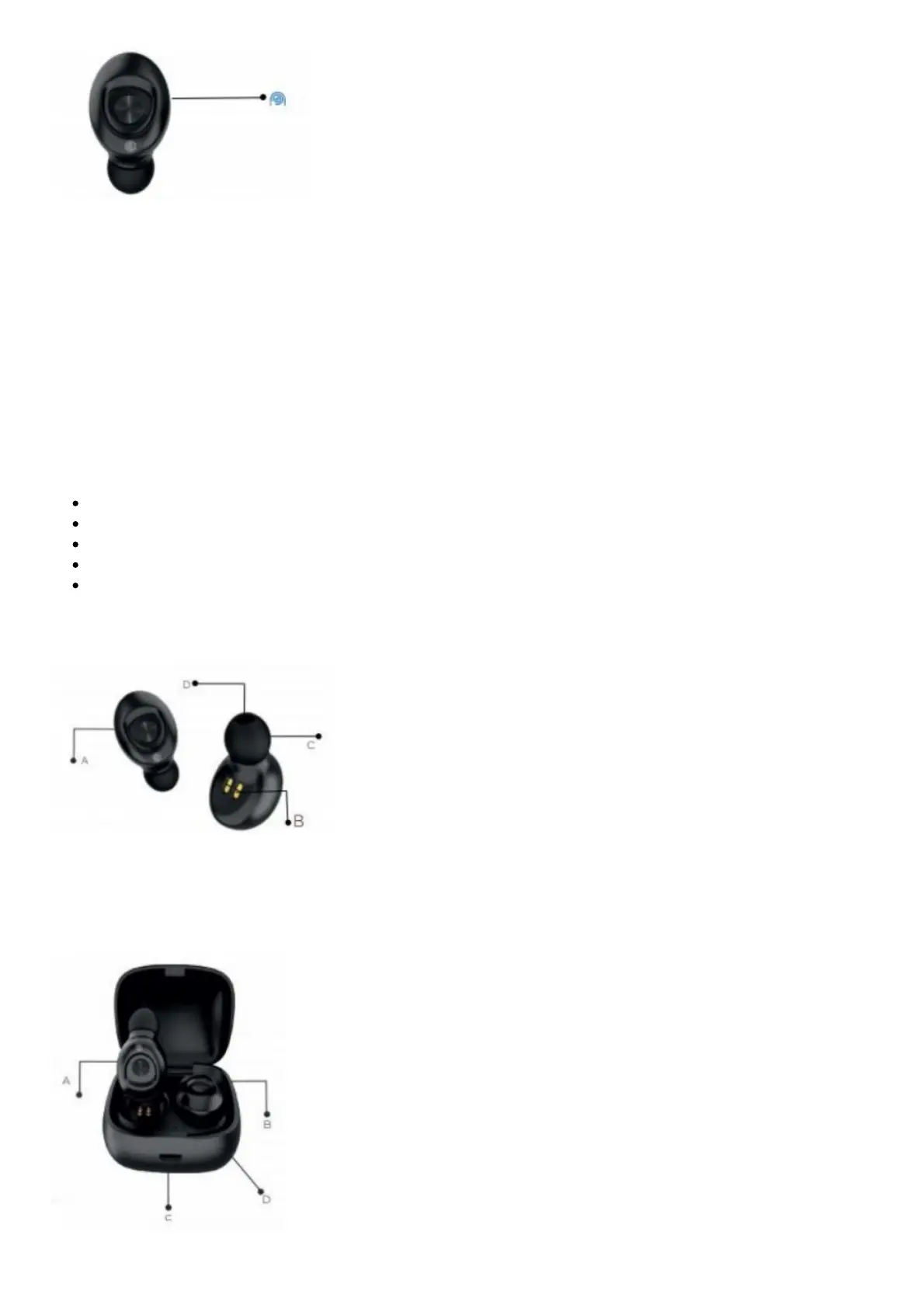
UNDERSTANDING THE EARPHONES
A: Button Controls
B: Charging Port
C: Silicone Earphones Cap
D: Sound Hole



 To Next Page