EasyManua.ls Logo

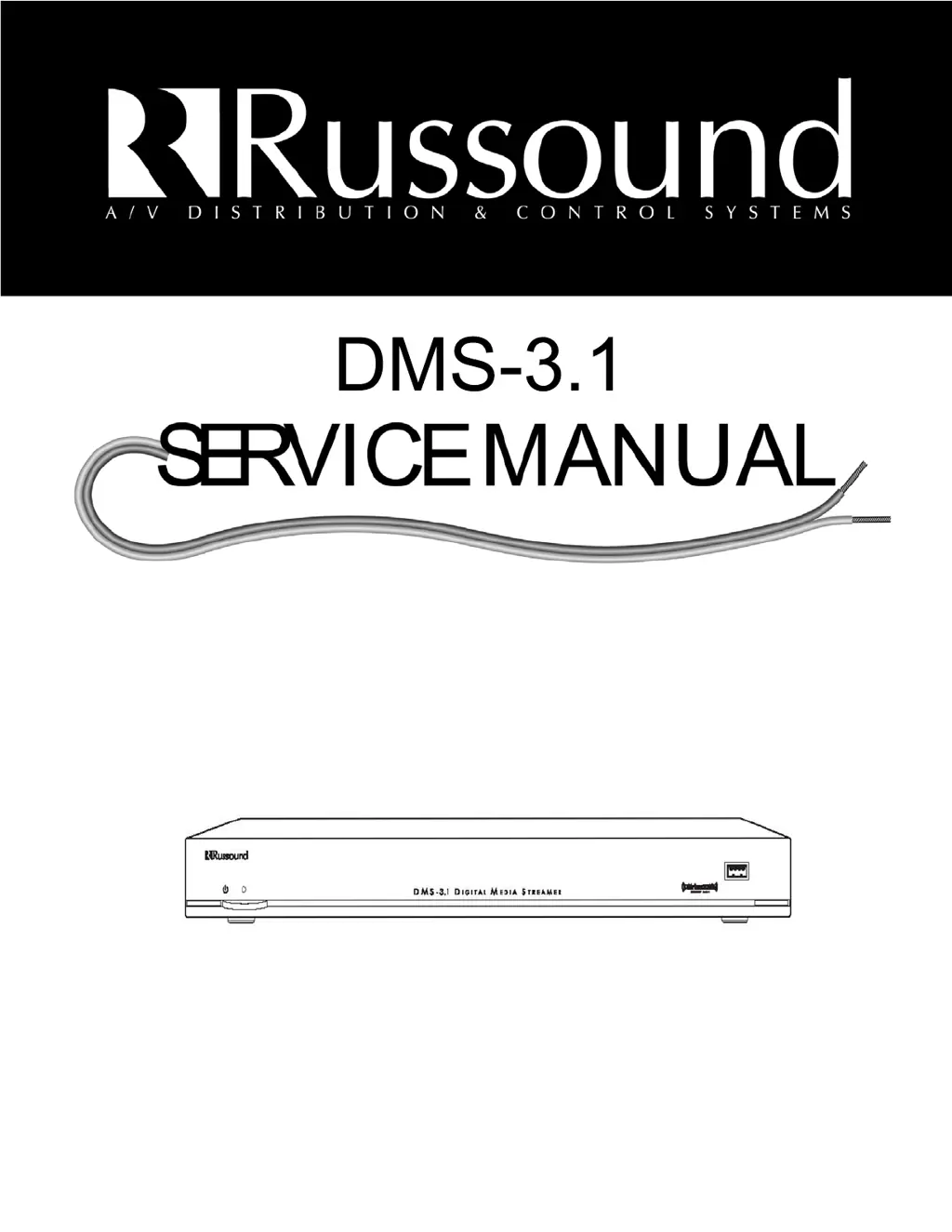
Russound DMS-3.1 - User Manual

Russound DMS-3.1
116 pages
Print Icon
To Next Page IconTo Next Page
Loading...

Questions and Answers

Summary

Safety Instructions

General Safety Warnings and Precautions

Covers reading instructions, water, cleaning, ventilation, heat, grounding, power cord, and servicing safety.

FCC and IC Compliance Statements

Notes compliance with FCC Part 15 limits for Class B digital devices.

Outdoor Antenna Grounding

Grounding an Outdoor Antenna

Provides guidelines for grounding outdoor antennas against static and voltage surges.

Product Overview and Interfaces

Introduction, Features, and Rack Mounting

Overview of the DMS-3.1, its features like AirPlay and internet radio, and rack mounting options.

Front and Back Panel Layouts

Details the physical layout of the front and back panels and their components.

Front and Back Panel Features Explained

Explains the purpose of each port, LED, and button on the device.

Connectivity and Audio Sources

Standalone AirPlay Operation and Naming

Guides on using the DMS-3.1 as an AirPlay device and customizing stream names via web portal.

C-Series Controller Integration and Ethernet Setup

Details connecting to C-Series controllers and Ethernet network requirements for content access.

AM;FM Tuner, 12 V Trigger, and USB Playback

Covers antenna connections, trigger functionality, and USB device audio playback.

Internet Radio Services and Menu Navigation

Guides on SiriusXM, vTuner, and navigating device menus via MDK-C5 and TS3 interfaces.

Digital Music File Playback (Media Server & USB)

Details playback of music files from network media servers and USB storage devices.

Technical Specifications and Warranty

DMS-3.1 Technical Specifications

Lists detailed technical parameters of the DMS-3.1 streamer, including frequency response, inputs, and outputs.

Warranty Information and Return Policy

Outlines the product warranty terms, coverage, and procedures for returning the unit for repair.

DMS-3.1 Test Procedure - Initial Setup

Unit Inspection and Equipment Requirements

Details visual inspection criteria and lists all necessary equipment for testing.

MAC ID Loading and Driver Installation

Procedures for loading MAC IDs onto U22/U10 and installing the Russound USB driver.

Software Tools Setup: RVCLIScripter, SAM-BA, Putty

Guides on installing and configuring RVCLIScripter, SAM-BA, and Putty for testing.

Firmware Preparation and Loading Process

Instructions for preparing a USB drive and loading the device firmware using these tools.

DMS-3.1 Test Procedure - Firmware and Module Loading

Load DMS-3.1 Firmware via USB

Detailed steps for loading the device firmware using USB and Putty.

Load BridgeCo Module Firmware

Procedures for loading firmware onto the BridgeCo modules via USB and network.

BridgeCo Module Verification

Steps to confirm MAC addresses and firmware versions for BridgeCo modules.

DMS-3.1 Test Procedure - Core Functionality Testing

Initial System Setup and Connectivity Tests

Covers physical connections, MCA-C5 configuration, and IP/MAC address checks.

MCA-C5 Source Configuration

Steps to configure the MCA-C5 controller to recognize DMS-3.1 sources.

DMS-3.1 Power On and IP Address Check

Guides on powering on the DMS-3.1 and verifying its IP address.

SSH Putty Connection and MAC ID Verification

Instructions for establishing an SSH connection and verifying MAC IDs.

ID Switch Configuration and Testing

Procedures for setting and testing the ID switches for each stream and tuner.

Trigger In & Out Functionality Test

Tests the 12V trigger input and output functionality using a multimeter.

Airplay IC Status Test

Verifies the status and functionality of the Airplay IC (U17).

Radio and USB Stream Playback Test

Tests audio playback from radio, USB, and media servers, confirming sound quality.

AM;FM Tuner Functionality Test

Verifies the operation of the built-in AM and FM tuner.

Aux USB Port Functionality Test

Tests the functionality of the Aux USB port for audio playback.

DMS-3.1 Test Procedure - Final Steps

Restore Factory Settings

Instructions for resetting the DMS-3.1 to its factory default settings.

Install Latest Firmware (Russound Only)

Steps for installing the latest firmware provided by Russound.

Summary

Safety Instructions

General Safety Warnings and Precautions

Covers reading instructions, water, cleaning, ventilation, heat, grounding, power cord, and servicing safety.

FCC and IC Compliance Statements

Notes compliance with FCC Part 15 limits for Class B digital devices.

Outdoor Antenna Grounding

Grounding an Outdoor Antenna

Provides guidelines for grounding outdoor antennas against static and voltage surges.

Product Overview and Interfaces

Introduction, Features, and Rack Mounting

Overview of the DMS-3.1, its features like AirPlay and internet radio, and rack mounting options.

Front and Back Panel Layouts

Details the physical layout of the front and back panels and their components.

Front and Back Panel Features Explained

Explains the purpose of each port, LED, and button on the device.

Connectivity and Audio Sources

Standalone AirPlay Operation and Naming

Guides on using the DMS-3.1 as an AirPlay device and customizing stream names via web portal.

C-Series Controller Integration and Ethernet Setup

Details connecting to C-Series controllers and Ethernet network requirements for content access.

AM;FM Tuner, 12 V Trigger, and USB Playback

Covers antenna connections, trigger functionality, and USB device audio playback.

Internet Radio Services and Menu Navigation

Guides on SiriusXM, vTuner, and navigating device menus via MDK-C5 and TS3 interfaces.

Digital Music File Playback (Media Server & USB)

Details playback of music files from network media servers and USB storage devices.

Technical Specifications and Warranty

DMS-3.1 Technical Specifications

Lists detailed technical parameters of the DMS-3.1 streamer, including frequency response, inputs, and outputs.

Warranty Information and Return Policy

Outlines the product warranty terms, coverage, and procedures for returning the unit for repair.

DMS-3.1 Test Procedure - Initial Setup

Unit Inspection and Equipment Requirements

Details visual inspection criteria and lists all necessary equipment for testing.

MAC ID Loading and Driver Installation

Procedures for loading MAC IDs onto U22/U10 and installing the Russound USB driver.

Software Tools Setup: RVCLIScripter, SAM-BA, Putty

Guides on installing and configuring RVCLIScripter, SAM-BA, and Putty for testing.

Firmware Preparation and Loading Process

Instructions for preparing a USB drive and loading the device firmware using these tools.

DMS-3.1 Test Procedure - Firmware and Module Loading

Load DMS-3.1 Firmware via USB

Detailed steps for loading the device firmware using USB and Putty.

Load BridgeCo Module Firmware

Procedures for loading firmware onto the BridgeCo modules via USB and network.

BridgeCo Module Verification

Steps to confirm MAC addresses and firmware versions for BridgeCo modules.

DMS-3.1 Test Procedure - Core Functionality Testing

Initial System Setup and Connectivity Tests

Covers physical connections, MCA-C5 configuration, and IP/MAC address checks.

MCA-C5 Source Configuration

Steps to configure the MCA-C5 controller to recognize DMS-3.1 sources.

DMS-3.1 Power On and IP Address Check

Guides on powering on the DMS-3.1 and verifying its IP address.

SSH Putty Connection and MAC ID Verification

Instructions for establishing an SSH connection and verifying MAC IDs.

ID Switch Configuration and Testing

Procedures for setting and testing the ID switches for each stream and tuner.

Trigger In & Out Functionality Test

Tests the 12V trigger input and output functionality using a multimeter.

Airplay IC Status Test

Verifies the status and functionality of the Airplay IC (U17).

Radio and USB Stream Playback Test

Tests audio playback from radio, USB, and media servers, confirming sound quality.

AM;FM Tuner Functionality Test

Verifies the operation of the built-in AM and FM tuner.

Aux USB Port Functionality Test

Tests the functionality of the Aux USB port for audio playback.

DMS-3.1 Test Procedure - Final Steps

Restore Factory Settings

Instructions for resetting the DMS-3.1 to its factory default settings.

Install Latest Firmware (Russound Only)

Steps for installing the latest firmware provided by Russound.

Russound DMS-3.1 Specifications

General IconGeneral
BrandRussound
ModelDMS-3.1
CategoryMedia Player
LanguageEnglish

Related product manuals