SEE™ Setup and Operations Manual
Page 32 RVision P/N 660904-01 Rev 1
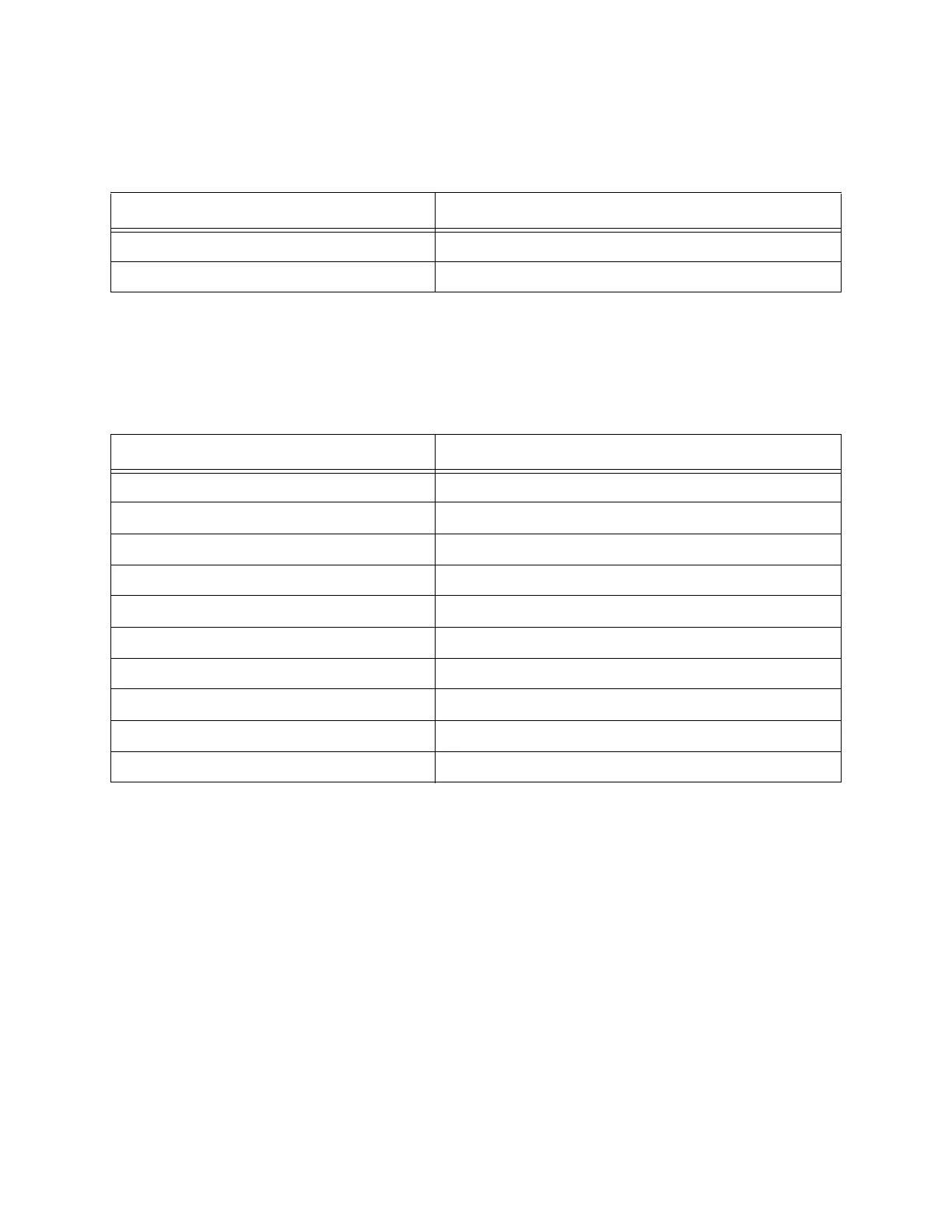
identification and the connected cameras status. Table 9 lists the status information
displayed by the LCD.
Joystick
The joystick provides pan/tilt, and camera zoom control. Table 10 lists the actions
on the joystick and the functions enabled by the action.
Keypad
The keypad allows manual entry to enable the following types of functions.
• Autofocus
• Stabilize image
• Store current pan/tilt/zoom position as a preset for one-button recall.
• Increase or decrease pan and tilt and preset scan speed.
• Adjust for back-lit conditions.
Table 9: LCD status information
Display Description
687001XX Version of firmware
Joystick failure Joystick calibration error
Table 10: Action on joystick and resulting function
Action on Joystick Function
Move left Pans left
Move right Pans right
Move up Tilts up
Move down Tilts down
Move up and right Pan and tilt up and to the right
Move up and left Pan and tilt up and to the left
Move down and right Pan and tilt down to the right
Move down and left Pan and tilt down to the left
Turn clockwise Camera zooms in
Turn counterclockwise Camera zooms out


 To Next Page