6
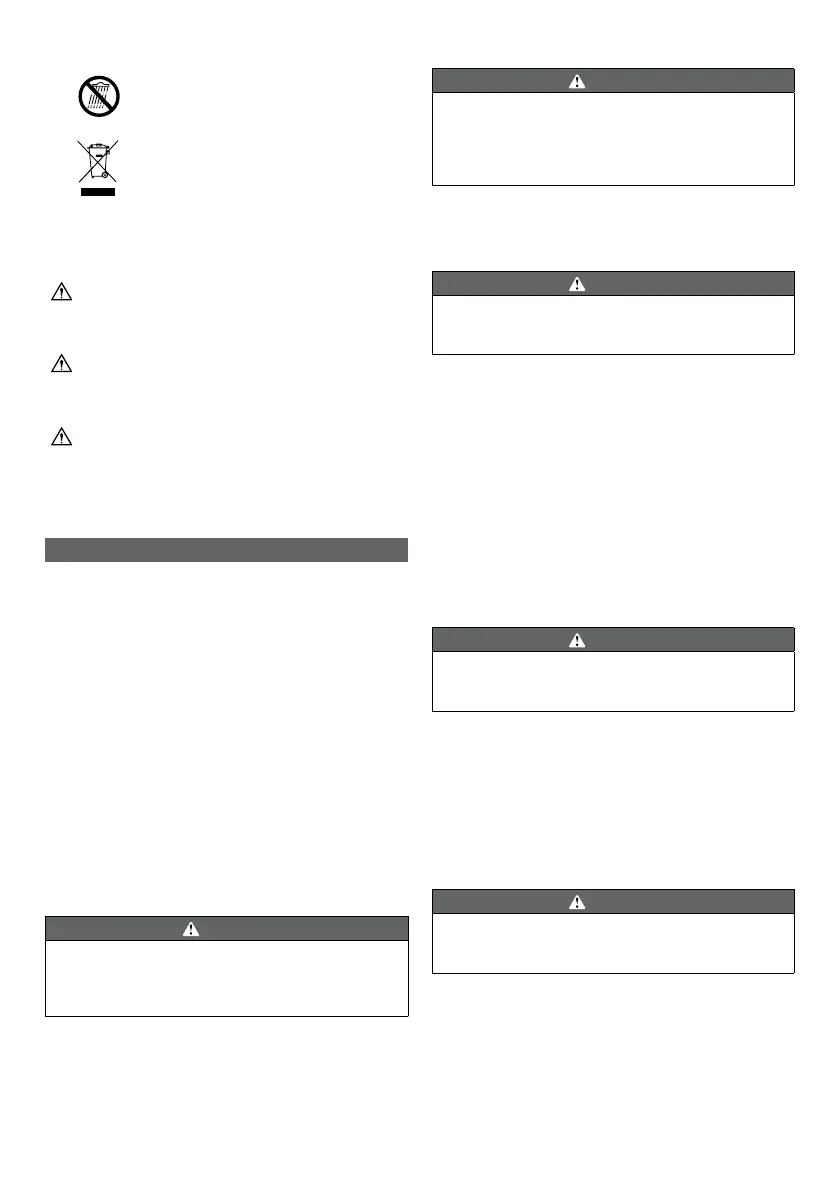
Do not expose to rain or in damp
conditions.
Waste electrical products should not
be disposed of with household waste.
Please recycle where facilities exist.
Check with your local authority or
retailer for recycling advice.
The following signal words and meanings are intended to
explain the levels of risk associated with the product:
DANGER
Indicates an imminently hazardous
situation, which, if not avoided, will
result in death or serious injury.
WARNING
Indicates a potentially hazardous
situation, which, if not avoided, could
result in death or serious injury.
CAUTION
Indicates a potentially hazardous
situation, which, if not avoided, may
result in minor or moderate injury.
CAUTION
(Without safety alert symbol)
Indicates a situation that may result
in property damage.
ASSEMBLY
UNPACKING
The product requires assembly.
■ Carefully remove the product and any accessories from
the box. Make sure that all items listed on the packing
list are included.
■ Inspect the product carefully to make sure no breakage
or damage occurred during shipping.
■ Do not discard the packing material until you have
carefully inspected and satisfactorily operated the
product.
■ If any parts are damaged or missing, contact Ryobi
customer service.
PACKING LIST
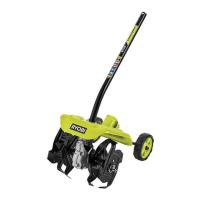
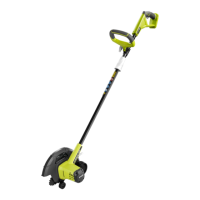
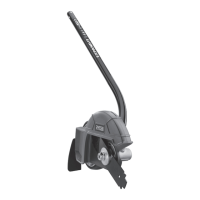
■ Edger attachment
■ Holding pin
■ Spanner
■ Operatorʼs manual
WARNING
If any parts are damaged or missing, do not operate the
product until the parts are replaced. Use of the product
with damaged or missing parts could result in serious
personal injury.
WARNING
Do not attempt to modify the product or create
accessories not recommended for use with the product.
Any such alteration or modication is misuse and could
result in a hazardous condition leading to possible
serious personal injury.
JOINING THE POWERHEAD TO THE EDGER
ATTACHMENT
See Figure 2.
WARNING
Never attach or adjust any attachment while powerhead
is running. Failure to stop the product may cause serious
personal injury.
The edger attachment connects to the powerhead by
means of a coupler device.
■ Remove the hanger cap from the attachment.
■ Loosen the knob on the coupler of the powerhead shaft.
■ Push in the button located on the edger attachment.
Align the button with the guide recess on the
powerhead coupler and slide the two shafts together.
Rotate attachment shaft until button locks into the
positioning hole.
NOTE: If the button does not release completely in the
positioning hole, the shaft is not locked into place. Slightly
rotate from side to side until the button is locked into place.
■ Tighten the knob securely.
WARNING
Be certain the knob is fully tightened before operating
equipment. Check it periodically for tightness during use
to avoid serious injury.
REMOVING THE ATTACHMENT FROM THE
POWERHEAD
For removing or changing the attachment:
■ Stop the product, and make sure that blade has come
to a stop.
■ Loosen the knob.
■ Push in the button and twist the shafts to remove and
separate ends.
WARNING
Do not allow familiarity with this product to make you
careless. Remember that a careless fraction of a second
is sufcient to inict serious injury.




 To Next Page