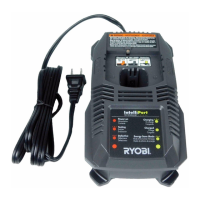
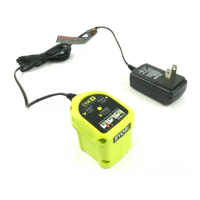
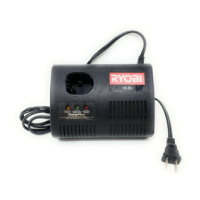
8 — English
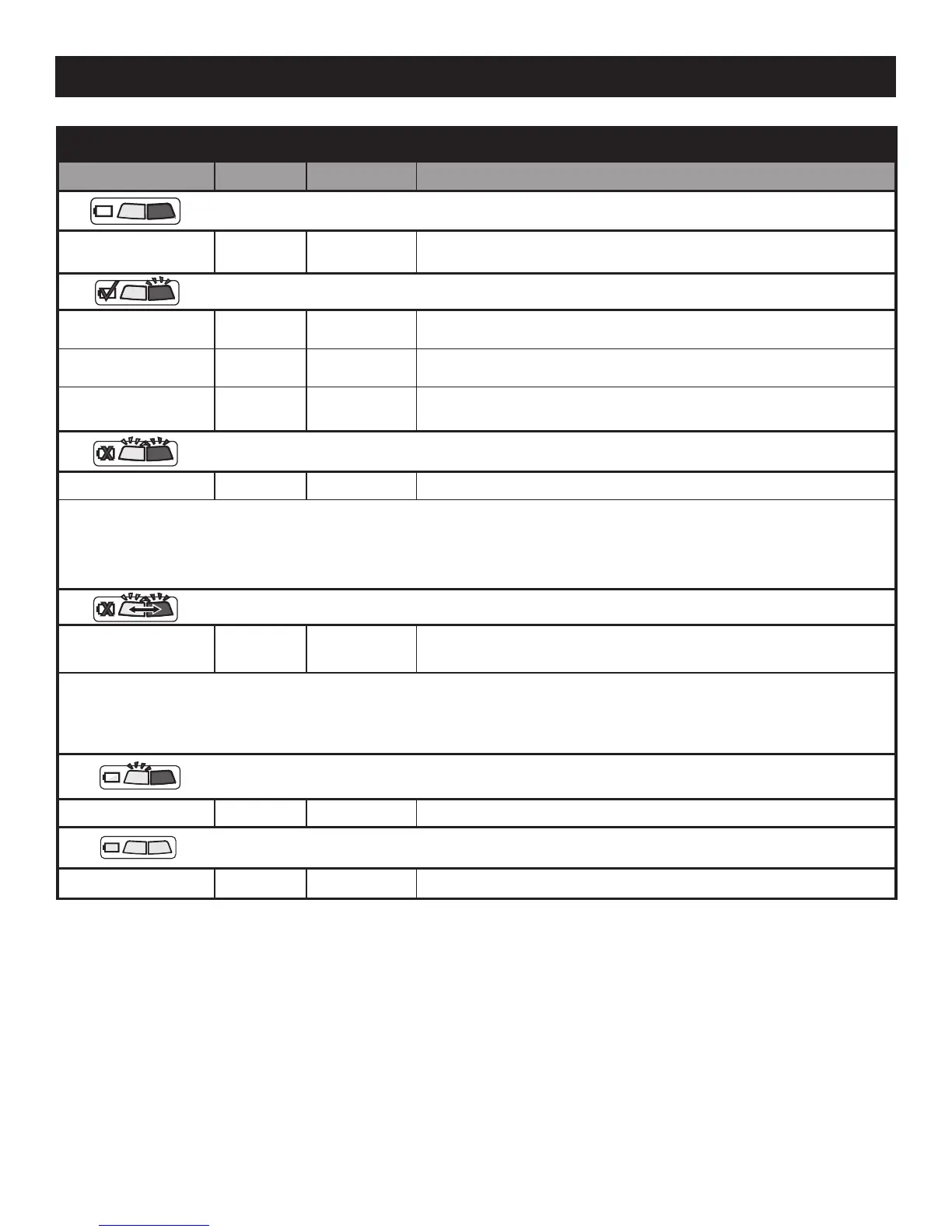
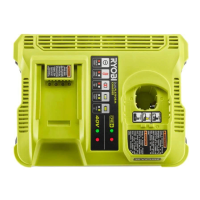
LED FUNCTIONS
BATTERY PACK RED LED GREEN LED ACTION
Power
Without battery
pack
OFF OFF
Blue LED will fade.
Ready to charge battery pack.
Evaluate
Hot battery pack Flashing OFF
When battery pack reaches cooled temperature, charger begins
charge mode.
Cold battery pack Flashing OFF
When battery pack reaches warmed temperature, charger begins
charge mode.
Deeply discharged Flashing OFF
Charger pre-charges battery until normal voltage is reached, then
begins charge mode.
Defective Battery Pack
Defective Battery Flashing Flashing Battery pack is defective.
•Ifdefective,trytorepeattheconditionsasecondtimebyremovingandreinstallingthebatterypack.IftheLEDstatus
repeats a second time, try charging a different battery.
•Ifadifferentbatterychargesnormally,disposeofthedefectivepack(seeMaintenance section).
•Ifadifferentbatteryalsoindicates“Defective,”thechargermaybedefective.
Defective Battery Port
Defective Port
Alternating
Flash
Alternating
Flash
Charger is defective.
•Ifdefective,trytorepeattheconditionsasecondtimebyremovingandreinstallingthebatterypack.IftheLEDstatus
repeats a second time, try charging a different battery or unplug charger for one minute, then plug in.
•Ifadifferentbatteryalsoindicates“Defective,”thechargermaybedefective.Seeyourauthorizedservicecenter.
Charging
Fast charging ON Flashing
Full
—
OFF ON Fast charging is complete; charger maintains charge mode.
OPERATION


 To Next Page