11 — English
MAINTENANCE
WARNING:
When servicing, use only identical replacement parts.
Use of any other parts could create a hazard or cause
product damage.
TROUBLESHOOTING
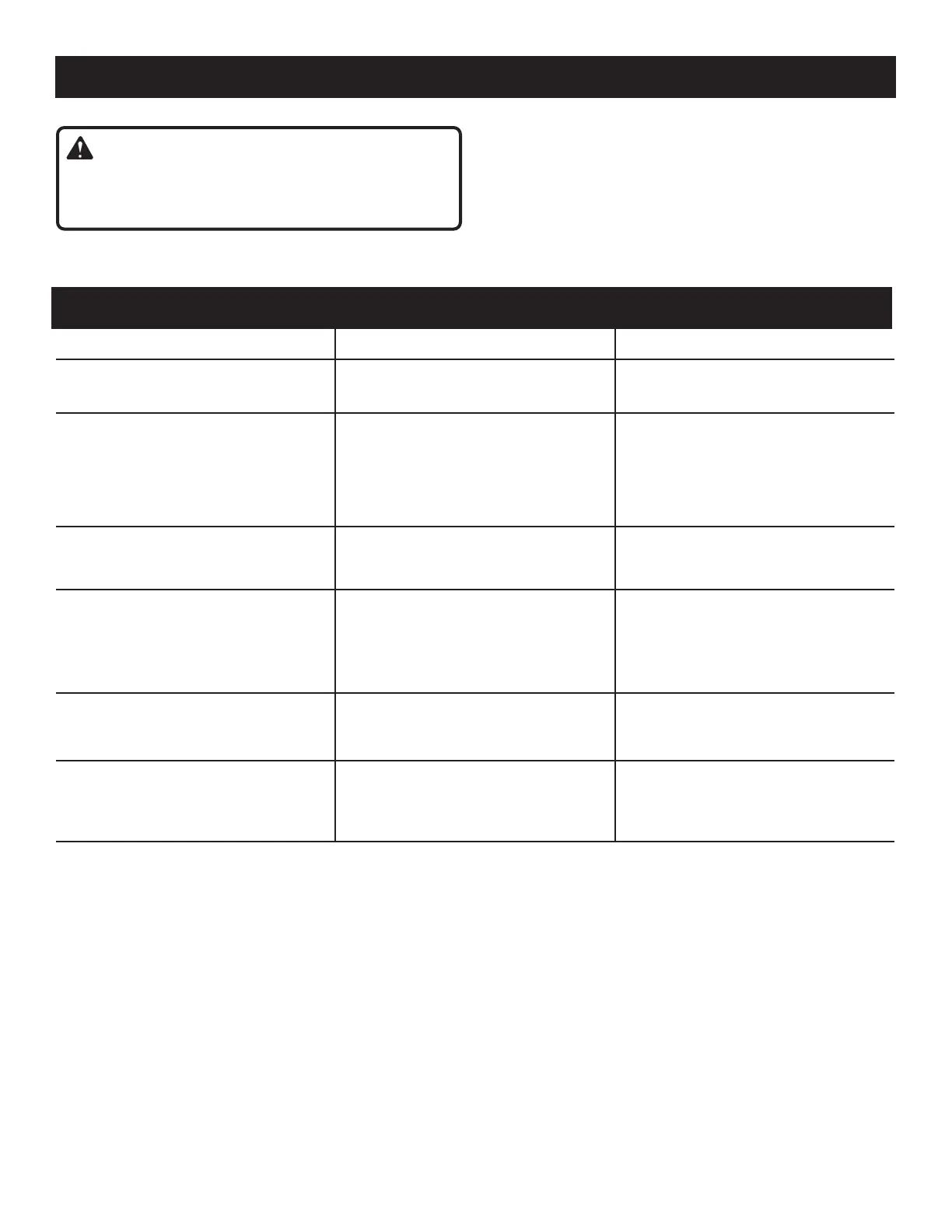
PROBLEM POSSIBLE CAUSE SOLUTION
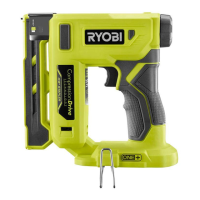
Work-contacting element does not
depress fully - tool does not operate.
Low staples
Work-contacting element is jammed
Replenish staples
Remove battery and clear debris
Tool operates properly, but fasteners do
not drive fully
Air pressure is too low
Depth of drive isn’t deep enough
Staple is too long for wood hardness
Trigger released too soon.
Increase air pressure
Adjust depth of drive
Use staple length that is appropriate
for wood
Hold trigger until fastener is driven.
Tool operates properly, but fasteners are
driven too deep
Air pressure is too high
Depth of drive is too deep
Decrease air pressure
Adjust depth of drive
Tool jams frequently Incorrect staples
Damaged staples
Loose magazine
Dirty magazine
Verify that staples are the correct size
Replace staples
Tighten screws
Clean magazine
Tool stops and LED flashes rapidly. Battery is low or has no charge
Tool is hot
Recharge battery
Allow tool to cool
The tool has charged battery and LED
is slowly flashing or LED does not turn
off after approximately ten seconds of
non-use.
Tool has malfunctioned Take tool to nearest authorized repair
center
GENERAL MAINTENANCE
Avoid using solvents when cleaning plastic parts. Most
plastics are susceptible to damage from various types of
commercial solvents and may be damaged by their use. Use
clean cloths to remove dirt, dust, oil, grease, etc.
NOTE: ILLUSTRATIONS START ON PAGE 12
AFTER FRENCH AND SPANISH LANGUAGE SECTIONS.


 To Next Page