5
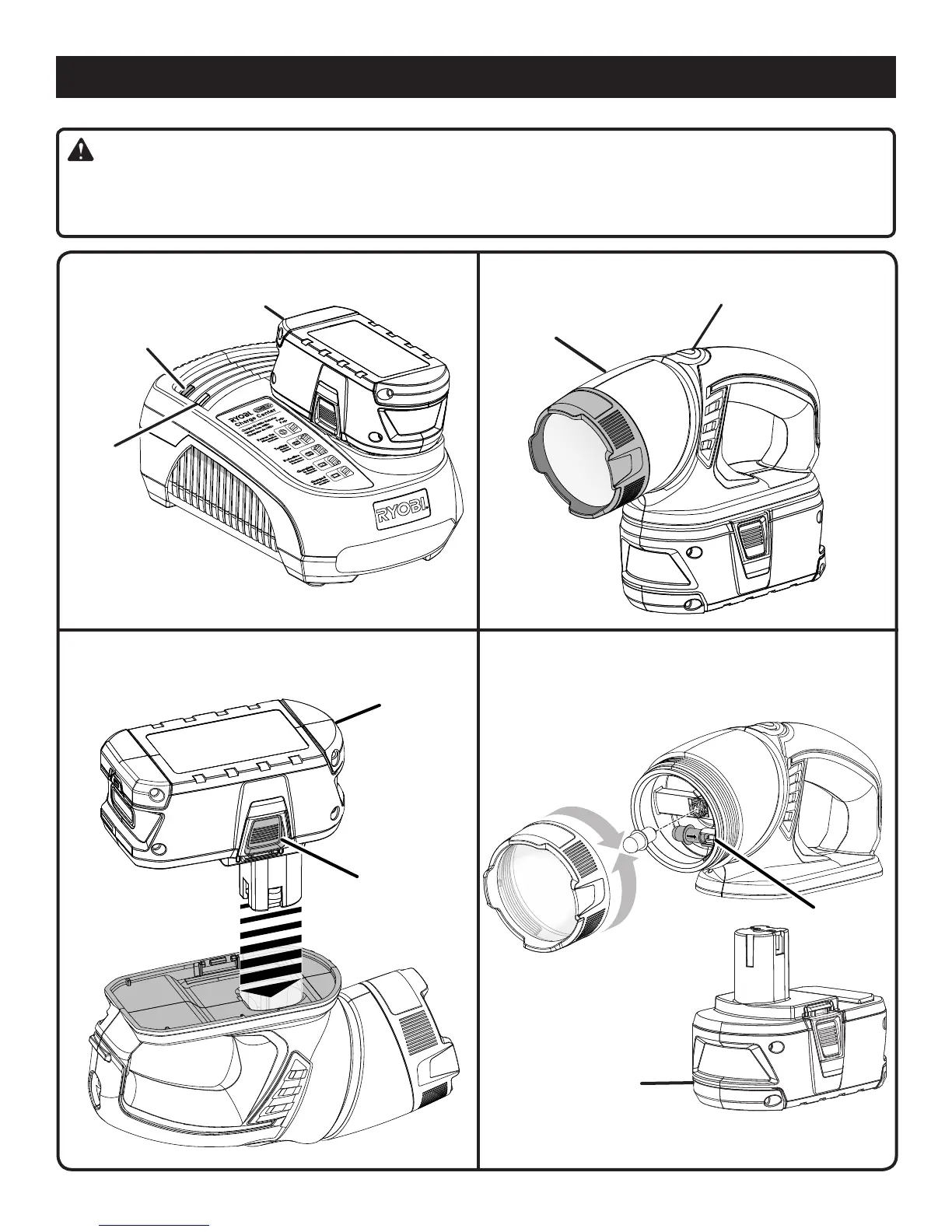
BATTERY
PACK
CHARGER
GREEN
LED
RED LED
Fig. 3
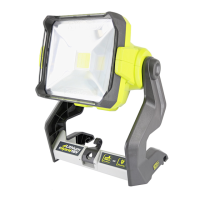
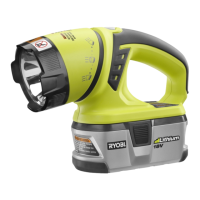
180° ROTATING
HEAD
SWITCH
TRIGGER
BATTERY
PACK
DEPRESS BOTH
LATCHES TO
RELEASE
BATTERIES AND CHARGERS SOLD SEPARATELY
Fig. 1
Fig. 2
BULB
STORAGE
AREA
BULB REPLACEMENT
ALWAYS REMOVE
BATTERY PACK
BEFORE CHANGING
BULB
TO
REATTACH
TO
REMOVE
Fig. 4
ALIGN RAISED RIB ON
BATTERY PACK WITH
GROOVE IN BATTERY PORT
Replace the bulb with the same type rated 18 V, 0.6 Amp.
Always ask for replacement bulb number 780287001.
TO REMOVE COOLED BULB:
PULL OUTWARD
TO INSTALL NEW BULB:
PUSH IN GENTLY
OPERATION
WARNING:
The safe use of this product requires an understanding of the information on the product and in this operator’s manual as
well as a knowledge of the project you are attempting. Before use of this product, familiarize yourself with all operating
features and safety rules.


 To Next Page