14
1
2
1
2
1
2
1
2
2
2
1
1
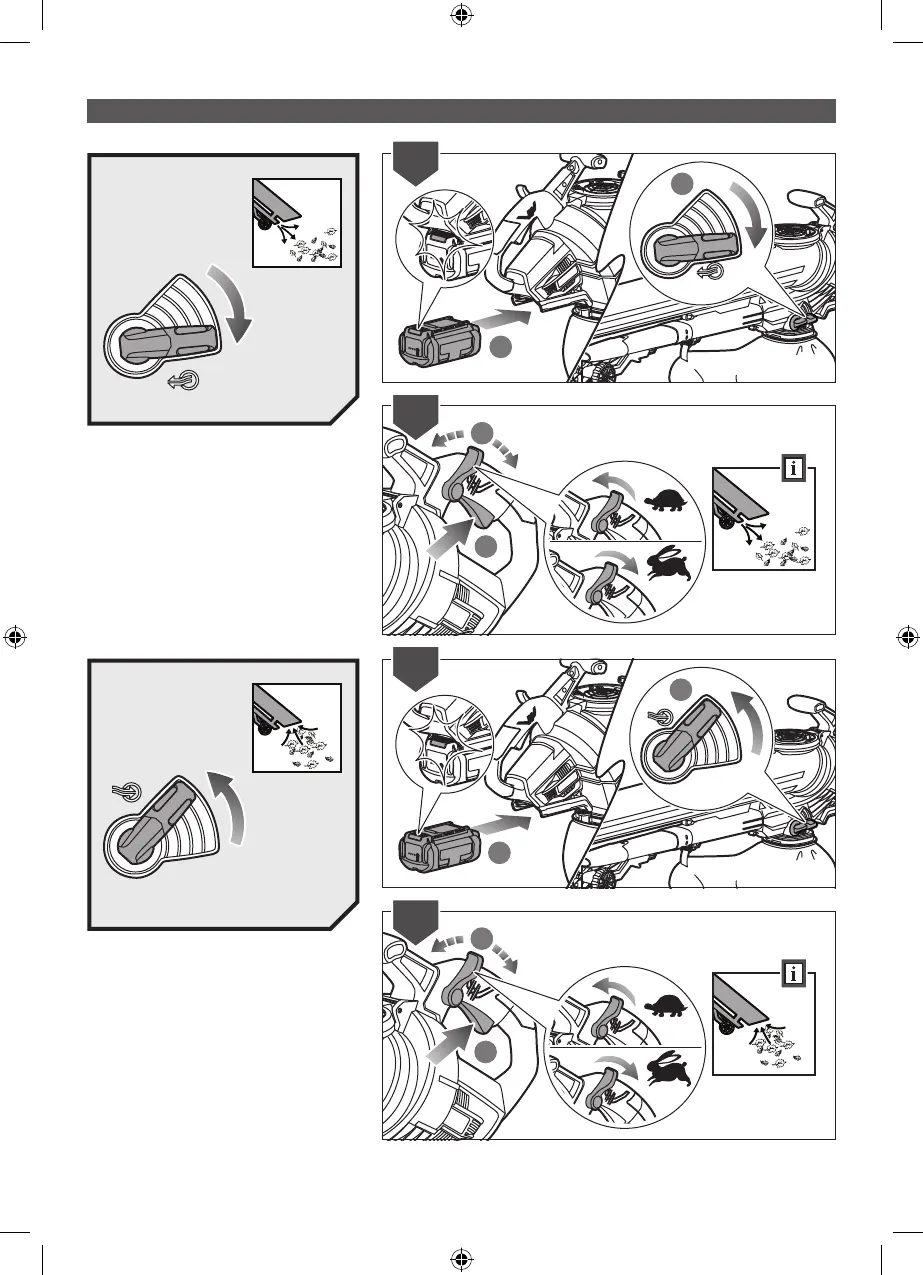
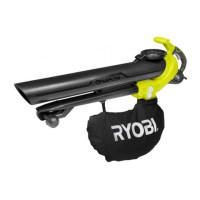
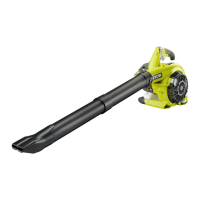
BLOWER MODE
1. At the rear side of the housing, insert the
battery pack until you hear an audible
click and the battery locks into place. Set
the mode selection lever to the bottom
position to set the product to blower
mode.
2. Squeeze the trigger to operate the
blower. Use the cruise control lever to
lock the blower to the desired power.
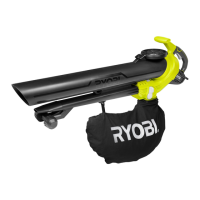
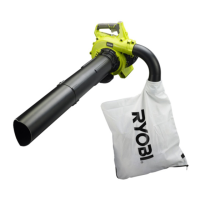
VACUUM MODE
1. At the rear side of the housing, insert the
battery pack until you hear an audible
click and the battery it locks into place.
Set the mode selection lever to the top
position to set the product to vacuum
mode.
2. Squeeze the trigger to operate the
product. Use the cruise control lever to
lock the product to the desired power.



 To Next Page