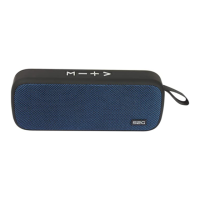
Turn the speaker power ON. Upon power ON the speaker will
automatically be in pairing mode. Blue indicator lights appear in slow
not paired or connected to any other device.
Pairing process to note
When device detected S2G FRESH, initiate and paired them.
Should device request for password, enter default password „0000“,
press OK button to complete the pairing. NOTE: If pairing fails,
please refer to „Troubleshooting.“
Change function mode
Long press the Play/Pause button to disconnect the current connec-
tion from bluetooth to 3,5 mm jack input device.
In this mode, the connected equipment can not be operated via the
buttons on the speakers.


 To Next Page