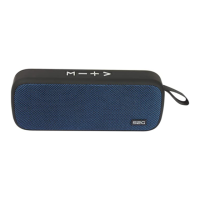
Music play
When the connection is established, you can play music from
mobile phone, computer, MP3, notebook etc. Music play, pause,
previous song/volume down, next sound/volume up can be control
from both you speaker‘s control buttons or your playing device.
Handsfree
For incoming calls, the music playback is interrupted and an audible
alert signal. Answering the call on the speaker by pressing the play
button. Long press passes to the mobile device. Repeated pressing
-
on simply release the Play / Pause button again.


 To Next Page