EasyManua.ls Logo

Saab R5 SUPREME AIS - User Manual

Saab R5 SUPREME AIS
114 pages
Print Icon
To Next Page IconTo Next Page
Loading...
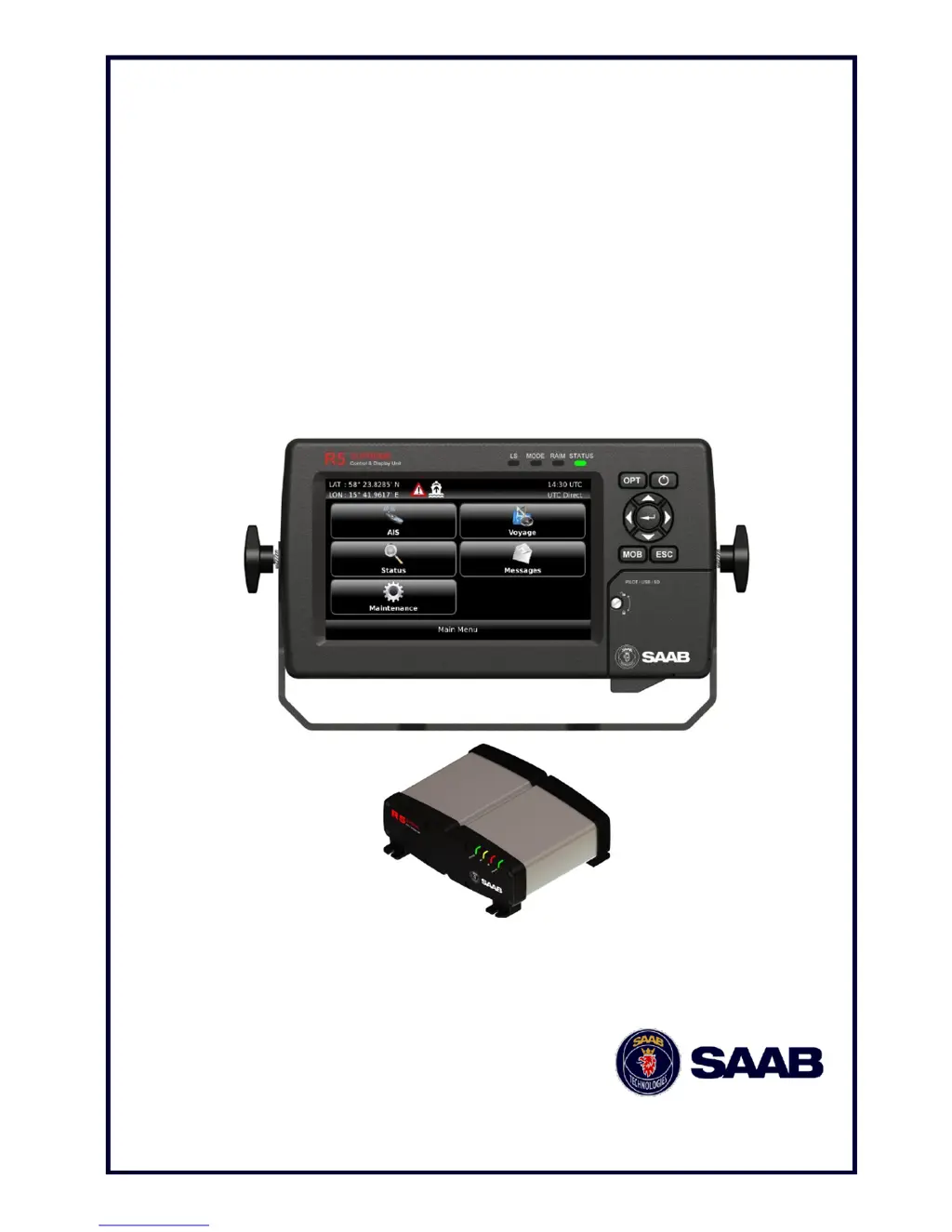
OPERATION & INSTALLATION MANUAL
Saab TransponderTech
R5
SUPREME AIS
Transponder System

Table of Contents

Other manuals for Saab R5 SUPREME AIS

Questions and Answers

Summary

Safety Instructions and Disposal

System Installation Guide

Step-by-Step Installation Procedure

Outlines the recommended sequence of steps for installing the R5 SUPREME AIS System.

Installing the R5 SUPREME CDU

Covers CDU location considerations and mounting options like gimbal and panel mounts.

Installing the R5 SUPREME Transponder

Details transponder location requirements and mounting methods using screw holes.

Mounting the VHF Antenna

Provides guidance on VHF antenna location, separation, and height for optimal performance.

Mounting the GPS Antenna

Explains GPS antenna location and cabling requirements for efficient GPS reception.

Electrical Installation Details

Covers port priorities, serial transceiver schematics, and connection details for transponders and CDUs.

System Configuration and Setup

Configuration Wizard Steps

Guides through initial setup including touchscreen calibration, system setup, network configuration, and transponder selection.

System Functional Check

Details essential checks to ensure the R5 SUPREME AIS System is fully functional after installation.

Configurable System Parameters

Describes various parameters including AIS Voyage, Ship Static, Ship Dimensions, and Regional Areas.

Operating the R5 SUPREME AIS System

Handling Alarms and Alerts

Explains how alarm and alert pop-ups appear and how to acknowledge them.

Messaging: SRMs and Text Messages

Covers sending and receiving Safety Related Messages (SRMs) and text messages.

System Alarms and Notifications

Details how active alarms are displayed and accessed via the Alarm List view.

Performing Communication Tests

Outlines procedures for testing transponder communication with other AIS systems.

Software Update Procedure

Guides on how to upgrade the software for the R5 SUPREME CDU and Transponder via USB.

Restoring System Configuration

Explains how to reset all configuration parameters to their factory default values.

Software Upgrade Procedures

Transponder SW Upgrade via Junction Box

Step-by-step instructions for upgrading transponder software using the R5 AIS Junction Box USB port.

Transponder SW Upgrade via CDU

Instructions for upgrading transponder software using the R5 SUPREME CDU via Ethernet.

Technical Specifications

Troubleshooting Common Issues

Troubleshooting Alarm Messages

Explains how to interpret and troubleshoot various alarm messages generated by the system.

Electrical Interface Details

Saab R5 SUPREME AIS Specifications

General IconGeneral
Channel Spacing25 kHz
Data InterfaceNMEA 0183
Power SupplyDC
DisplayLCD
Waterproof RatingIPX7
GPSBuilt-in GPS receiver

Related product manuals