EasyManua.ls Logo

Saab R5 - User Manual

Saab R5
87 pages
Print Icon
To Next Page IconTo Next Page
Loading...
OPERATION & INSTALLATION MANUAL
Saab TransponderTech
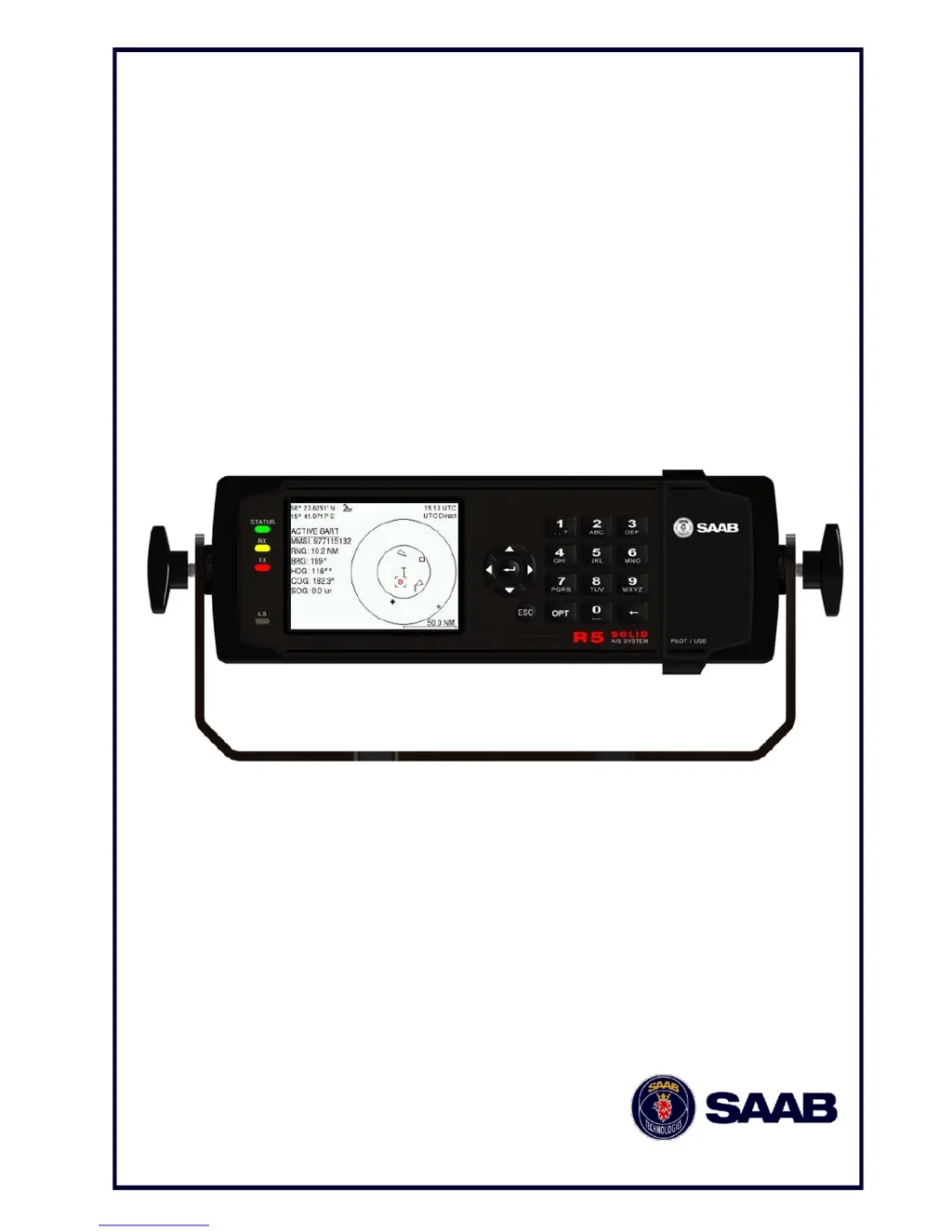
R5 SOLID AIS
System

Table of Contents

Other manuals for Saab R5

Questions and Answers

Summary

Copyright and Legal Information

Copyright Notice

States that manual contents are property of Saab TransponderTech AB.

Disclaimer of Liability

Limits Saab TransponderTech AB's liability for manual contents.

Software Version Information

Specifies the R5 SOLID AIS System software version.

Safety Instructions

Specifies compass safe distances for equipment.

Disposal Instructions

Guidelines for handling electronic waste.

Contact Information

Support and Service Contacts

Provides contact details for installation, service, and technical support.

The Automatic Identification System

AIS Device Types

Lists and describes different AIS device types like Class A, B, SAR, AtoN.

System Overview

Product Description

Details components like transceiver, GPS, controller, and LCD.

Main Features

Lists key capabilities like LCD, USB interface, display settings, and data broadcast.

Installation

Unpacking the Equipment

Lists basic and optional equipment parts with part numbers.

Installation Cables

Details types, lengths, and connectors for required cables.

Installation Procedure Steps

Outlines recommended steps for system installation.

Equipment Installation Environment

Lists IEC 60945 classification for system components.

Mount the R5 SOLID

Location Guidelines

Provides guidelines for choosing a mounting location for the R5 SOLID unit.

Physical Size and Mechanical Drawings

Shows diagrams and dimensions for gimbal mounting.

Panel Mount Dimensions

Displays diagrams and dimensions for panel mounting.

Mount the R5 SOLID Transponders VHF Antenna

VHF Antenna Location Considerations

Discusses antenna placement to avoid interference.

Antenna Type and Separation

Specifies antenna type and recommended separation distances.

Horizon View and Antenna Height

Explains importance of clear horizon and antenna height for range.

VHF Cabling and Mounting

Provides cable recommendations and mounting guidelines.

VHF Cable Grounding

Instructions for grounding coaxial down-leads.

Mount the R5 SOLID GPS Antenna

GPS Antenna Location Guidelines

Guidelines for optimal placement of the GPS antenna for clear sky view.

GPS Cabling

Discusses cable attenuation and routing for GPS antenna connections.

GPS Cable Mounting and Grounding

Details coaxial cable installation, bending, and grounding.

Electrical Installation

Port Priorities and Baud Rates

Lists port priorities and default baud rates for sensor data.

Serial Port Output Capacity and Input Load

Specifies serial port listener limits and input impedance.

Serial Transceiver Schematics

Shows detailed circuit diagrams for serial ports.

R5 Signal Cable (DSUB-Open) Pinout

Describes the pin configuration of the DSUB-Open signal cable.

RS232 Signal Cable Pinout

Details the pinout for the 9-pin female DSUB RS232 signal cable.

R5 Power Cable Pinout

Outlines the pinout for the R5 power cable.

Blue Sign and Silent Switch Connections

Explains connecting and configuring external switches.

Alarm Relay Connection

Describes connecting the alarm output to an audible alarm device.

System Configuration

Configuration Parameters Overview

Lists parameters required for system setup, including MMSI, IMO, and ship details.

Operation

System Mode Selection

Explains the two operating modes: Class A and Inland.

Front Panel LEDs and Controls

Describes the front panel LEDs and control buttons.

Keypad Navigation and Functions

Details keypad usage for navigation, editing, and options.

Parameter Setting Procedure

Guides on how to edit parameters using the keypad.

Main Menu Tree View

Illustrates the system's menu structure and navigation paths.

Menu Navigation

Explains how to navigate through the system menus using the keypad.

AIS Voyage Configuration

Details parameters for voyage-specific AIS information.

Operational Mode Configuration

Covers parameters for TX mode and silent operation.

Ship Static Configuration

Details parameters for ship static data like MMSI, IMO, and call sign.

Ship Dimensions Configuration

Explains input for ship size and antenna position in Standard/Simplified modes.

Regional Areas Configuration

Describes setting up regional areas for VHF radio parameters.

LR Broadcast Settings Configuration

Configures long range broadcast channels for message 27.

Alarm Configuration

Settings to enable or disable alarms and their effects.

Password Configuration

Manages user and admin passwords and restore codes.

Long Range Configuration

Sets up reply modes and filters for long range interrogations.

Display Visual Settings

Controls backlight, LED intensity, and button illumination.

Display Sound Settings

Configures buzzer behavior for alarms and messages.

Time Settings

Configures time zone and local time offset from UTC.

Interface Language Settings

Allows changing the language of menus and views.

Interface Port Rate Settings

Sets baud rate and checksum for serial ports.

Interface Miscellaneous Settings

Manages SSD password, ship size mode, and external switches.

System Settings

Configures system mode, range, speed units, and plot compass.

Installation Test Procedure

Guides on performing tests for system functionality.

Alarm and Alert Pop-up Handling

Explains how alarms and alerts appear and are acknowledged.

Status Bar

Status Bar Overview

Details status bar components: position, icons, and time.

Status Icons Interpretation

Lists and explains various status icons displayed by the system.

View Remote Ship Information

Target List View

Displays a list of received AIS targets sorted by range.

Extended Information View

Shows detailed static, dynamic, and voyage data for a selected target.

View Plot of Targets

Target Plot View

Visualizes target locations relative to the own ship.

View Transmitted Own Ship Information

Transmitted Own Ship Data View

Displays static, dynamic, and voyage data sent by the R5 SOLID.

Voyage Related Information

AIS Voyage View

Displays destination, ETA, and number of people aboard.

Handling Safety Related Messages (SRM) and Text Messages

Read Received Messages

Explains how to access and read messages from the inbox.

Send SRMs and Text Messages

Guides on composing and sending SRM and text messages.

Send Persons On Board

Persons On Board (PoB) Messaging

Details sending PoB information via IMO or Inland versions.

Long Range Interrogations

Long Range Interrogation Handling

Explains receiving and responding to LR interrogations.

Inland ETA and RTA

Inland ETA;RTA Messaging

Covers sending Inland ETA and receiving RTA messages for ports/locks.

Inland Water Levels

Water Levels View

Displays received Inland water levels messages.

Regional Areas

Regional Areas View

Shows stored regional areas and options to edit them.

Alarms

Alarm View

Lists currently active and enabled alarms.

Status List

Status List View

Displays status indications generated by events.

Non Functional Time

Non Functional Time View

Shows periods when the R5 SOLID was off or not transmitting.

GPS Status

GPS Status View

Displays received satellite data, SNR, and count.

View Raw Data

Raw Data View

Shows incoming data on serial ports for troubleshooting.

SW;HW Info

SW;HW Info View

Displays software and hardware revisions for support.

VHF Status

VHF Status View

Shows current VHF transceiver settings like channel and power.

Communication Test

Communication Test Procedure

Guides on performing tests to ensure transponder transmissions are received.

Update Software

Software Update Procedure

Instructions for updating the R5 SOLID software via USB.

Restore Config

Restore Configuration Procedure

Resets configuration parameters to default values.

Software Upgrade

Software Upgrade Process

Step-by-step guide for upgrading the R5 SOLID software.

Technical Specifications

Physical Specifications

Details dimensions and weight of the R5 SOLID.

Electrical Specifications

Covers input voltage and power consumption.

Environmental Specifications

Lists operating temperature, vibrations, EMC, and radio type approval.

VHF Transceiver Specifications

Details VHF frequency, bandwidth, and output power.

Internal GPS Receiver Specifications

Covers GPS receiver type, accuracy, and connectors.

AIS Alarm Relay Specifications

Lists switching current, voltage, and power for the alarm relay.

Troubleshooting

Troubleshooting Prerequisites

Advice on minimizing interference sources before troubleshooting.

Troubleshooting with Front Panel LEDs

Using LEDs to verify system status and diagnose issues.

STATUS LED Interpretation

Explains the meaning of the multi-colored STATUS LED states.

Rx LED Interpretation

Explains the yellow Rx LED behavior for message reception.

Tx LED Interpretation

Explains the red Tx LED behavior for message transmission.

Troubleshooting with Alarm Messages

Using alarms as aids for problem diagnosis.

Troubleshooting via Display

How to use display information for troubleshooting.

Transmitted Own Ship Data View

Shows data transmitted on VDL and serial ports.

Target List Analysis

Analyzes receiving functionality and propagation characteristics.

Date and Time Check

Explains the source and potential issues with displayed date/time.

View Raw Data for Troubleshooting

Shows received data on ports for troubleshooting.

Status List View

Displays status indications generated by events.

Reporting Intervals for Class A Transponders

Defines nominal update intervals for different information types.

Frequently Asked Questions (FAQ)

Addresses common issues like visibility and range problems.

Contacting Support

Provides details for contacting support, including email and phone.

Indication Message List

Lists system indications with ID, type, and text.

Long Range Definitions

Long Range Message Parameters

Defines parameters used in Long Range messages (A, B, C, etc.).

Interpretation of Input Sentences

GPS and Sensor Input Sentences

Details NMEA sentences for GPS and sensor data.

DTM Datum Reference Sentence

Interprets the DTM sentence for datum reference.

GBS GNSS Satellite Fault Detection Sentence

Explains the GBS sentence for GNSS fault detection.

GGA Global Positioning System Fix Data Sentence

Details the GGA sentence for GPS fix data.

GLL Geographic Position Sentence

Explains the GLL sentence for geographic position.

GNS GNSS Fix Data Sentence

Details the GNS sentence for GNSS fix data.

HDT Heading True Sentence

Explains the HDT sentence for true heading.

OSD Own Ship Data Sentence

Details the OSD sentence for own ship data.

RMC Recommended Minimum GNSS Data Sentence

Explains the RMC sentence for minimum GNSS data.

ROT Rate of Turn Sentence

Explains the ROT sentence for rate of turn.

VBW Dual Ground Water Speed Sentence

Details the VBW sentence for speed data.

VTG Course Over Ground Speed Sentence

Explains the VTG sentence for course and speed.

ZDA Time and Date Sentence

Details the ZDA sentence for time and date.

General Input Sentences

ACK Acknowledge Alarm Sentence

Explains the ACK sentence for acknowledging alarms.

EPV Equipment Property Sentence

Details the EPV sentence for equipment property values.

SPW Security Password Sentence

Explains the SPW sentence for password management.

HBT Heartbeat Supervision Sentence

Details the HBT sentence for supervision.

AIS Specific Input Sentences

ABM Addressed Binary Message Sentence

Explains the ABM sentence for addressed binary messages.

ACA Regional Channel Assignment Message

Details the ACA sentence for channel assignment.

AIQ Query Sentence

Explains the AIQ sentence for querying data.

AIR AIS Interrogation Request Sentence

Details the AIR sentence for interrogation requests.

BBM Broadcast Binary Message

Explains the BBM sentence for broadcast messages.

SSD Ship Static Data Sentence

Details the SSD sentence for ship static data.

VSD Voyage Static Data Sentence

Explains the VSD sentence for voyage static data.

Long Range Input Sentences

LRF AIS Long Range Function

Details the LRF sentence for long range function.

LRI AIS Long Range Interrogation

Explains the LRI sentence for interrogations.

Proprietary Input Sentences

Proprietary Query Message PSTT,101

Details the PSTT,101 message for proprietary queries.

Interpretation of Output Sentences

Proprietary Output Sentences (PSTT)

Lists proprietary sentences output by the R5 SOLID.

PSTT,10 A UTC Date and Time Sentence

Explains the PSTT,10A sentence for UTC date and time.

PSTT,10 C Data Link Status Sentence

Details the PSTT,10C sentence for data link status.

PSTT,146 System Operational Mode Status Sentence

Explains the PSTT,146 sentence for system mode status.

PSTT,1 F3 Transponder Restart Sentence

Explains the PSTT,1F3 sentence for transponder restarts.

LR1 AIS Long Range Reply Sentence 1

Details the LR1 sentence for long range replies.

LR2 AIS Long Range Reply Sentence 2

Explains the LR2 sentence for long range replies.

LR3 AIS Long Range Reply Sentence 3

Details the LR3 sentence for long range replies.

LRF AIS Long Range Function

Details the LRF sentence for long range functions on other ports.

LRI AIS Long Range Interrogation

Explains the LRI sentence for interrogations on other ports.

ABK AIS Acknowledgement Sentence

Details the ABK sentence for acknowledgements.

ACA AIS Regional Channel Assignment Message

Explains the ACA sentence for channel assignment.

ALR Set Alarm State Sentence

Details the ALR sentence for alarm state.

EPV Equipment Property Value Sentence

Explains the EPV sentence for equipment properties.

NAK Negative Acknowledgement Sentence

Details the NAK sentence for negative acknowledgements.

SSD Ship Static Data Sentence

Explains the SSD sentence for ship static data.

TRL AIS Transmitter Non Functioning Log Sentence

Details the TRL sentence for transmitter logs.

TXT Text Transmission Sentence

Explains the TXT sentence for text transmissions.

VDM AIS VHF Data-Link Message Sentence

Details the VDM sentence for VHF data link messages.

VDO AIS VHF Data-Link Own-Vessel Report Sentence

Explains the VDO sentence for own-vessel reports.

VSD Voyage Static Data Sentence

Details the VSD sentence for voyage static data.

Glossary

Glossary Terms

Provides definitions for abbreviations and terms used in the manual.

Units Glossary

Lists common units and their meanings.

Appendix A - Inland ERI Ship Types

Inland ERI Ship Type List

Lists ERI Ship Types and their corresponding IMO Ship Types.

Appendix B - License

GNU General Public License

Contains the full text of the GNU GPL.

Saab R5 Specifications

General IconGeneral
BrandSaab
ModelR5
CategoryMarine Radio
LanguageEnglish

Related product manuals