R5 SOLID AIS System
OPERATION
7000 118-200, C2 Page 40
should be oriented.
If set to “North Always Up”, the plot will always have
north up and own ship will rotate according to heading
input.
If set to “Own Ship Bow Always Up”, the plot will always
have own ship pointing up and rotate the rest of the plot
according to heading input.
4.4.17 Main Menu Maintenance Installation Test
This parameter specifies which port the R5 SOLID
should use as its external position source. The default
value of this parameter is “Automatic” which means that
the R5 SOLID will accept position information on any
port and use the information on the port with highest
priority.
If Position Source is set to anything other than
“Automatic”, the R5 SOLID will only accept position
information if it comes from the port specified by this
parameter.
This parameter determines if SART Test targets should
be displayed in Target List and Plot views of the R5
SOLID.
It also controls if connected systems, for example
ECDIS, will receive SART Test targets.
4.5 Alarm and Alert Pop-ups
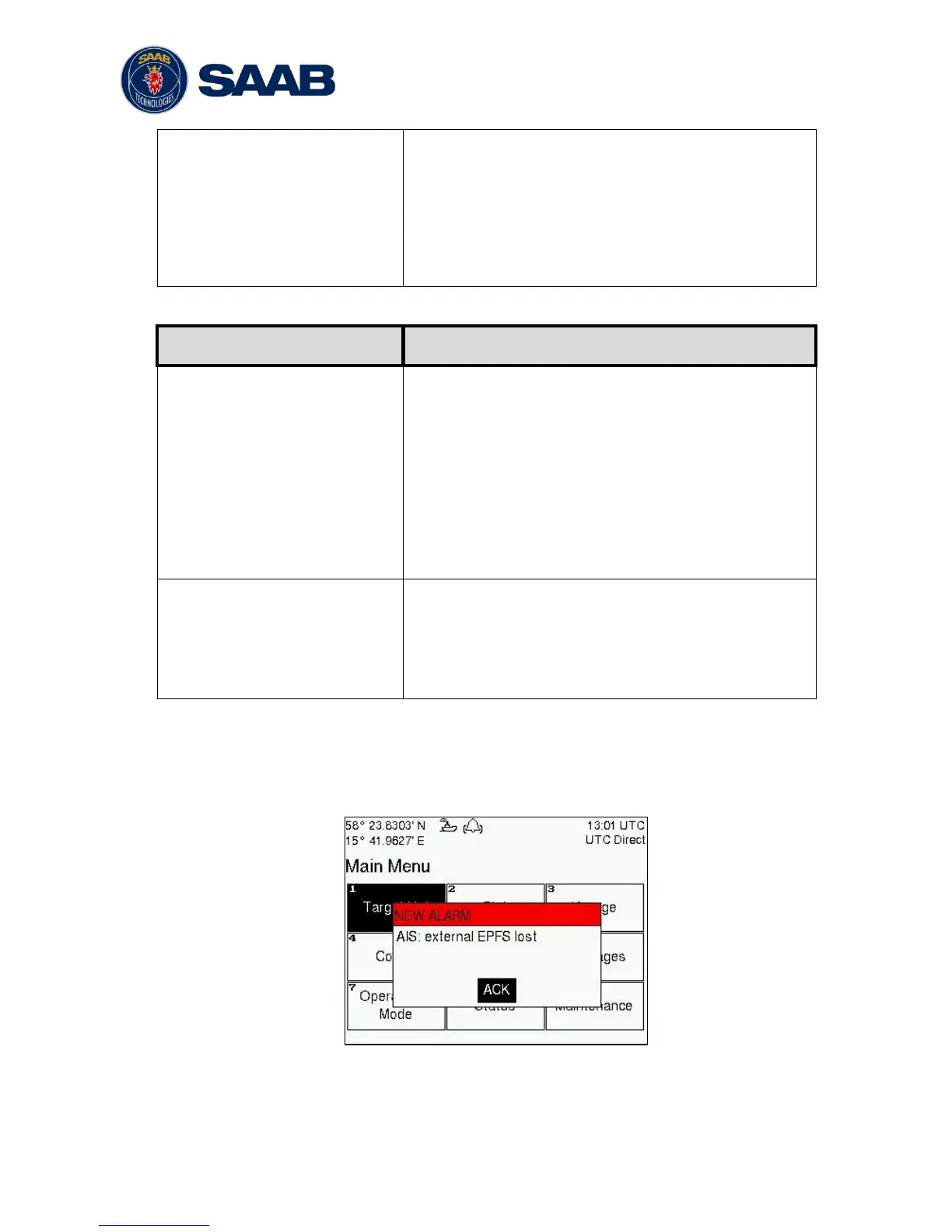
The R5 SOLID features alarm and alert pop-ups that can appear any time during
operation. To acknowledge an alarm or alert message, press ENTER. An example of an
alarm message is shown below.
Figure 12 – Main Menu



 To Next Page