R5 SOLID AIS System
OPERATION
7000 118-200, C2 Page 48
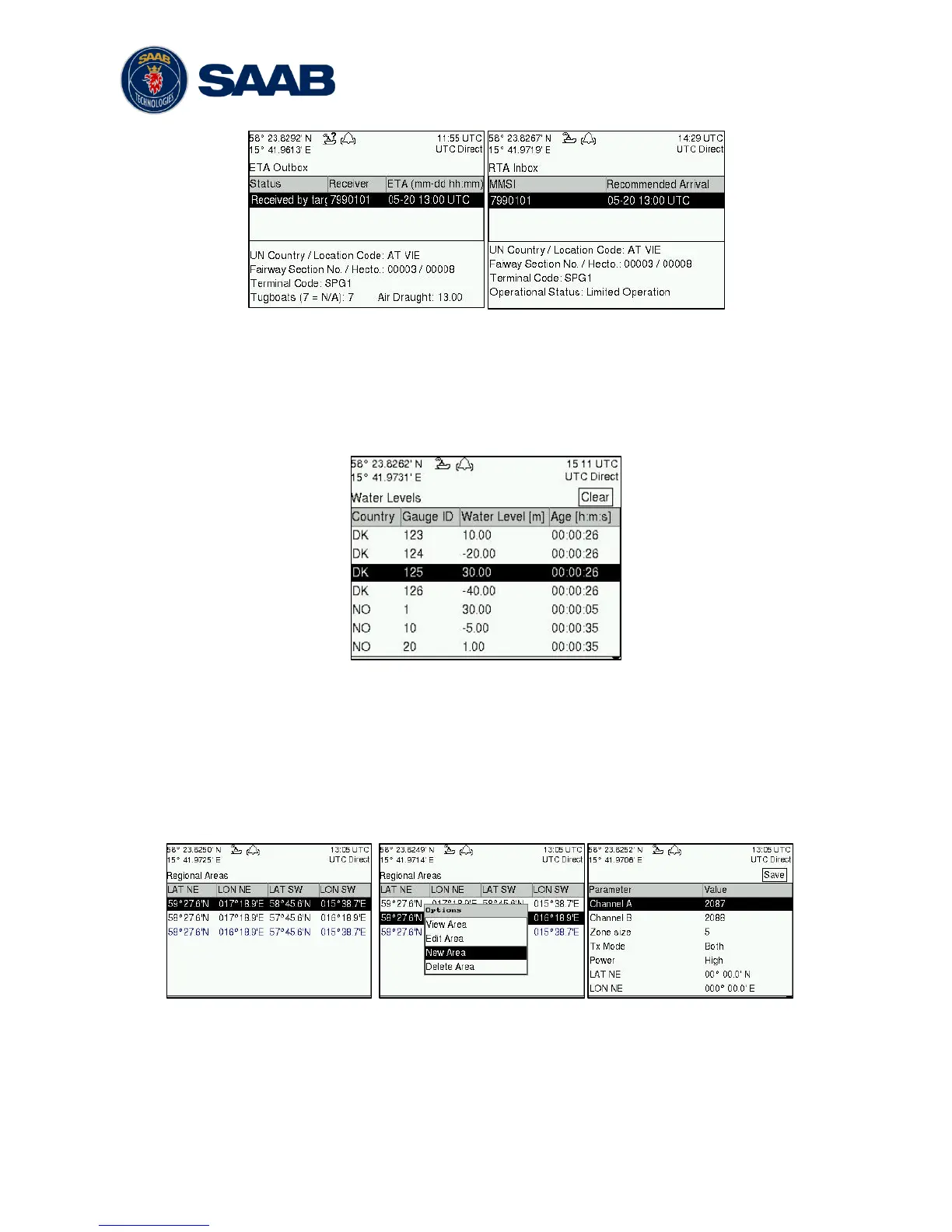
Figure 24 – ETA/RTA
4.16 Inland Water Levels
The R5 SOLID can receive and display Inland water levels messages. All received water
levels messages can be viewed in the Water Levels view that can be accessed from Main
Menu
Messages
Water Levels.
Figure - Inland Water Levels
4.17 Regional Areas
All regional areas that are stored in the R5 SOLID can be viewed in the Regional Areas
view which is accessed from Main Menu
Config
VHF Radio
Regional Areas. The
list shows the north east and south west corners of the area. The area is marked with blue
color if it is in use by the R5 SOLID. To view more information about the area, edit the
area or create a new area, press the OPT button and choose the desired option.
Figure 25 – Regional Areas
4.18 Alarms
All currently active and enabled alarms are shown in the Alarm view that can be accessed
from Main Menu
Alarms. As default, only alarms that are configured as “Enabled” will be



 To Next Page