R5 SOLID AIS System
OPERATION
7000 118-200, C2 Page 47
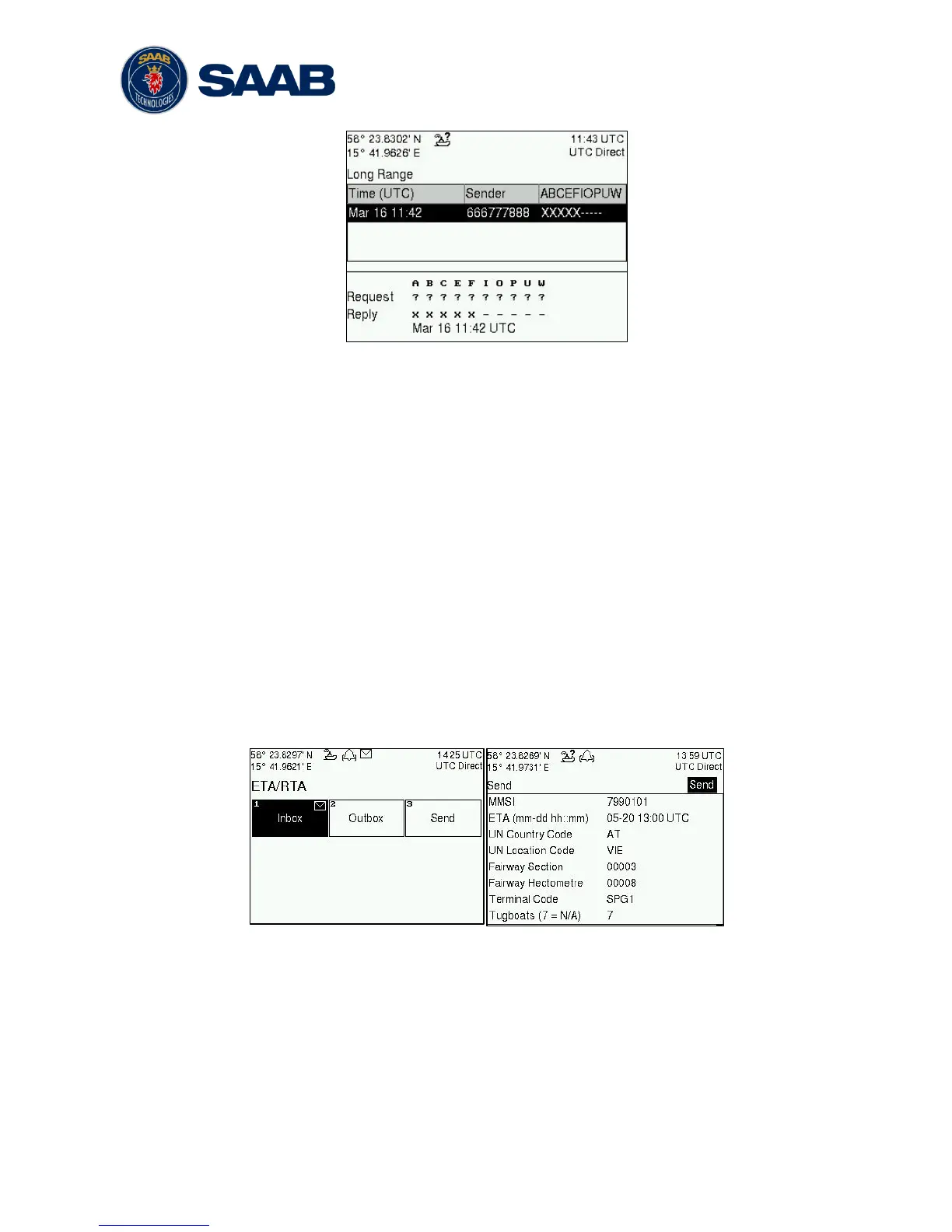
Figure 23 – Long Range
To send a reply or refusal to the interrogation or to delete an interrogation from the
message list, use the ARROW KEYPAD buttons ∧ ∨ to mark the desired interrogation and
then press the OPT button and choose the desired option.
The Long Range view uses the following symbols to indicate the status of a request or
reply message:
? – The information is requested by the sender
X – The information is available and provided
! – The information requested is refused
4.15 Inland ETA and RTA
The R5 SOLID has capability to send Inland ETA (Estimated Time of Arrival) messages
and receive Inland RTA (Recommended Time of Arrival) messages which are used when
communicating with ports, locks and bridges on the inland water ways. This is done from
the ETA/RTA view that can be accessed from Main Menu
Messages
ETA/RTA. Sent
ETA messages can be viewed in the Outbox view, received RTA messages can be
viewed in the Inbox view and new ETA messages can be composed in the Send view.



 To Next Page