R5 SOLID AIS System
OPERATION
7000 118-200, C2 Page 49
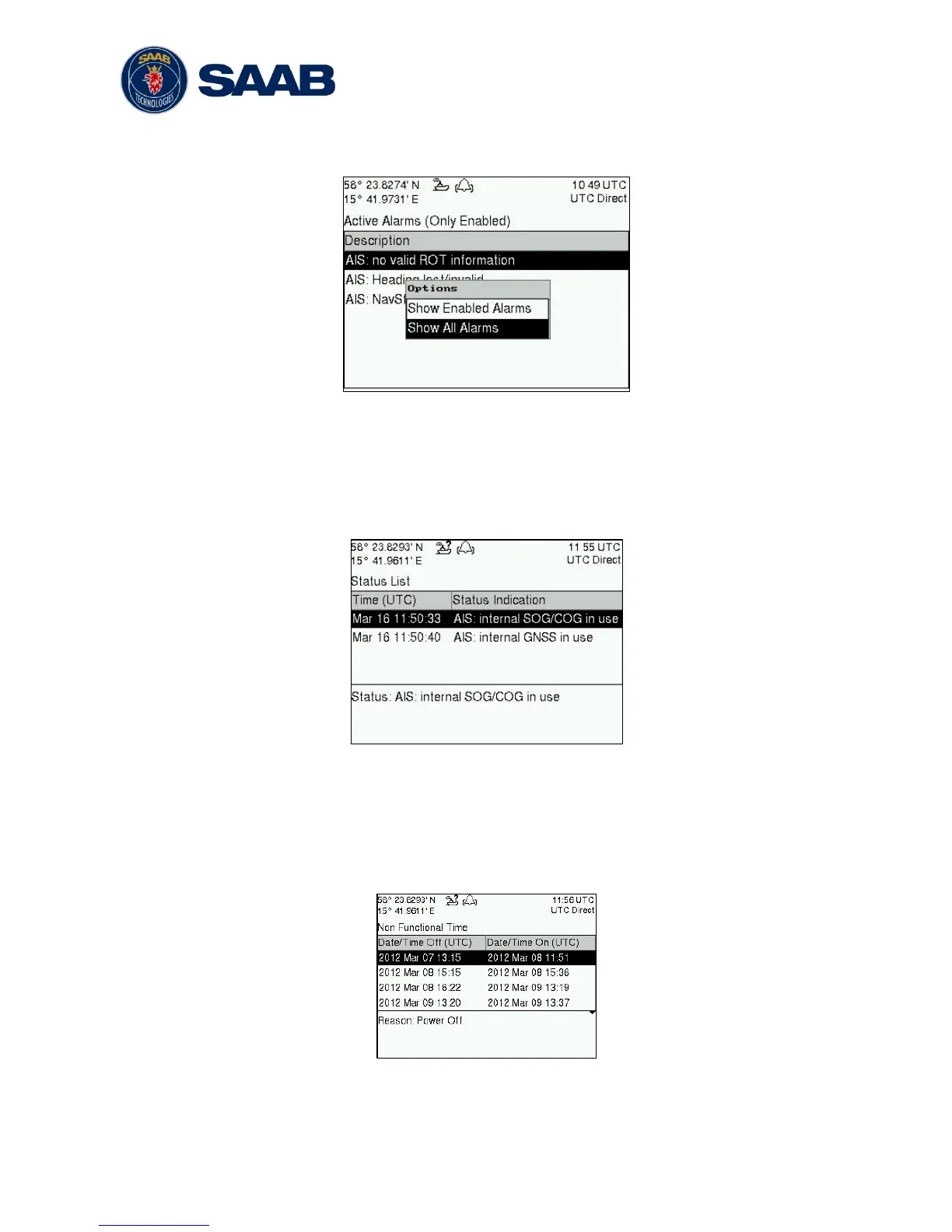
shown in the list. It is possible to also show disabled active alarms by pressing OPT
button and choose “Show All Alarms”. For a list of all alarms, see section 7.3.
Figure 26 - Alarms
4.19 Status List
Current status indications are listed in the Status List view that can be accessed from
Main Menu
Status
Status List. The different status indications that can occur are
listed in section 7.8.
Figure 27 - Status List
4.20 Non Functional Time
This view displays information about times when the R5 SOLID has been turned off or for
some other reason not been transmitting for more than 15 minutes. The view is accessed
from Main Menu
Status
Non Func. Time.
Figure 28 - Non Functional Time



 To Next Page