R5 SOLID AIS System
TROUBLESHOOTING
7000 118-200, C2 Page 60
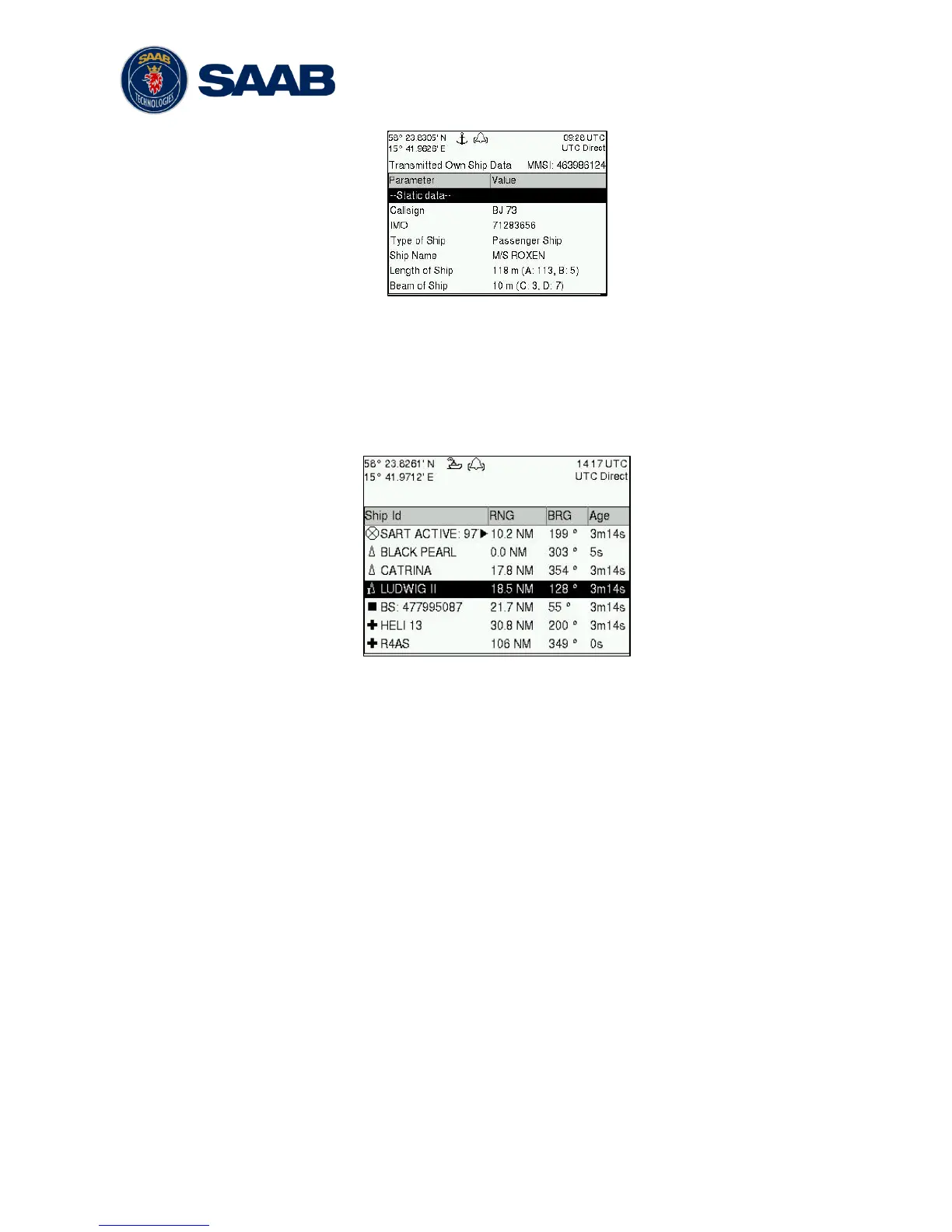
Figure 35 – Transmitted Own Ship Data
7.4.2 Target List
The target list is primarily useful when analyzing the receiving functionality. The
propagation characteristics of VHF radio frequencies are close to line of sight. A harsh
radio environment, reflections in cables, connectors or the antenna will shorten the
effective range.
Figure 36 – Target List
7.4.3 Date and Time
The date and time (UTC) in the upper right corner of the display is provided by the
transponder. If the date and time are not correct, the transponders internal GPS does
not have a position fix. This will also be indicated by the alarm “UTC sync invalid”. This
problem is normally caused by a GPS-antenna failure or damaged antenna cables.
This problem may also be caused by interference from radio equipment on-board.
7.4.4 View Raw Data
The View Raw Data view can be used to see received data on the ports of the R5
SOLID. It is useful for troubleshooting to make sure that connected sensors provide
correct data to the R5 SOLID unit. The “View Port” parameter determines from which
port the data displayed in the view are taken. It is possible to pause the view by
pressing the “Freeze” button. All data that is received while the view is paused will not
be displayed in the view.



 To Next Page