R5 SOLID AIS System
OPERATION
7000 118-200, C2 Page 37
4.4.10 Main Menu Config Display Visual
It is possible to completely turn off the backlight on LCD, buttons and LED’s. It may
then be difficult to read the R5 SOLID display and find the way to the correct
configuration parameter in order to increase the backlight again. If this should happen,
it is possible to hold down the OPT button for 5 seconds to restore the backlight to
80%.
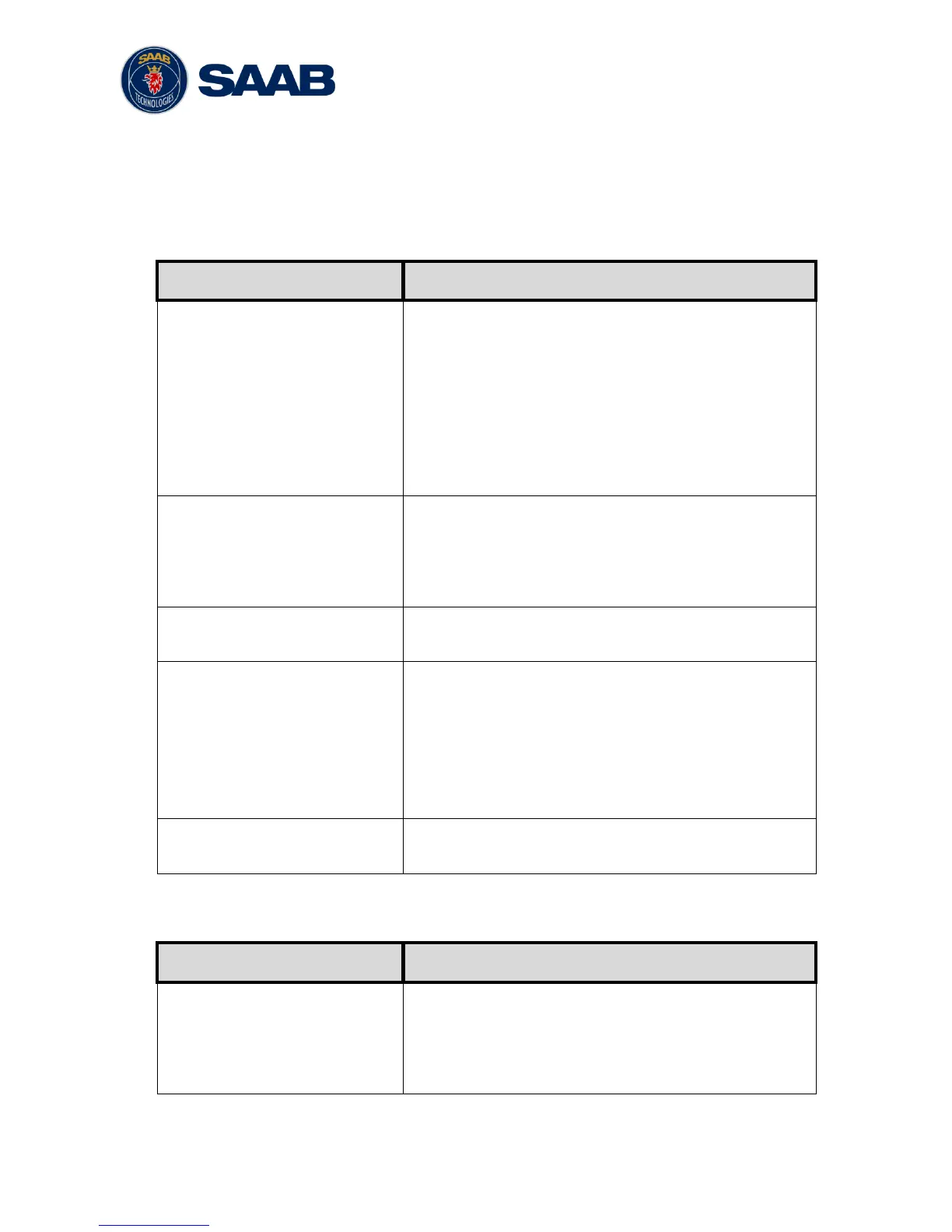
If set to “Manual”, the LCD backlight, button backlight
and LED brightness are controlled by the user with the
parameters described below.
If set to “Automatic”, the LCD backlight, button
backlight and LED brightness will automatically be
controlled with the light sensor on the front of the R5
SOLID. The less ambient light registered by the light
sensor, the lower percentage of backlight and
brightness will be used.
Toggle between day or night mode. In Day mode the
display background is white and in night mode the
background is black. There are also separate settings
for the LCD backlight, LED intensity and button
backlight in the different day/night modes.
Changes the LCD backlight where 0% is completely
turned off and 100 % is maximum brightness.
Changes the light intensity of the three LED’s on the
front of the R5 SOLID.
It is possible to turn off the LED’s completely by setting
a 0% light intensity. However, if there is an active,
unacknowledged alarm in the R5 SOLID, the light
intensity of LED’s will temporarily be set to 10% until
the alarm is acknowledged.
Changes the brightness of the button backlight on the
R5 SOLID.
4.4.11 Main Menu Config Display Sound
Determines how the R5 SOLID sound buzzer should
behave when an alarm is active and waiting for
acknowledgement. This setting does NOT affect the
behavior of the alarm relay or any external alarm
system.



 To Next Page