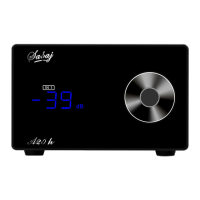
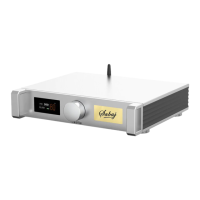
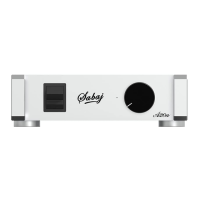
A10a
Display Interface and Instructions
Subwoofer RCA input mode
switch 6 is turn up, switches 7, 8, and 9 are turn down. Use a
well-shielded RCA cable to connect RCA socket 4 and the RCA socket of
the audio source output.
Rotate Knob 3 to adjust the low-pass cutoff frequency to match the main
speaker.
Turn on the power switch 1 and turn the volume knob 2 to adjust the
appropriate volume.
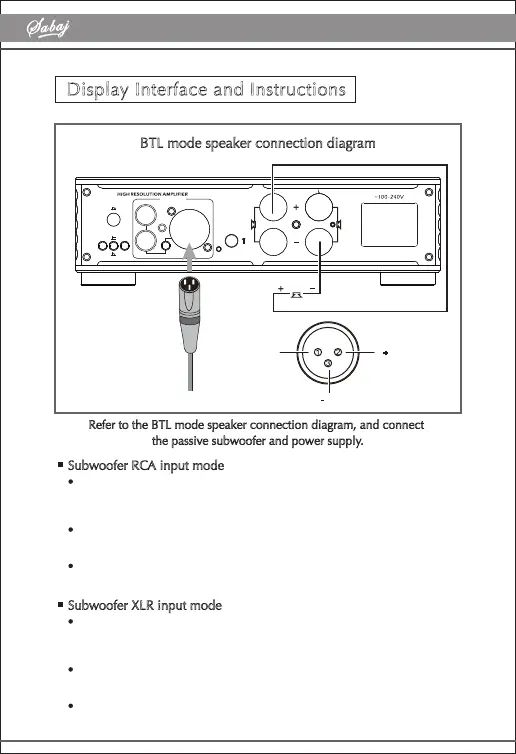
BTL mode speaker connection diagram
70Hz 200H z
STEREO
BTL
LINE
BT
A10a
XLR (BTL)
L
R(BTL)
LINE IN
XLR
RCA
+ HOT
- COLD
1.GND
2.
3.
Refer to the BTL mode speaker connection diagram, and connect
the passive subwoofer and power supply.
Subwoofer XLR input mode
Switches 6 and 9 are turn up, switches 7 and 8 are turn down, and a
well-shielded XLR cable is used to connect XLR socket 5 and the XLR
socket of the audio source output.
Rotate Knob 3 to adjust the low-pass cutoff frequency to match the main
speaker.
Turn on the power switch 1 and turn the volume knob 2 to adjust the
appropriate volume.



 To Previous Page