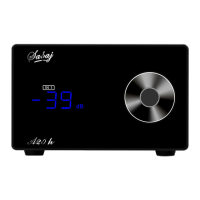
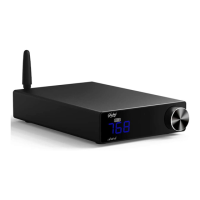
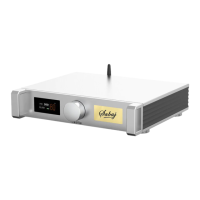
A20a
Setting Introduction
2. SETUP MENU
1)Long press the knob: power OFF/ON
2)Short press the knob: enter the menu,Long press to return to the main page
3)Turn the knob clockwise or counter clock wise to adjust the volume.
2.Display Description
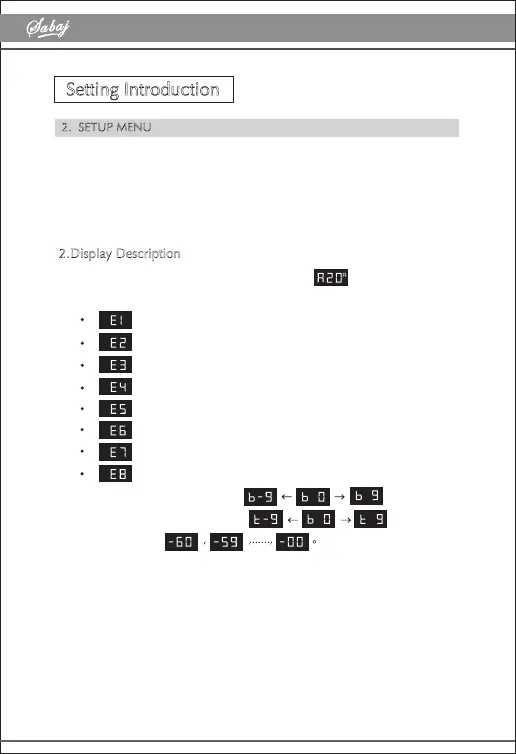
1) When starting up, the machine will display " " meaning "A20a"
2)8 EQ menus
direct
Tone
Dynamic bass
Bass
Super Bass
Rock
Soft
Clear
3) The bass adjustment will show
4) The treble adjustment will show
5) Volume display
6) LED display status:Closed in standby, the center of the knob displays
"red"


 To Previous Page