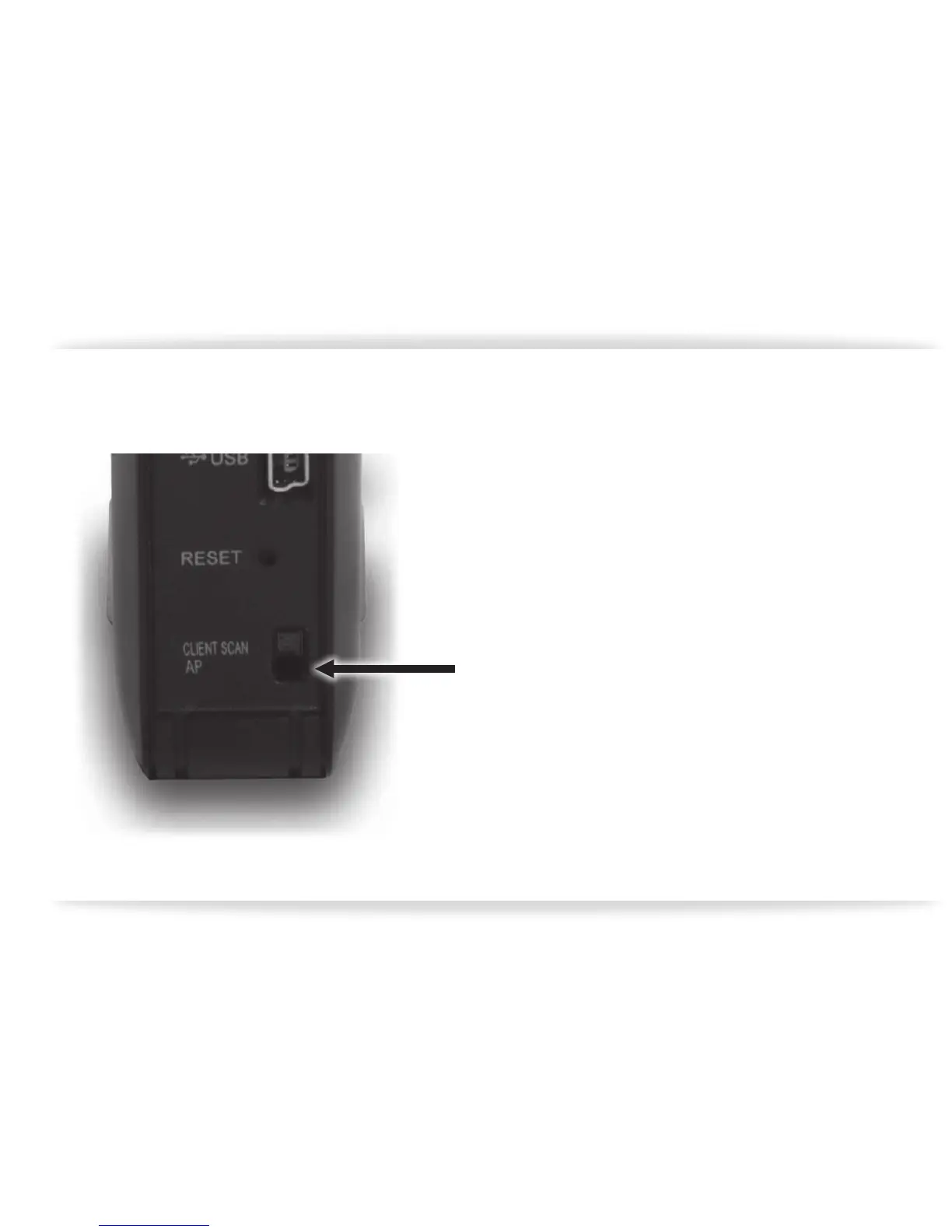
2. Make certain the switch located on the back
of the CM1 is set to “AP”.
3. Touch the power button to turn the unit on.
4. The front panel indicators will light up, with
the top two red and the bottom two green.
As the unit comes online you will notice the
top two indicators ashing, and occasionally
the bottom indicator as well. The CM1 is
ready to use when all the indicators are
green, with the LAN indicator ickering
occasionally.
gure-02


 To Next Page