4
BOX CONTENTS
1x SACKit Boom 150 speaker
1x Quick start guide
1x AC power adapter
QUICK START GUIDE
1. Connect the speaker to a power source and charge at least 6 hours to obtain full battery capacity.
2. Turn on speaker by turning the Volume/ON button clockwise.
3. Turn on Bluetooth on the device you want to connect.
4. Choose “SACKit Boom 150” in the Bluetooth settings on your device. Enter pin ‘0000’ if asked.
5. Start playing music from your device.
6. To disconnect the existing device connected to your SACKit Boom 150 double click ”Source” button.
PRODUCT OVERVIEW
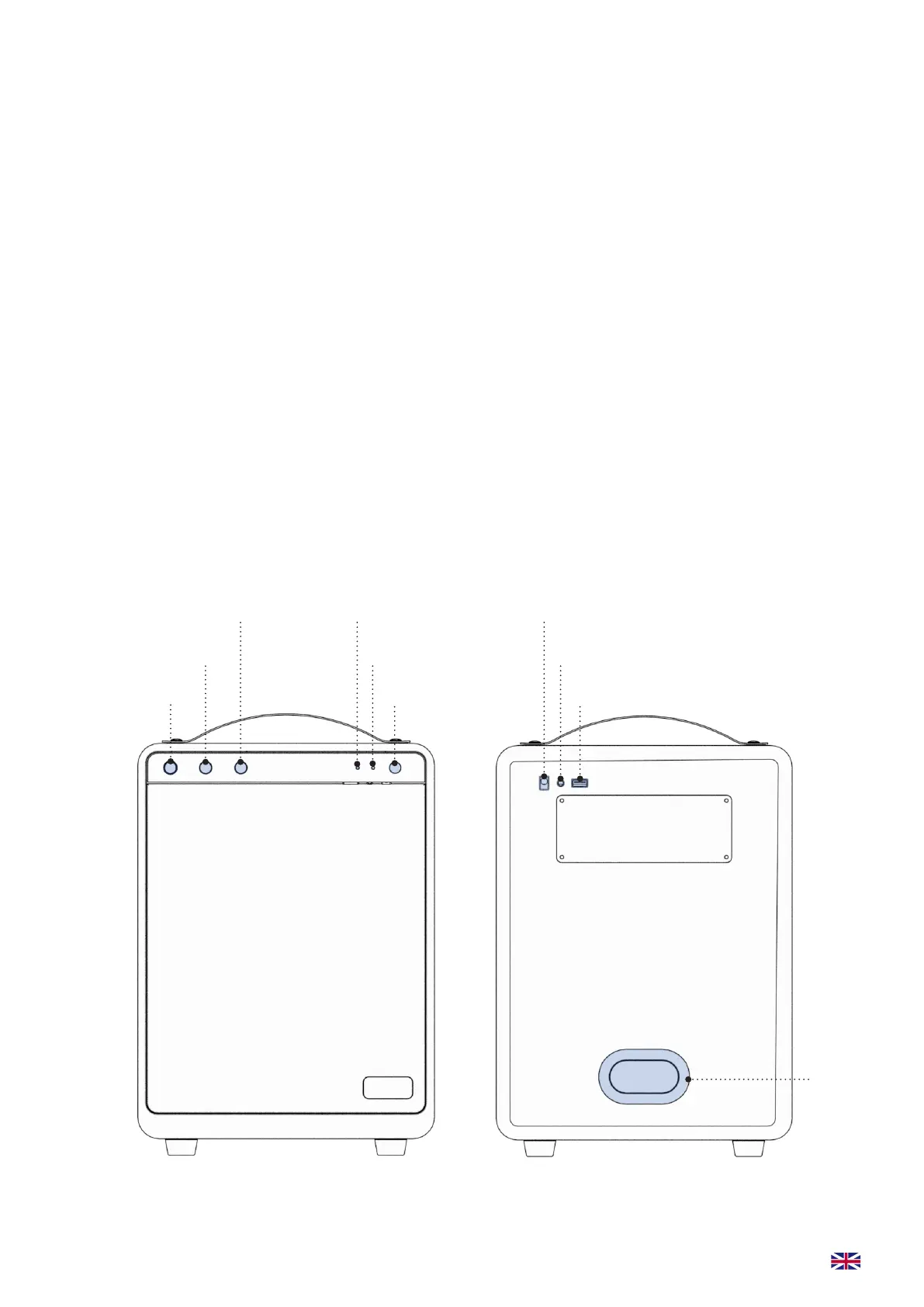
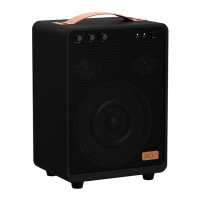
Volume/ON/OFF
Bass dial
Treble dial Bluetooth/AUX LED
Power LED
Source button USB-power outlet
Line in / out
Charging plug
Bass
reector
port
FRONT BACK


 To Next Page