To buy spare parts, visit www.shop.philips.com/service or go to your Saeco
dealer or authorized service center. You can also contact the Philips/Saeco
hotline in your country.
Ordering maintenance products
-
MAVEA (CA6702)
-
Descaling solution (CA6700)
Disposal
This product may contain lead and mercury. Disposal of these materials
may be regulated due to environmental considerations. For disposal or
recycling information, please contact your local authorities or visit
www.recycle.philips.com.
Warning icons and error codes
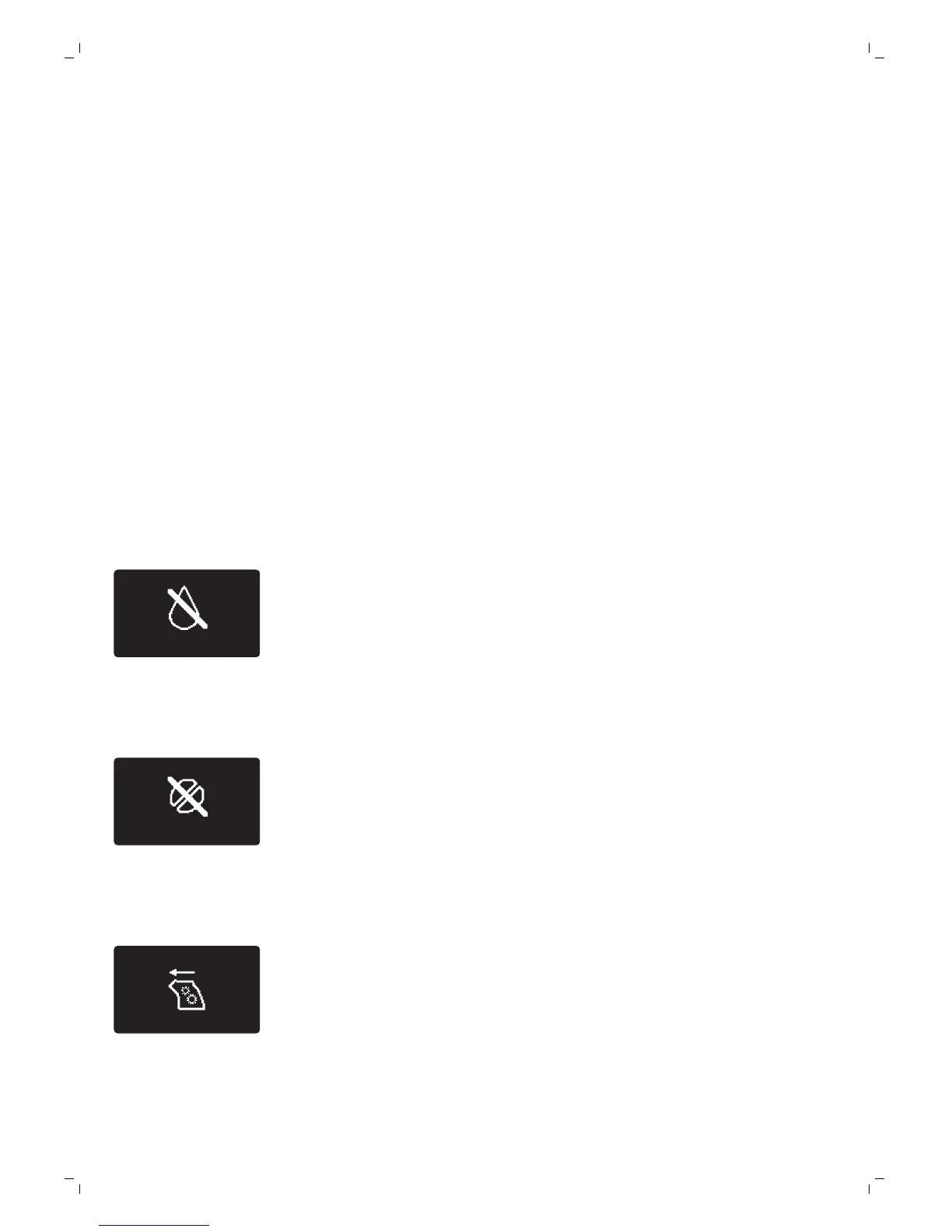
Warning signals are displayed in red. Below you find a list of the
warnings that may appear on the display and their meaning.
-
Fill the water tank with fresh water to the MAX level indication.
-
The bean hopper is empty. Put new coffee beans in the bean hopper.
-
The brew group is not in the machine. Insert the group.
18
English





 To Next Page