25
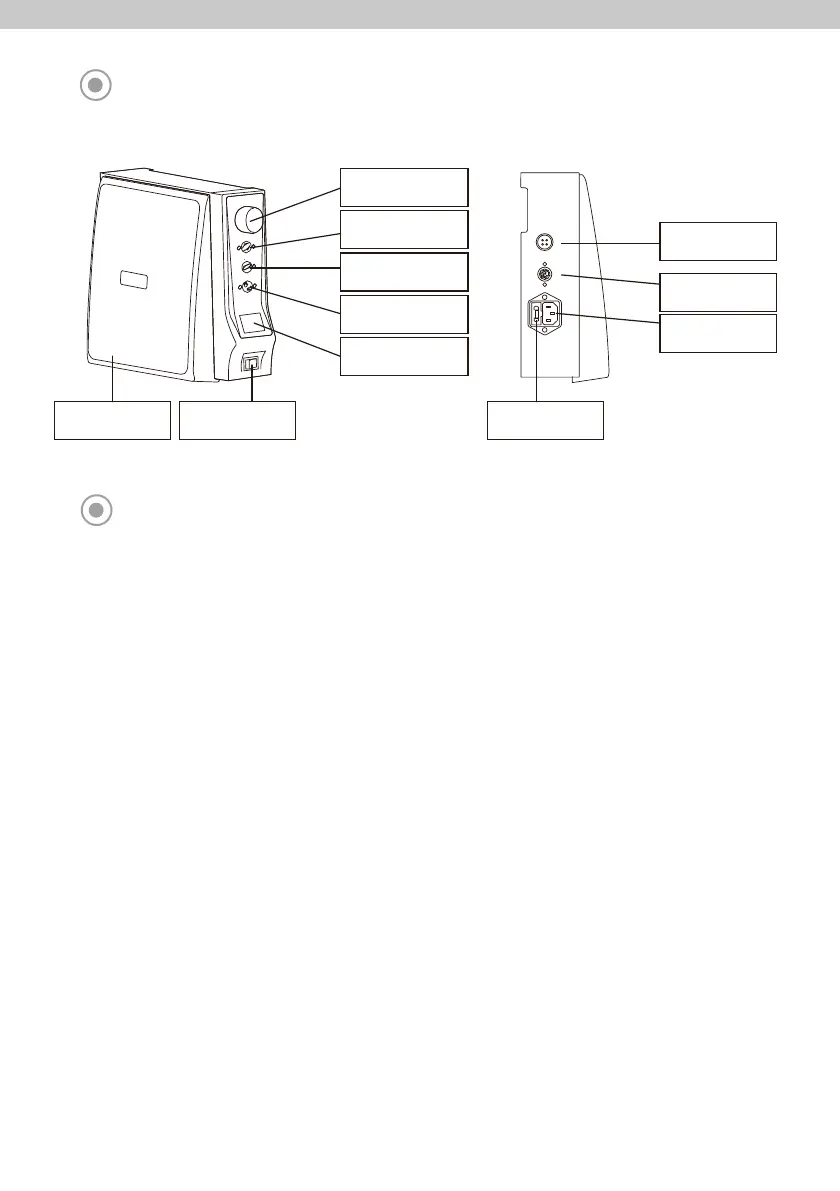
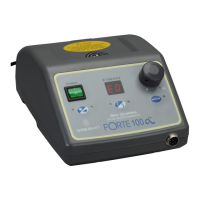
PART NAME OF CONTROL BOX
BUTTONS ON THE OPERATION PANEL
■ Speed Control Dial:
This dial is used to control RPM. Turn the clockwise, RPM is increased. Turn the reverse, RPM is decreased.
■ Rotation Direction Select Button:
This button is used to select rotation direction to the clockwise or reverse.
■ Auto Cruise Button:
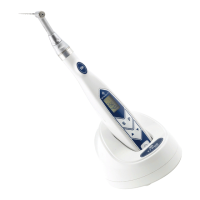
This button is used to fix the speed of handpiece when operation by handpiece.
Operate the handpiece at the desired speed with the auto cruise function activated. Hold the speed for 3~5 seconds,
the speed is kept with beep sound.
To release the function, press the auto cruise button or press the knee controller or foot controller again.
■ Hand(Knee)/Foot Select Button:
This Button is used to select the handpiece operation method.
- Hand(Knee): Handpiece is operated by ‘motor button’.
- Foo
t: Handpiece is operated by foot controller.
■ Indicator:
- RPM: RPM is displayed. Displayed number X 1,000 is actual RPM.
- Error Cord: When errors occur, the corresponding errors are displayed.
■ Power Switch:
This switch is used to turn on the power or off.
- I: Power On
- O: Power Off
■ Knee Controller:
This button is used to operate the handpiece when select operation method by hand(knee).
Knee Controller Power Switch
Speed Control Dial
Rotation Direction
Select Button
Auto Cruise Button
Hand(Knee)/
Foot Select Button
Indicator
Handpiece
Connector
Foot Controller
Connector
Power Socket
Fuse Box



 To Next Page