49
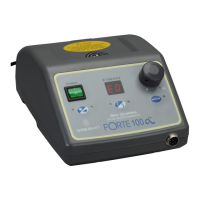
BUTTONS ON THE OPERATION PANEL
■ Power Switch:
This switch is used to turn on the power or off.
- I: Power On
- O: Power Off
■ Load Display:
The degree of load is displayed. The strength of the load becomes stronger from left to right.
■ Indicator:
- RPM: RPM is displayed. Displayed number X 1,000 is actual RPM.
- Error Code: When errors occur, the corresponding errors are displayed.
■ Speed Control Dial:
This dial is used to control RPM. Turn the clockwise, RPM is increased. Turn the reverse, RPM is decreased.
■ Motor Button:
This button is used to operate the handpiece when select operation method by hand.
■ Rotation Direction Select Button:
This button is used to select rotation direction to the clockwise or reverse.
■ Hand/Foot Select Button:
This Button is used to select the handpiece operation method.
- Hand: Handpiece is operated by ‘motor button’.
- Foot: Handpiece is operated by foot controller.
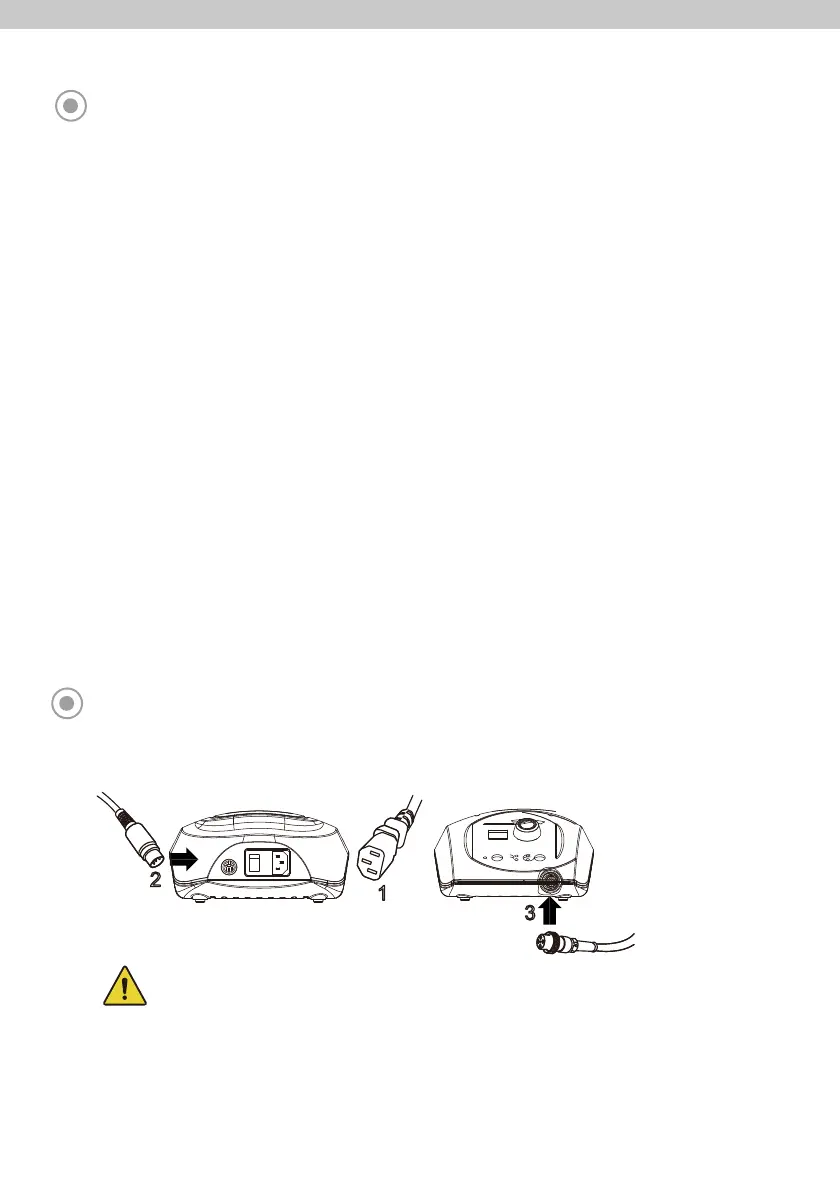
CONNECTION OF EACH PART
1. Connect the power cord to the power socket.
- Before connect the power cord, make sure to check the power off.
- Make sure to check that the speed control dial is set to ‘0’.
2. Connect the foot controller cord.
3. Connect the handpiece cord.
■ Control Box Connection



 To Next Page