EasyManua.ls Logo

Sage BT93 - User Manual

Sage BT93
6 pages
Print Icon
To Next Page IconTo Next Page
Loading...
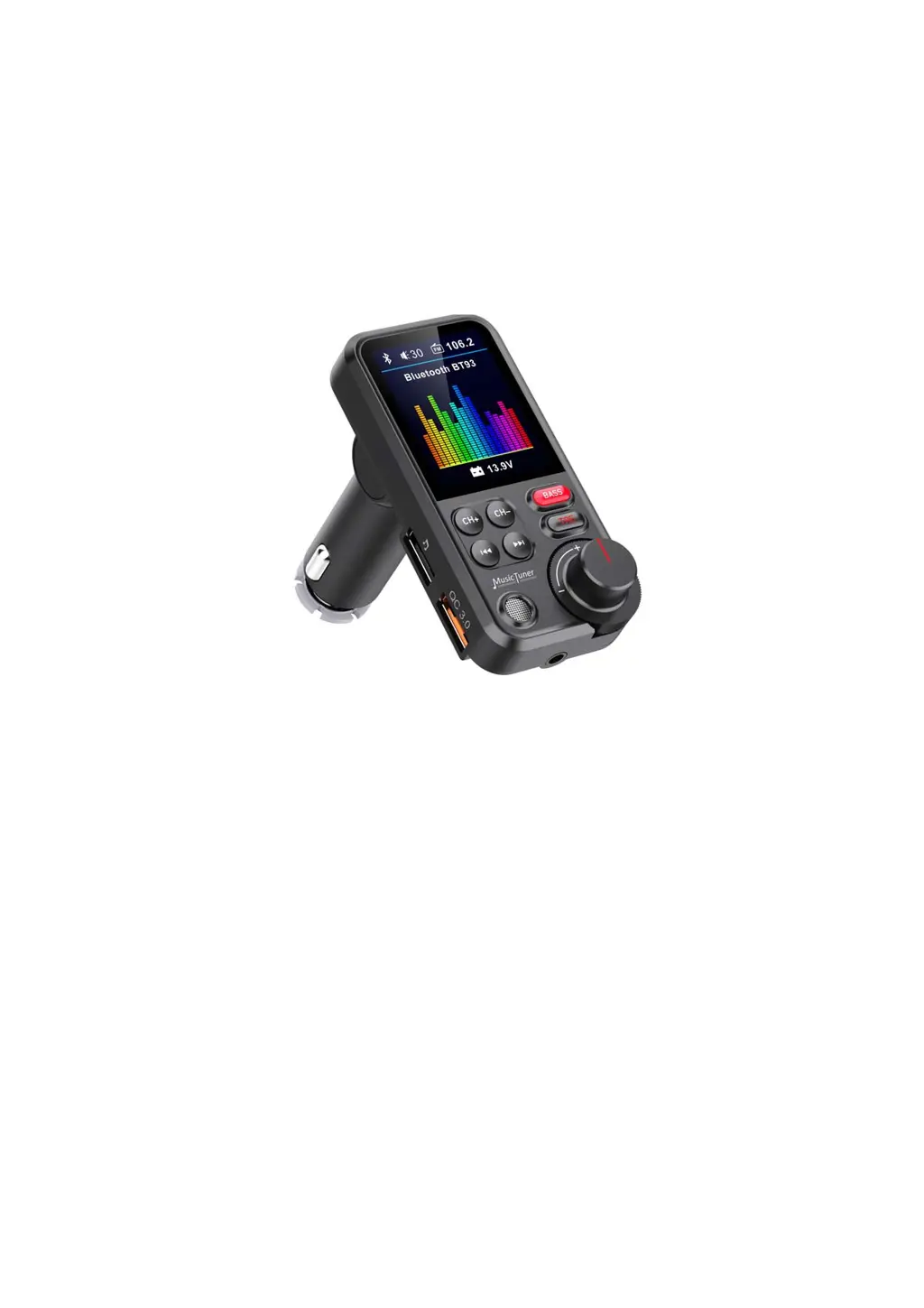
MusicTuner/BluetoothHands‐freeCarKit
DIYYourOwnTasteforIn‐carMusic
USERGUIDE
ModelBT93

Questions and Answers

Summary

Brief Introduction

Product Specifications

Key Features

Compatibility Information

Safety Precautions

Appearance Overview

Device Operation Instructions

Frequency Adjustment

Controls for decreasing and increasing FM transmission frequency.

Music Playback Controls

Buttons to skip tracks forward and backward during music playback.

Audio Tone Customization

Buttons to adjust bass and treble effects for personalized audio.

Connectivity and Charging Ports

Ports for USB charging, TF card, and USB drive music input.

Spin Button Functions

FM Transmitter Function Usage

Bluetooth Function Usage

Charging Function Usage

Bluetooth Calling Usage

Troubleshooting Guide

No Sound Issues

Steps to resolve issues where no audio output is detected.

Bluetooth Connection Problems

Guidance for resolving Bluetooth pairing and connectivity issues.

Audio Cable Connection Issues

Checks for ensuring proper audio cable connection and integrity.

Memory Card Read Errors

Troubleshooting steps for memory card read failures and capacity limits.

Display Issues

Steps to resolve issues where the FM transmitter display is black.

FCC Compliance Statement

Sage BT93 Specifications

General IconGeneral
BrandSage
ModelBT93
CategoryAutomobile Accessories
LanguageEnglish