EasyManua.ls Logo

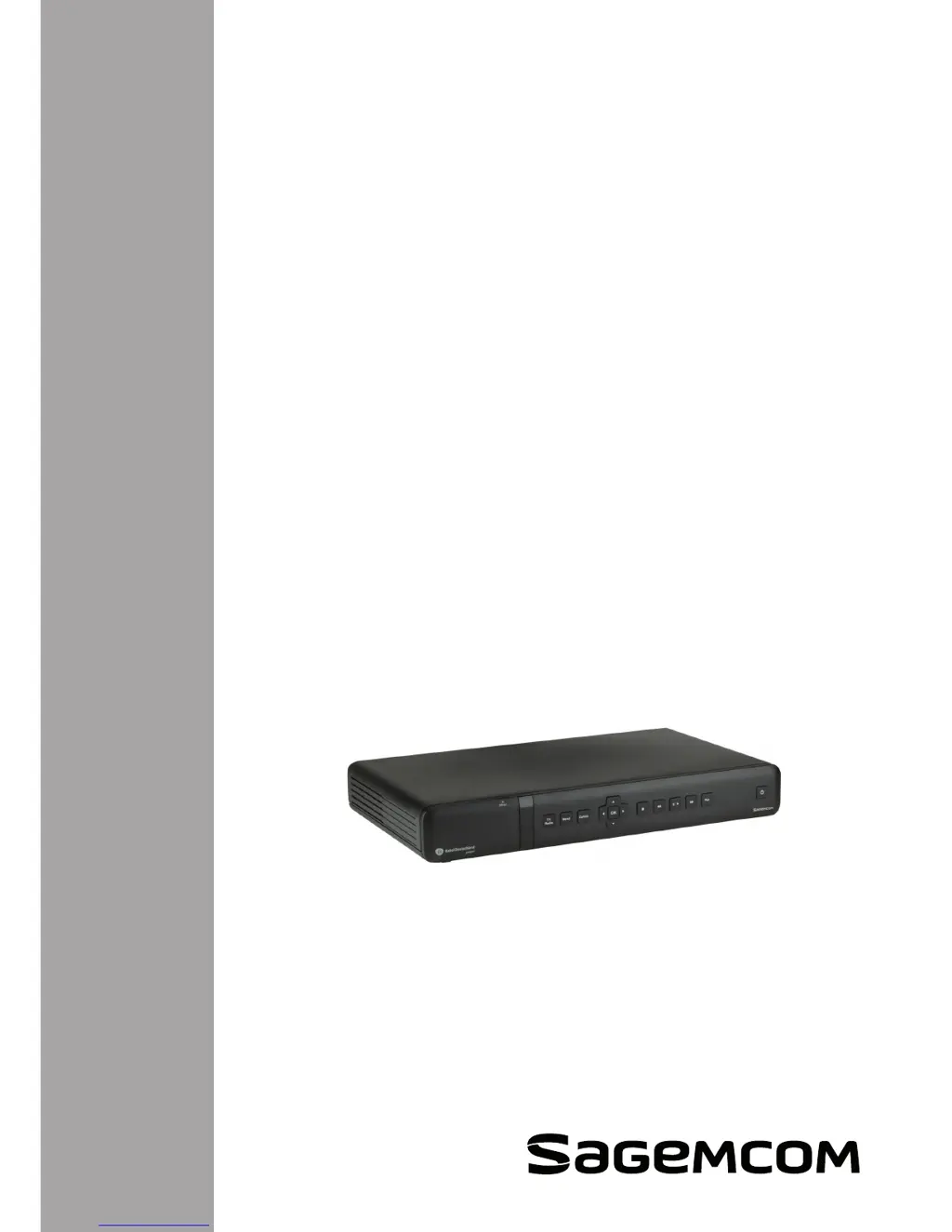
SAGEMCOM RCI88-1000 V2 - User Manual

SAGEMCOM RCI88-1000 V2
90 pages
Print Icon
To Next Page IconTo Next Page
Loading...
User manual
Digital HD-Video-Recorder
RCI88-320 V2
RCI88-1000 V2

Table of Contents

Questions and Answers

  • L
    Lindsey KennedyJul 30, 2025
    Why is my SAGEMCOM DVR remote control not working?
    • C
      Cynthia WuJul 31, 2025
      If your SAGEMCOM DVR remote control isn't working, try the following: • Ensure you're in Digital HD-Video-Recorder mode by pressing the appropriate button. • Point the remote directly at the DVR. • Check the batteries to make sure they are correctly inserted and have enough power.
  • C
    Carly BarnesAug 3, 2025
    How to fix SAGEMCOM DVR that cannot find any channels?
    • A
      Anthony WilliamsAug 4, 2025
      If your SAGEMCOM DVR can't find any channels, here are a few things to try: • Check the cable connection to ensure it's secure. • Check the antenna signal. • Search for channels again.
  • B
    Brett WrightAug 8, 2025
    Why is the picture on my SAGEMCOM RCI88-1000 V2 DVR frozen or blurred?
    • A
      Ashley MilesAug 8, 2025
      If the picture on your SAGEMCOM DVR is frozen or blurred: • Check all connections, including the antenna cable. • Try searching for channels again.
  • M
    medinamichelleAug 12, 2025
    What to do if TV doesn't recognize SAGEMCOM RCI88-1000 V2 DVR after standby?
    • D
      Dale BlakeAug 12, 2025
      If your TV doesn't recognize the SAGEMCOM DVR after it leaves standby mode: • Check if your TV is connected to the TV SCART connector. • If necessary, select the SCART input on your TV.
  • R
    Robert WestAug 16, 2025
    Why is the video black and white at VCR output during VCR / DVD recording on my SAGEMCOM RCI88-1000 V2?
    • J
      Jacqueline PerryAug 16, 2025
      If you're seeing black and white video at the VCR output during VCR/DVD recording with your SAGEMCOM DVR, check that the mode selected for the VCR SCART output type is compatible with your VCR.
  • R
    Robert WilliamsAug 20, 2025
    Why does my SAGEMCOM RCI88-1000 V2 DVR display a black screen at the end of a recording?
    • D
      dflemingAug 20, 2025
      If your SAGEMCOM DVR displays a black screen at the end of a recording, it may be because the broadcast ended with no interpretable recording video signal (such as teletext, a fixed image, or a switch from unencrypted to encrypted transmission). In these cases, the recording stops, but the time counter continues.
  • C
    Christopher SmithAug 25, 2025
    What to do if I have other problems with my SAGEMCOM RCI88-1000 V2?
    • J
      Jeffrey SmithAug 26, 2025
      If you are experiencing other problems with your SAGEMCOM DVR, try resetting the device to its factory default settings.

Summary

Read this first!

Safety Recommendations

Where to Put Your Digital HD-Video-Recorder?

Instructions on ideal placement to ensure correct operation and ventilation.

Warnings and Safety Instructions

Critical safety warnings regarding electrical shock and handling.

1 Product Overview

1.1 Package Contents

Lists all items included in the package with the device.

1.2 Front Panel Features

Details of buttons and slots on the front of the Digital HD-Video-Recorder.

2 Connections and Additional Devices

3 Initial Installation

3.1 Preparation: Device Checks

Checks performed by the installation wizard before proceeding.

3.3 Installation Wizard Steps

Guides through the five steps of the initial setup process.

4 Basic Functions

5 Recording a Program

5.1 Record Current Programs

Steps to start recording a program as it is playing.

5.2 Preparing Recordings

How to schedule future programs for recording.

5.3 View and Manage Recordings

Accessing, playing, and organizing recorded content.

6 Program Guide, Search, and Video Library

7 Settings

7.1 System Update

Managing software updates, channel scans, and factory resets.

7.2 System Setup

Adjusting language, audio, picture, energy, and internet settings.

7.3 Protection of Minors

Setting PINs for content access and purchases.

7.4 Recording Settings

Configuring manual recordings, disk management, and recording extensions.

8 Software Update

9 Universal Remote Control

10 Troubleshooting

11 Support

SAGEMCOM RCI88-1000 V2 Specifications

General IconGeneral
ModelSAGEMCOM RCI88-1000 V2
CategoryDVR
Hard Drive Capacity1TB
ConnectivityEthernet, USB
Video Input Channels8
Video CompressionH.264
Recording Resolution1080p
Network Interface10/100 Mbps Ethernet
Remote ViewingYes
Motion DetectionYes
Power Supply12V DC

Related product manuals