EasyManua.ls Logo

SAGEMCOM RCI88-320 - User Manual

SAGEMCOM RCI88-320
189 pages
Go to English
Print Icon
To Next Page IconTo Next Page
Loading...
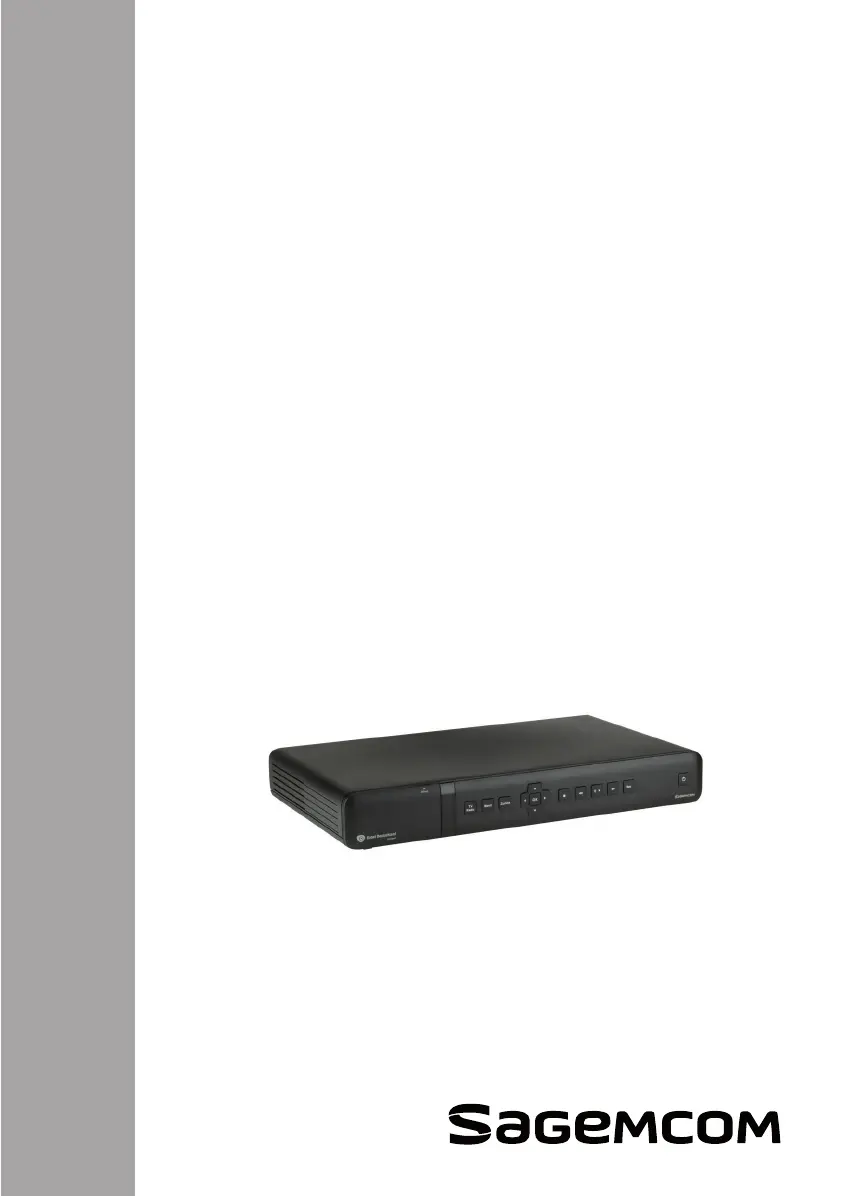
Digitaler HD-Video-Recorder
Festplattenrecorder
für Kabelempfang
RCI88-320
RCI88-1000
Digital HD-Video-Recorder
Bedienungsanleitung
User manual

Table of Contents

Other manuals for SAGEMCOM RCI88-320

Questions and Answers

  • K
    Katherine RosalesAug 14, 2025
    Why is my SAGEMCOM DVR remote control not working?
    • T
      Teresa MartinAug 15, 2025
      If your SAGEMCOM DVR remote control isn't working, try these steps: Ensure the receiver is in the correct mode by pressing the EXIT key. Point the remote control directly at the receiver. Verify the batteries have sufficient life and are correctly inserted.
  • M
    Megan BraunAug 18, 2025
    What to do if my SAGEMCOM DVR receiver cannot find any channels?
    • E
      Eric Huffman DVMAug 18, 2025
      If your SAGEMCOM DVR receiver isn't finding any channels, verify the cable connection is secure. It is also recommended to check the cable signal reception. You can also search for programs again.
  • R
    Robert CarterAug 21, 2025
    What to do if my SAGEMCOM DVR receiver displays a black screen or an error message?
    • D
      Dana ValdezAug 21, 2025
      If your SAGEMCOM DVR receiver shows a black screen or an error message, try searching for programs. This might resolve the issue.
  • J
    John ReynoldsAug 25, 2025
    Why is the picture frozen or unclear on my SAGEMCOM DVR?
    • M
      Mark LinAug 26, 2025
      If the picture on your SAGEMCOM DVR is freezing or unclear, check all the connections to ensure they are properly connected. Also, inspect the antenna and try searching for programs again.
  • J
    Jerry DownsAug 28, 2025
    What to do if there is no sound in HOME CINEMA mode on some channels with my SAGEMCOM DVR?
    • J
      johnsonwilliamAug 28, 2025
      If you're experiencing no sound in HOME CINEMA mode on certain channels with your SAGEMCOM DVR, ensure that the receiver is connected to your HOME CINEMA amplifier using the optical SPDIF connection.
  • D
    Dylan RomeroAug 31, 2025
    What to do if my TV set does not detect the SAGEMCOM DVR receiver when it leaves standby mode?
    • K
      Kelly VargasAug 31, 2025
      If your TV isn't detecting the SAGEMCOM DVR receiver after it exits standby mode, confirm that the TV is connected to the TV SCART socket. If needed, manually select the SCART input directly on your TV.
  • R
    raymond06Sep 3, 2025
    Why is there black and white video on VCR output during VCR/DVD recording with my SAGEMCOM DVR?
    • J
      James HernandezSep 3, 2025
      If you're seeing black and white video on the VCR output while recording with your SAGEMCOM DVR, check that the signal type selected for VCR Scart output is compatible with your VCR.
  • A
    Amber MorganSep 7, 2025
    Why does a black screen (no video) appear at the end of a recording on my SAGEMCOM DVR?
    • D
      Deborah ReevesSep 7, 2025
      A black screen may appear at the end of a recording on your SAGEMCOM DVR if the program ends on a broadcast that does not transmit a recordable video signal. In such cases, the video recording stops, but the time counter continues until the scheduled recording time ends.
  • M
    Michael HansonSep 12, 2025
    What to do if I have any other problem with my SAGEMCOM DVR?
    • S
      Shelley BryantSep 12, 2025
      To resolve any other problem with your SAGEMCOM DVR, perform a default factory reset.

Summary

Safety Recommendations

Receiver Placement Guidelines

Instructions on where to place the receiver for optimal operation and safety.

General Warnings and Safety Instructions

Crucial safety precautions for using the receiver, including electrical shock risks.

Product Overview

Remote Control Functions

Explanation of each key and its function on the remote control.

Connections

Cable Network Connection

Steps for connecting the receiver to the cable network via RF cable.

TV Set Connection

Guide for connecting the receiver to different types of televisions using HDMI or SCART.

Powering On;Off the Receiver

Procedure for safely powering the receiver on and off.

First Installation

Language and Signal Setup

Initial configuration of language settings and cable signal detection.

Smartcard and Software Checks

Verifying smartcard insertion and checking for software updates.

Channel and Internet Configuration

Performing channel search and setting up internet connection if available.

Everyday Use

Video Recordings

Recording Programs

Instructions on how to record TV and Radio programs.

Settings Menus

Parental Control Settings

Managing parental control PINs and restricting content access.

Software Update

Using the Universal Remote Control

Programming the Universal Remote Control

Instructions to program the remote to control your TV set.

Troubleshooting

SAGEMCOM RCI88-320 Specifications

General IconGeneral
TypeDVR
BrandSAGEMCOM
ModelRCI88-320
Hard Drive Capacity320 GB
Network InterfaceEthernet
Remote ViewingYes

Related product manuals