- 7 -
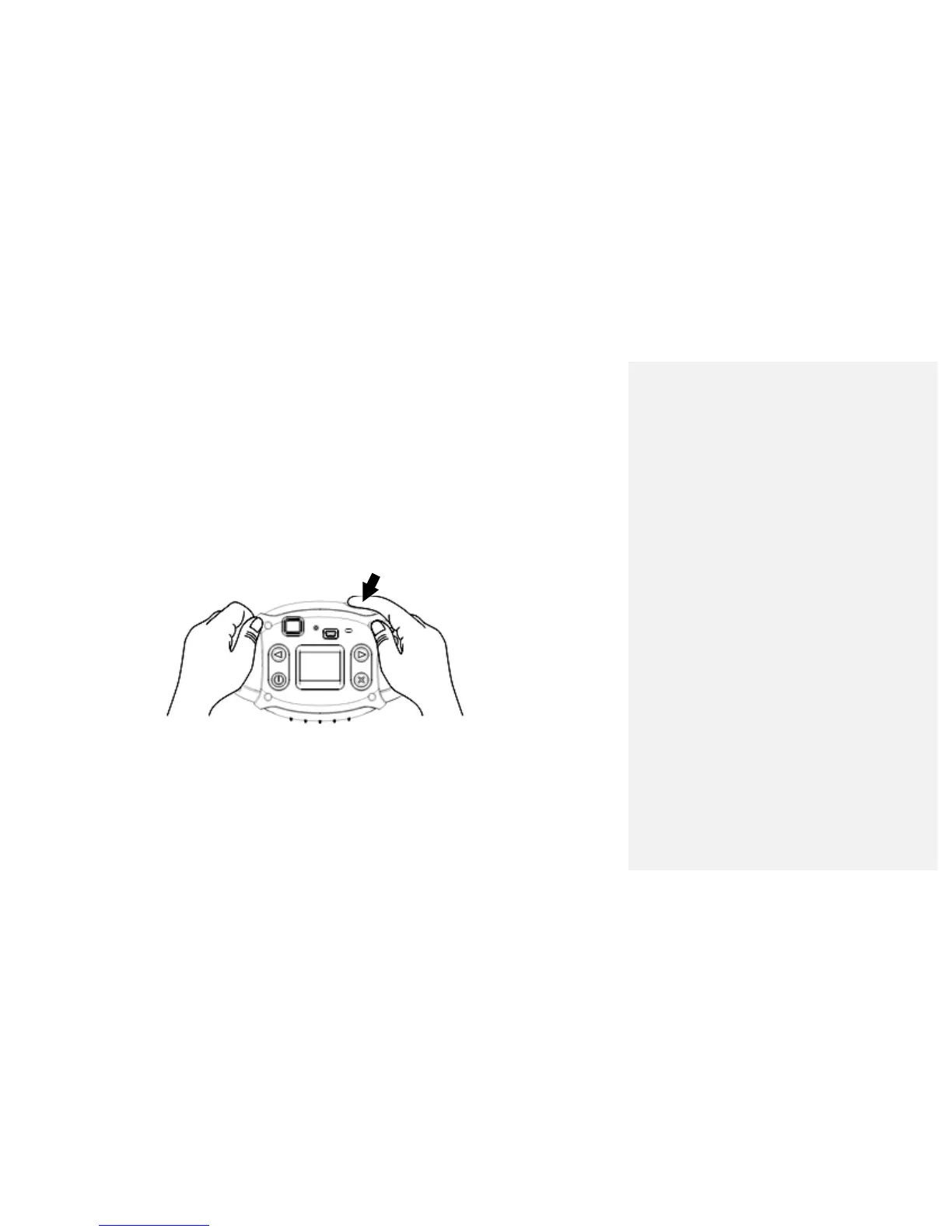
Taking Photos
1. Compose your shot using the viewfinder. (The optimal distance between the camera and the subject is
approximately 5 feet.)
2. Hold the camera steady and press the SHUTTER button to take a photo.
3. Once the photo is taken, the number of photos remaining in the camera memory will be displayed on the
screen. Each consecutive photo taken will reduce this number by one.
If the photo number fails to reduce, or if “000" appears on the screen, this is an indication that the
memory is full. No further photos can be taken until the existing photos have been downloaded and
cleared from the camera memory.
Note: The screen display indicates how many photos may still be taken



 To Next Page