18
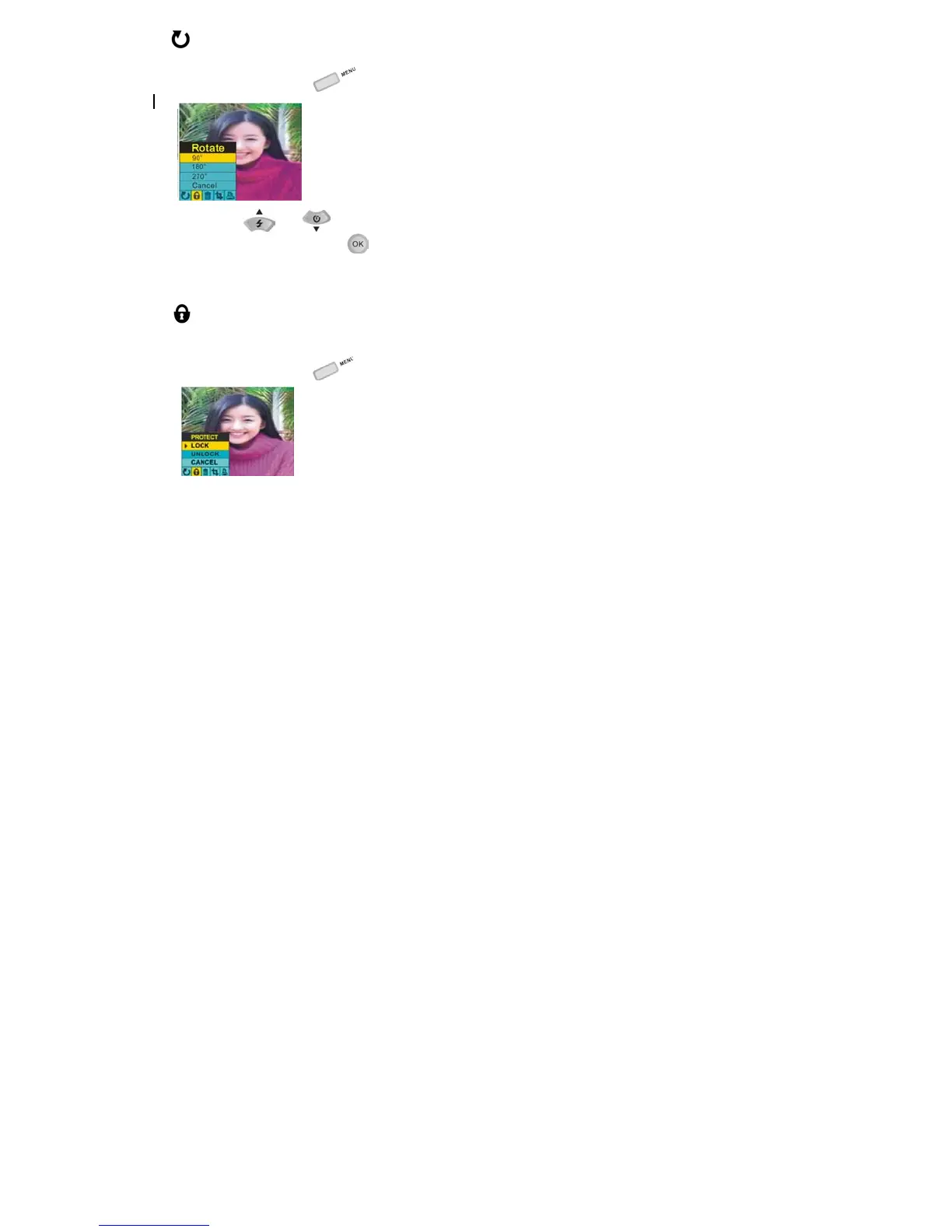
ROTATE:
1. Press the menu button
.
2. Using the
and navigation buttons, select 90°/180°/270°to rotate the photo or CANCEL.
3. Press the OK/Confirm button
to confirm your selection.
NOTE: When you rotate a file, if the camera reminds you “File Type Err”, the file is not in JPG format.
PROTECT:
You can protect your photos/videos from accidental deletion selecting to “lock” them.
1. Press the menu button
.



 To Next Page