9
Main Buttons
Power on/off:
Turn your camera On/Off: Press and hold it until
you hear “beep” sound, it indicates your camera is
ready for use. Pressing and holding it again until
you hear “beep” sound that will turn your camera
off.
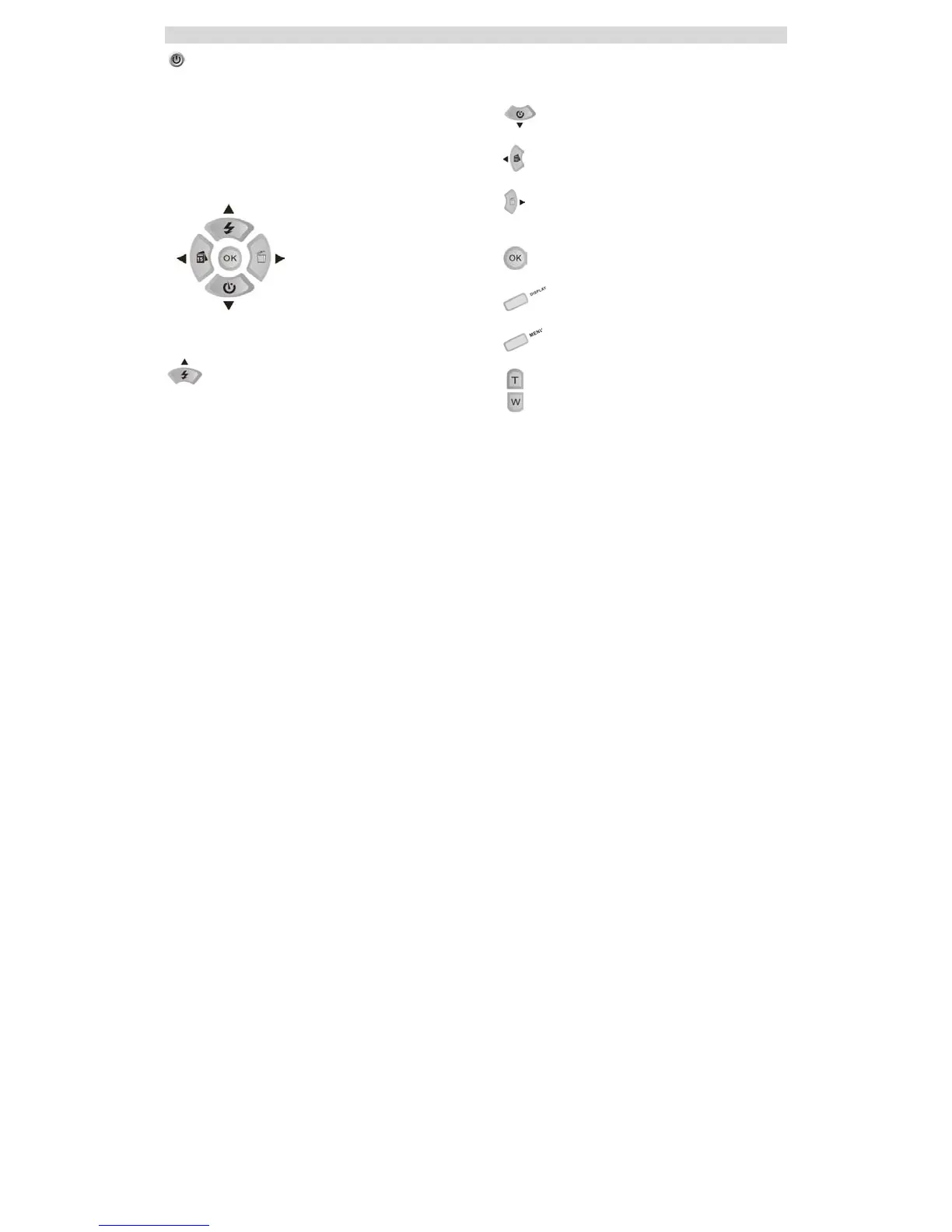
Navigation Buttons
The Navigation buttons are used to navigate and
select functions.
Up/Flash Setup the flashlight
Down/ Self –Timer
Left/Date Post the date on photo
Right/Delete Shortcut to delete the last
photo
OK/Confirm
Display
Menu
Zoom



 To Next Page